Ecommerce Social Media Templates
You sell products and live on launches, drops and offers. Each of these is a real design our renderer produces, shown here with example copy. Use one and it fills with your brand colours, fonts, logo and your own words.
By Tayyab, Founder
If you need one of these wide: 77 of the 80 designs on this page sit in a layout that reflows cleanly at 16:9. We measured that by rendering each layout at every aspect and checking whether the text clips. 3 of them use a layout the audit has not reached yet, so treat those as untested rather than passing. The full table is on the templates hub.
Announce
Launches, drops, news and anything that starts with "we just".
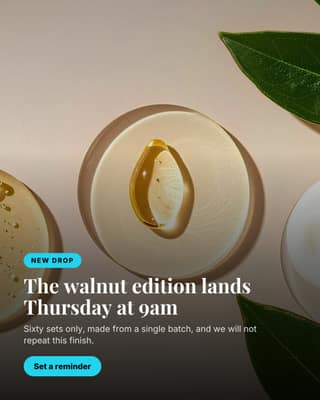
New drop
A full-bleed photo announcement for a launch, restock or seasonal drop.

Pop-up or stockist
Announce a physical place to see the product. Online brands underuse this.
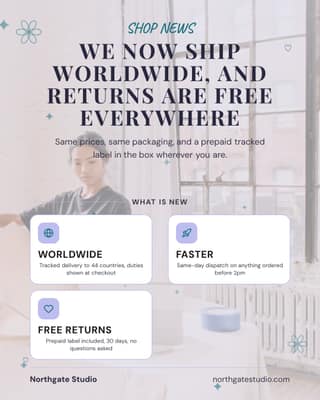
Shop news
News that changes the buying experience: shipping, stockists or a new range.
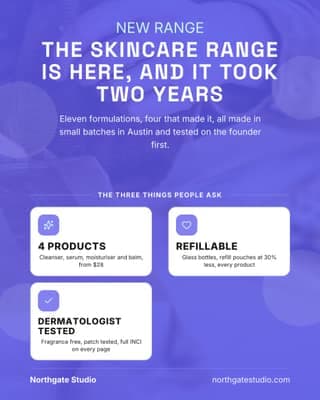
Range launch
A whole new category, with the three questions people will ask answered up front.
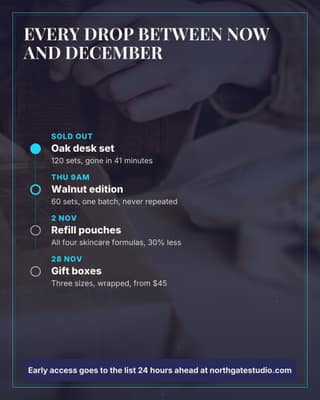
Drop calendar
Publish the next four drops. Followers stay for a calendar, not for a caption.

Meet the maker
Put a face on the workshop. It is the one thing a marketplace seller cannot copy.
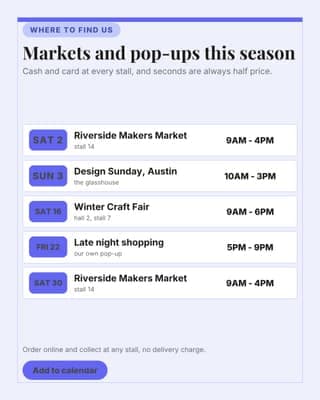
Market dates
Where to find you in person, in a format people screenshot and keep.
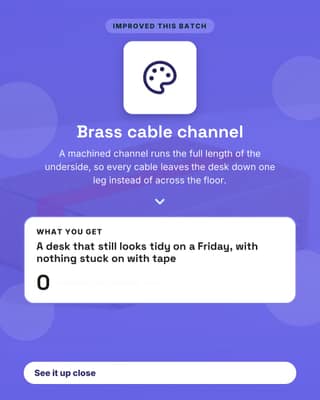
Product upgrade
One improvement, and what it means for the person using it every day.
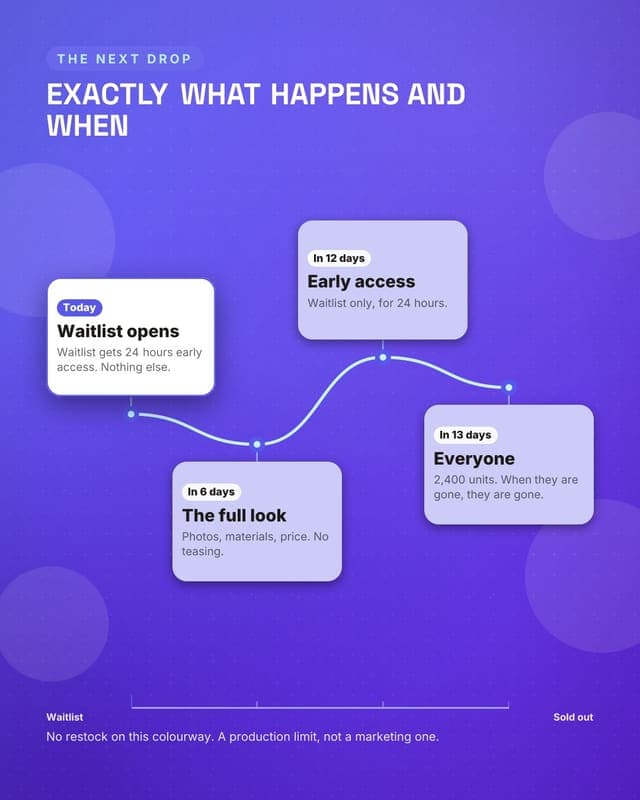
Drop countdown
Dated milestones build anticipation without fake scarcity.
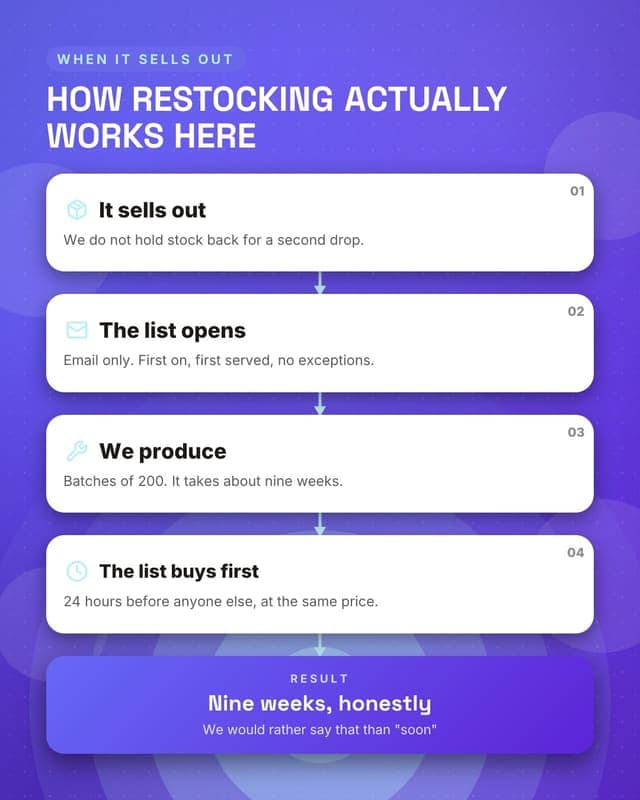
How restocking works
Answers the most-asked DM for any brand that sells out.
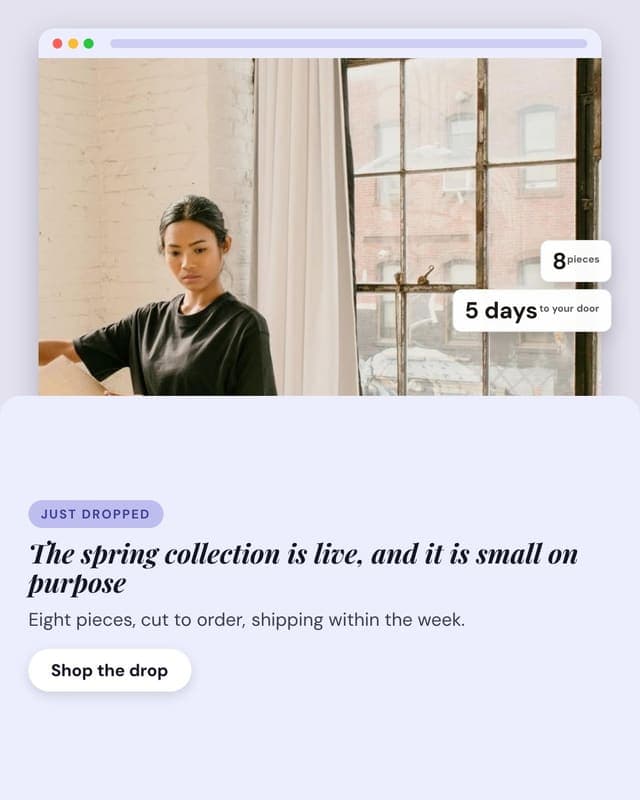
Collection drop
A product drop with the shop page framed and the two numbers buyers ask about.
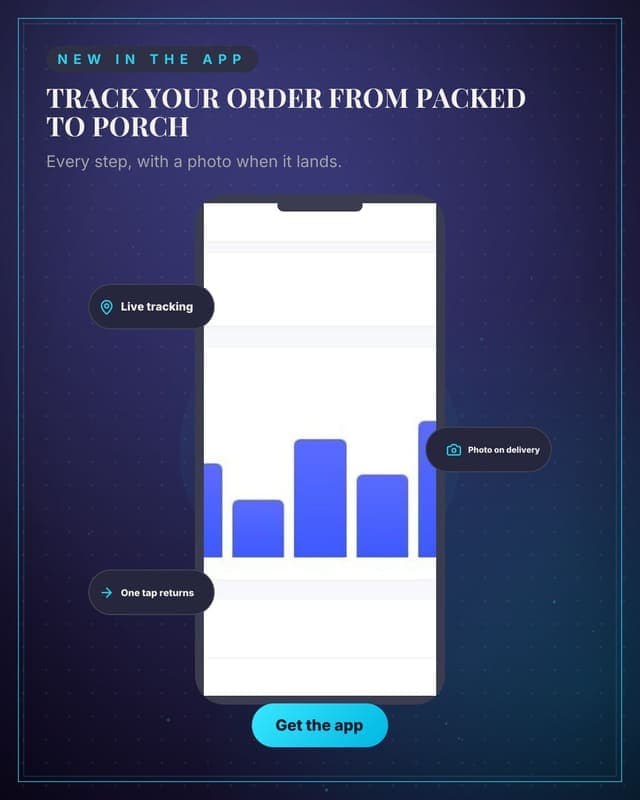
Order tracking
A phone frame with the tracking screen and the three things it does.
Educate
Teach the thing you get asked about constantly.

Styled before and after
Show the transformation your product makes, with two real photos.
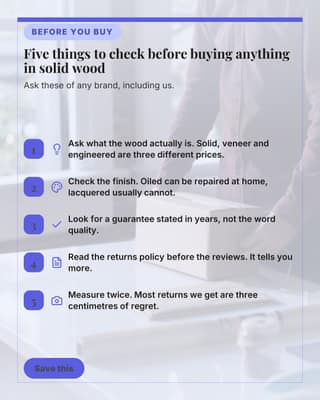
Buying guide tips
Genuinely useful buying advice, including advice that is not about you.
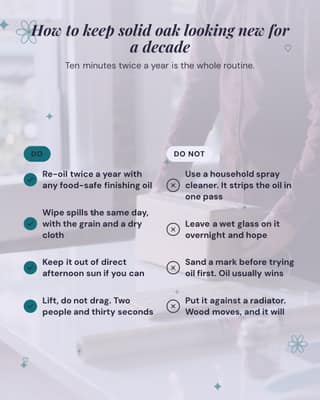
Care and keeping
Care advice that makes the product last. It also makes the purchase feel safer.
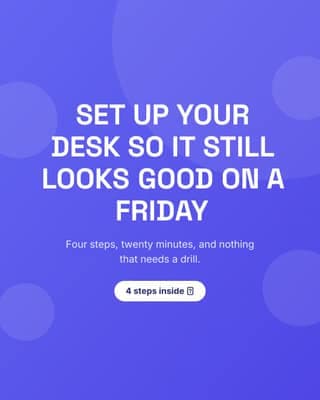
How to use it
A short how-to that helps people picture owning the thing.
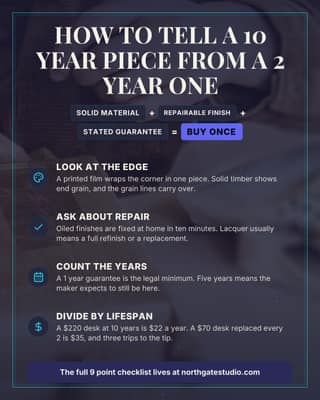
How to judge quality
A formula plus four checks. The most saved format in any buying guide.
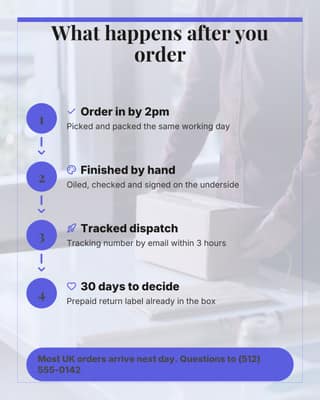
From order to doorstep
Show what happens after checkout. It is the anxiety nobody writes to you about.
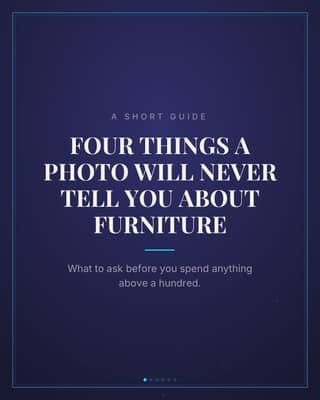
Materials guide
A four-slide guide that positions your material choice without ever pitching.
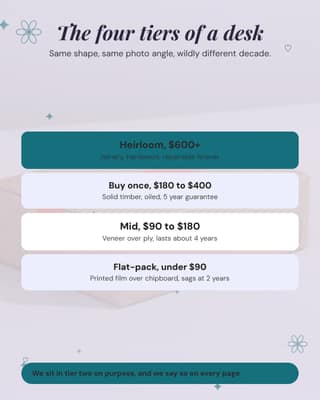
The buy-once ladder
Name the tiers in your category. It reframes price as a position, not a number.
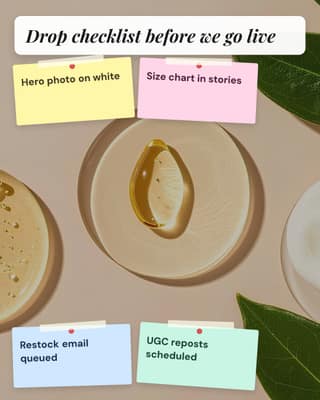
Merch planning board
Four launch tasks pinned where the team can see them.
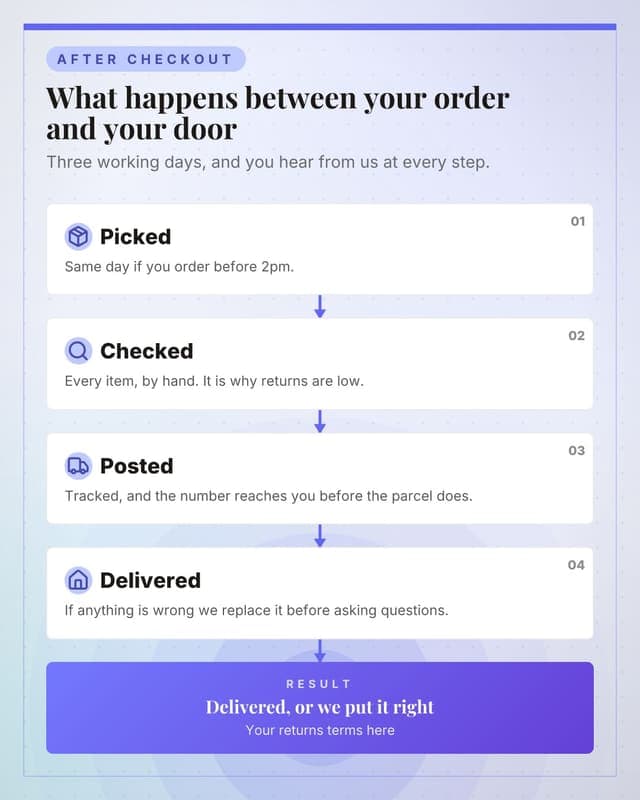
What happens after you order
Answers the most common support question before it is ever asked.
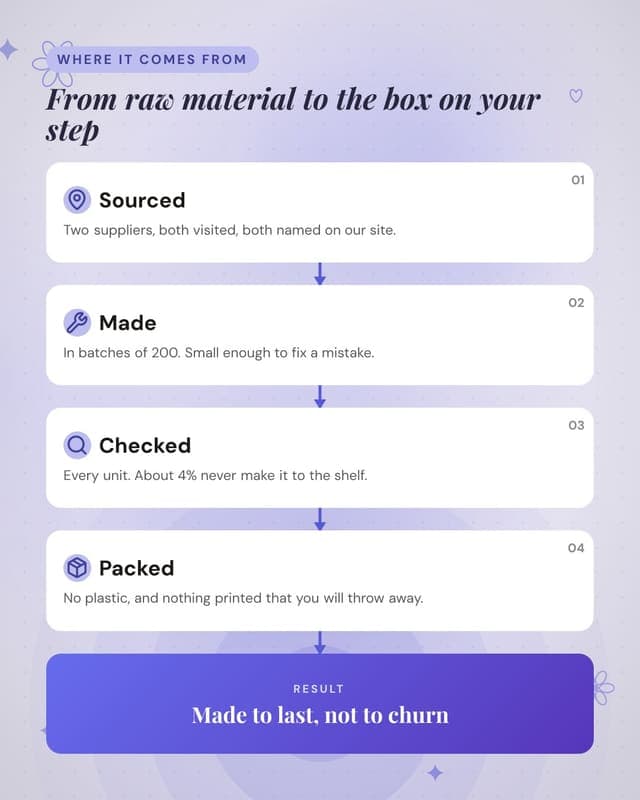
How it is made
Provenance content that justifies a higher price without arguing about price.
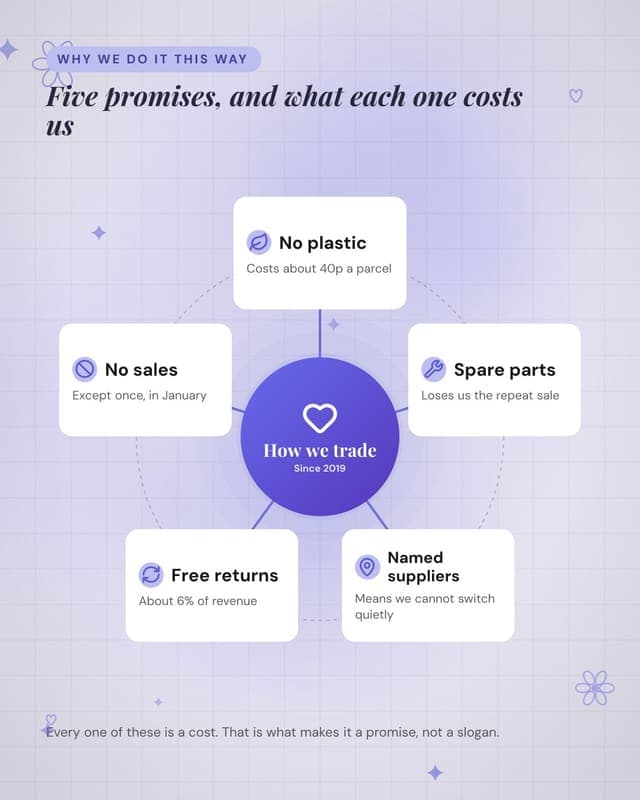
What we stand for
Values as a map with concrete captions, not adjectives.
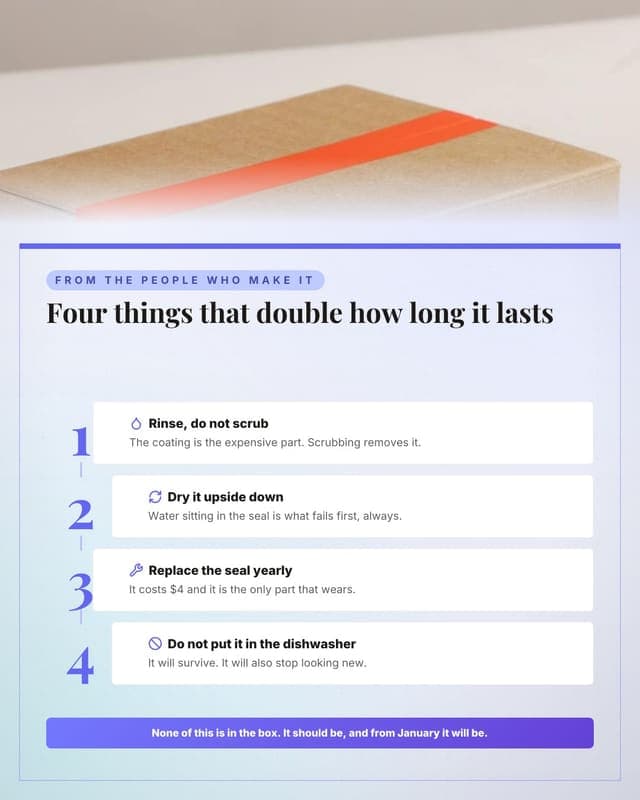
How to make it last
Care instructions that reduce returns and read as generosity.
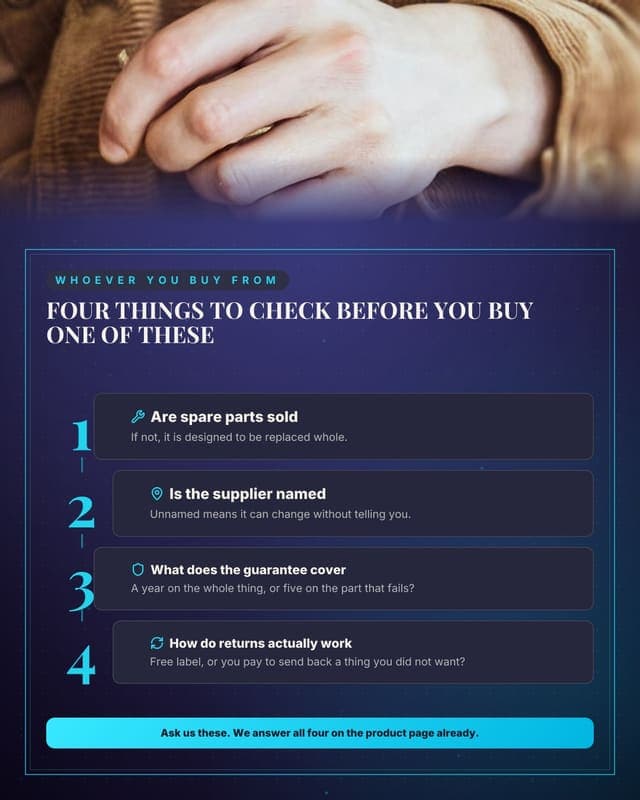
What to look for
Category education that quietly sets criteria your product happens to meet.
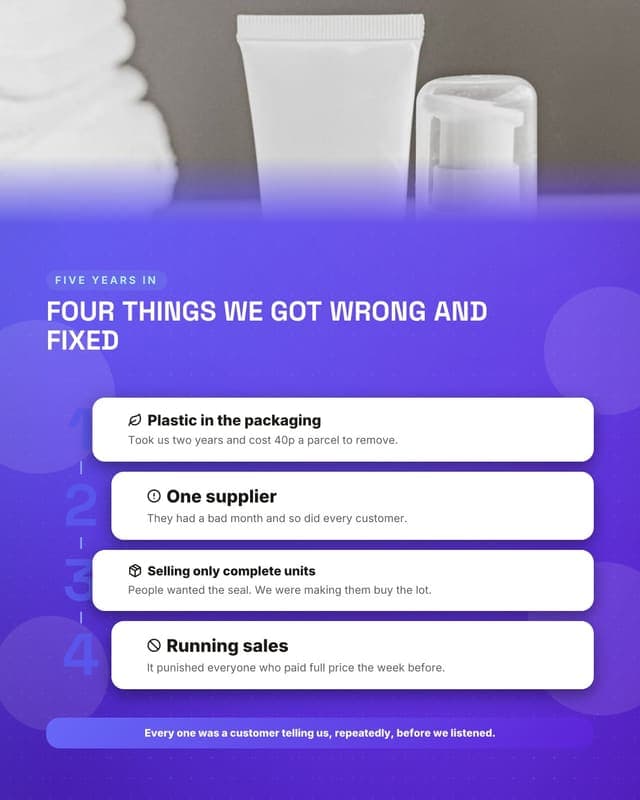
What we got wrong
Brand-building through honesty. Rare in ecommerce and highly shared.
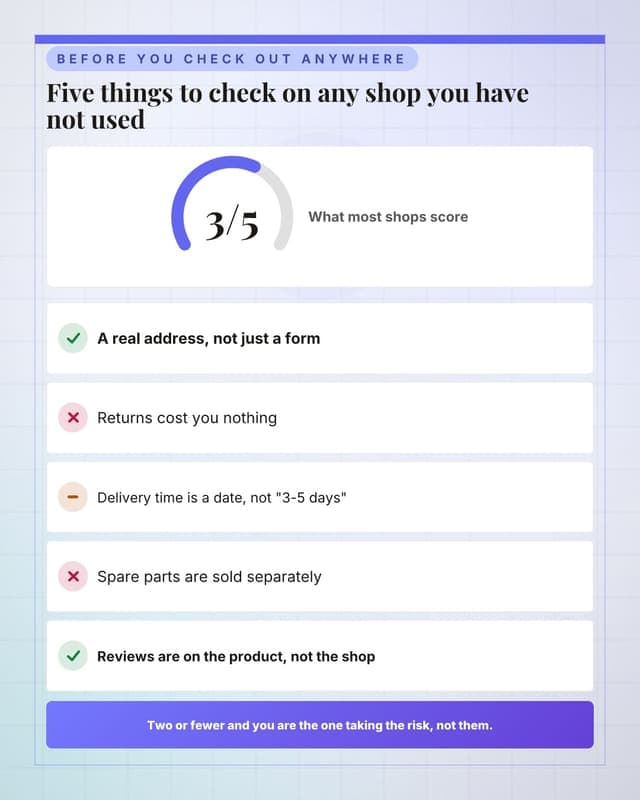
Score any online shop
A useful consumer checklist that your own shop passes.
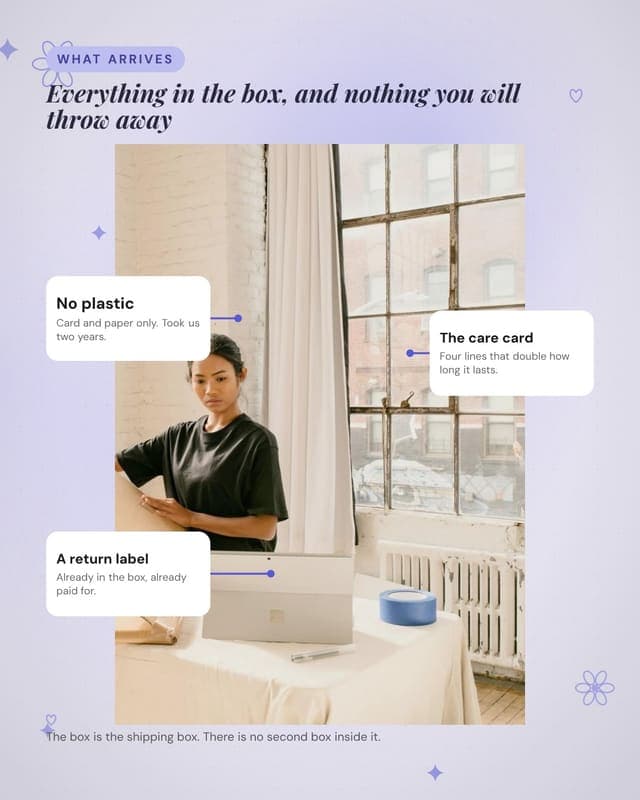
What the parcel contains
Unboxing content without a video, and it doubles as a sustainability post.
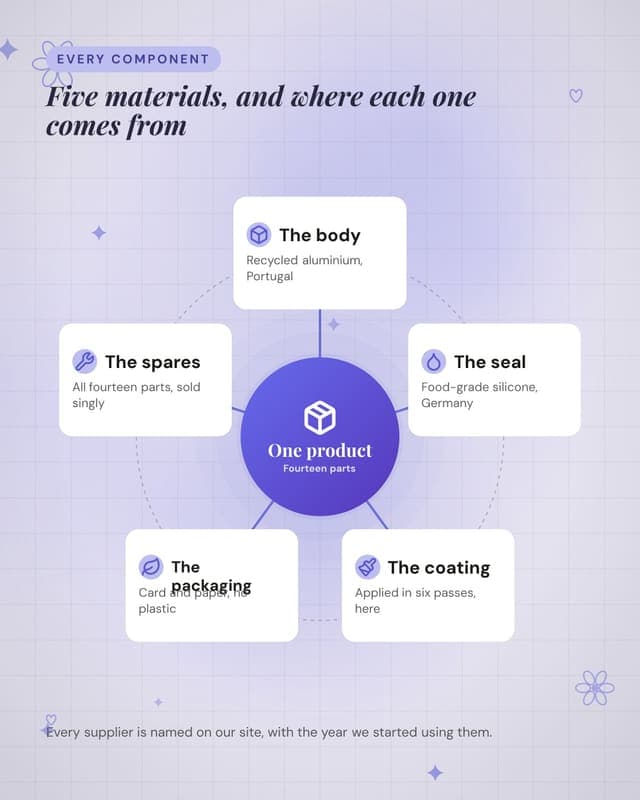
What it is made of
Materials transparency, which is the ecommerce version of showing your work.
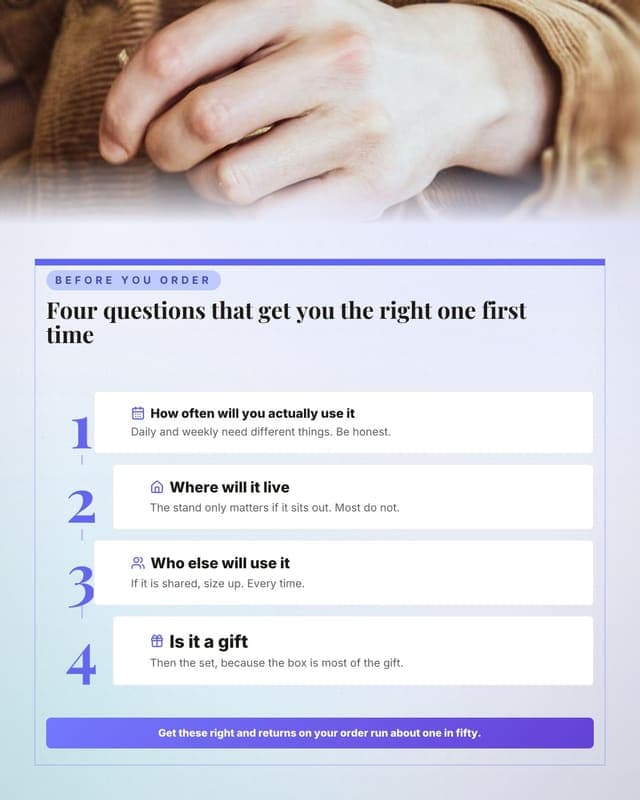
How to choose
Reduces returns and reads as service rather than sales.
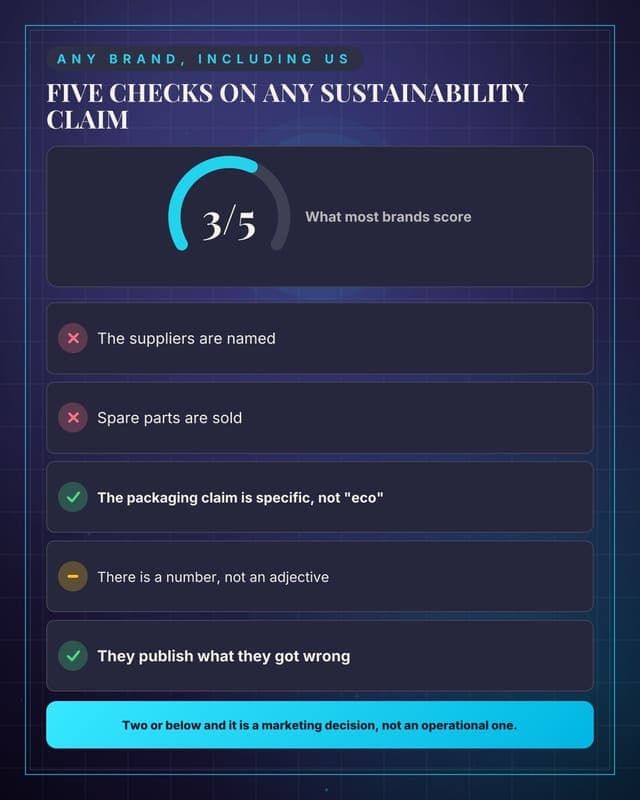
Score a sustainability claim
Teaches customers to spot greenwashing, which your brand survives.
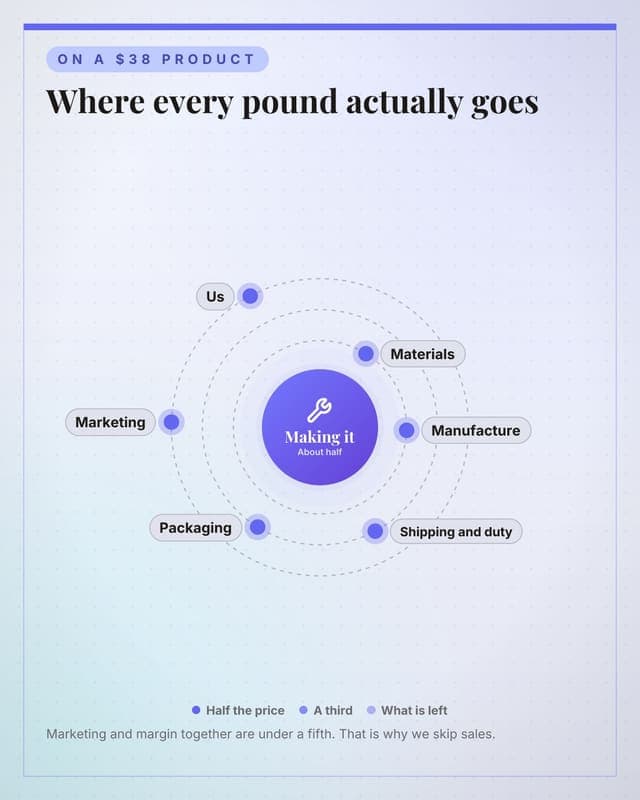
Where the price goes
Cost transparency, which is the strongest possible answer to "why so expensive".
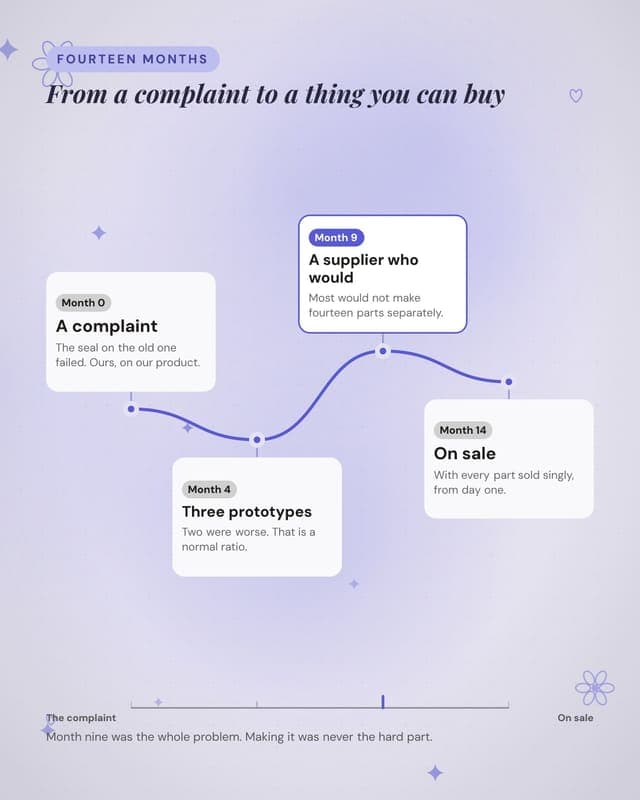
How a product got made
Development-story content that justifies price and builds brand simultaneously.
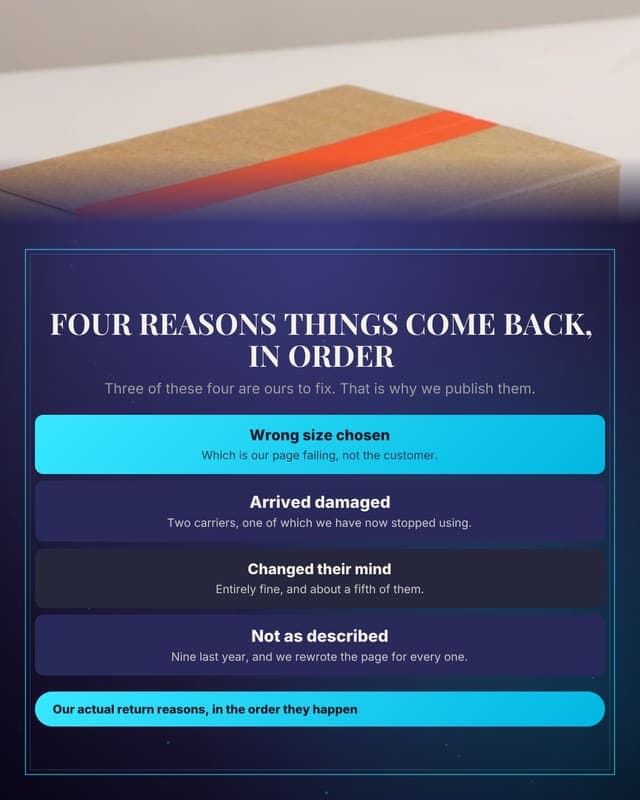
Why things get returned
Publishing your own return reasons is unusual and reduces future returns.
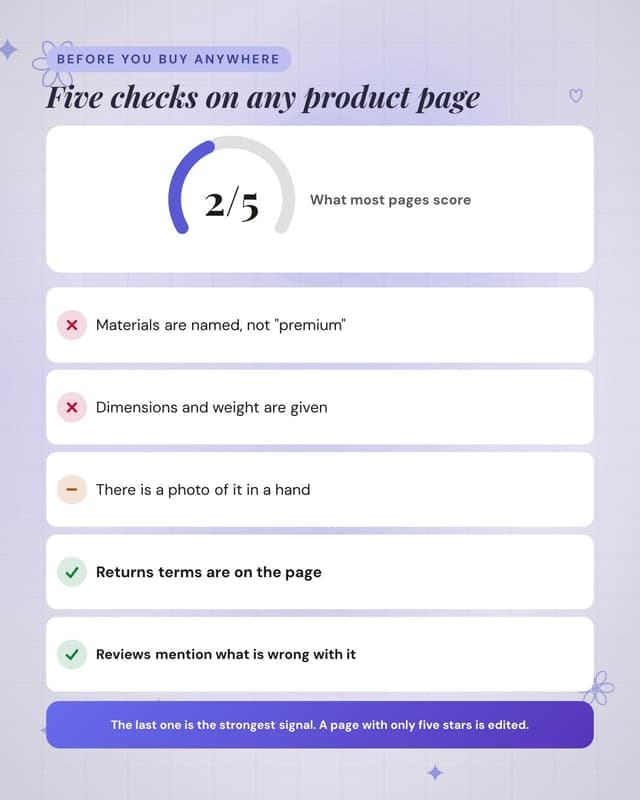
Score a product page
A checklist for shoppers that your own pages happen to pass.
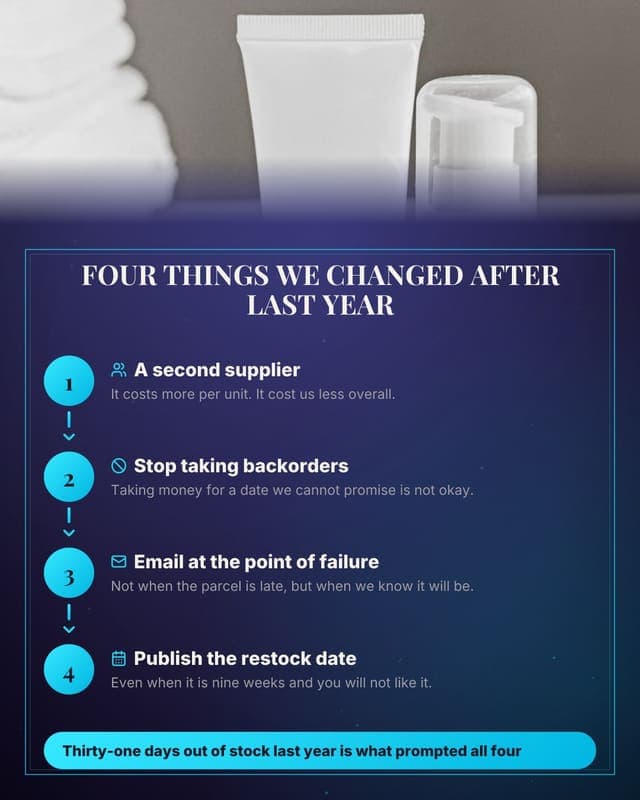
What happens when it goes wrong
Supply-chain honesty, which is memorable precisely because nobody does it.
Proof
Results, reviews and before-and-afters that answer "does it work".
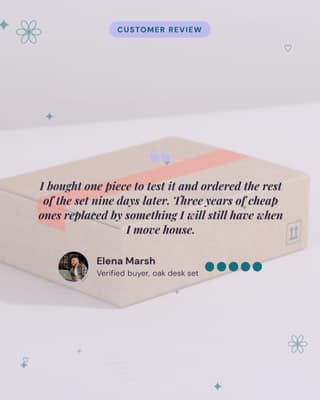
Five star review
A real review, quoted properly, with a face beside it.
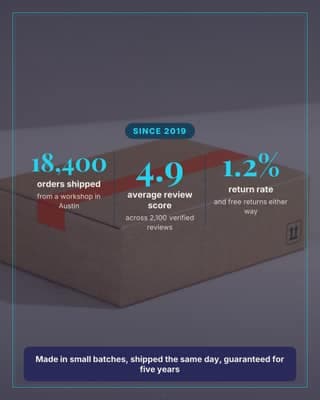
Numbers that build trust
Three numbers that answer, quietly, whether it is safe to order from you.
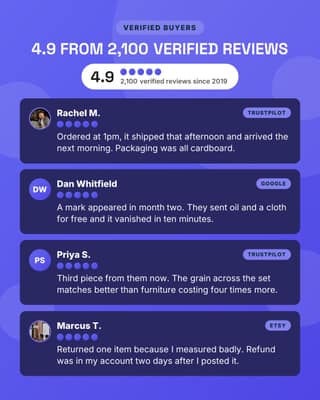
Review wall
Four reviews and the aggregate score. The single highest converting proof card.
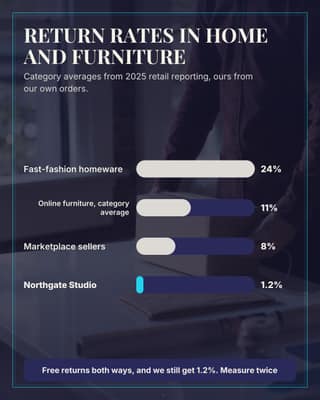
Return rate chart
Chart the number your category is embarrassed about. Being lowest is the whole ad.
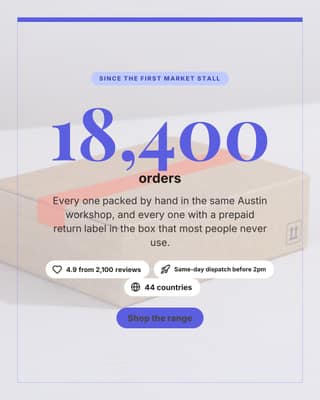
Orders shipped
One dominant number. Post it when a milestone lands, not every week.
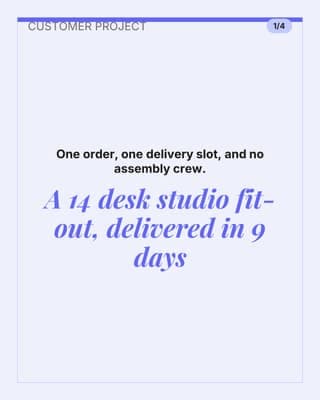
Customer project story
One customer, one room, one number. Works for wholesale and for big baskets.
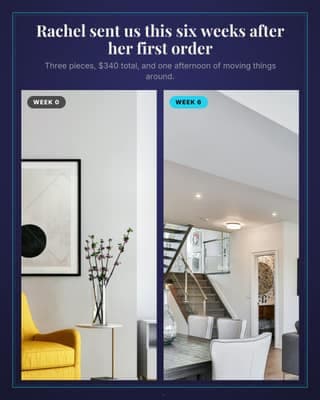
Customer room transformation
A real customer space, before and after. Better proof than any studio shot.
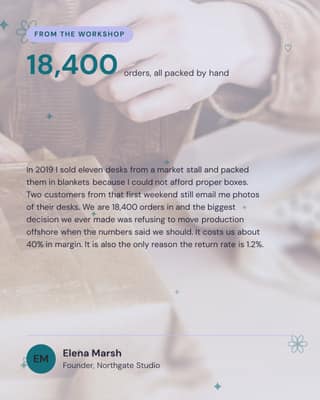
Maker note
The honest note behind the brand. It is why people pick you over a marketplace.
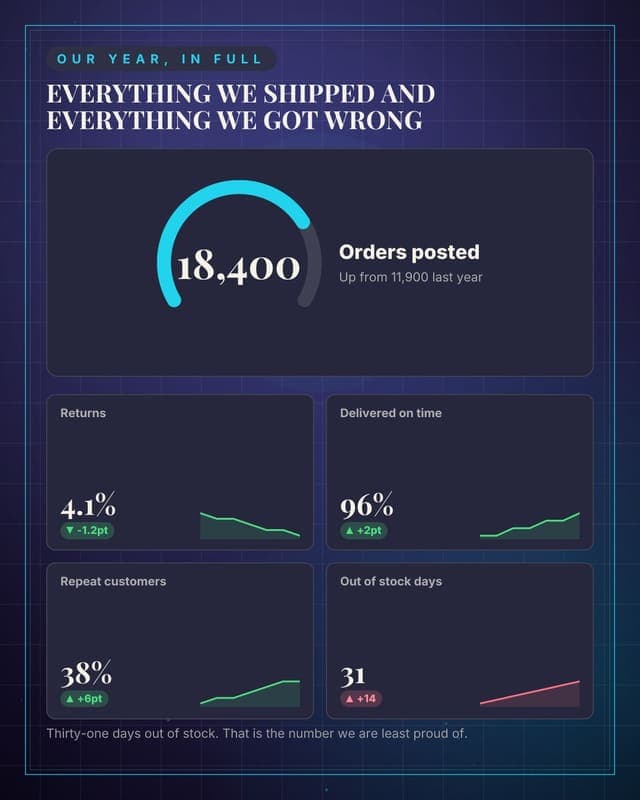
The year, published
A transparency report, which is unusual in ecommerce and therefore memorable.
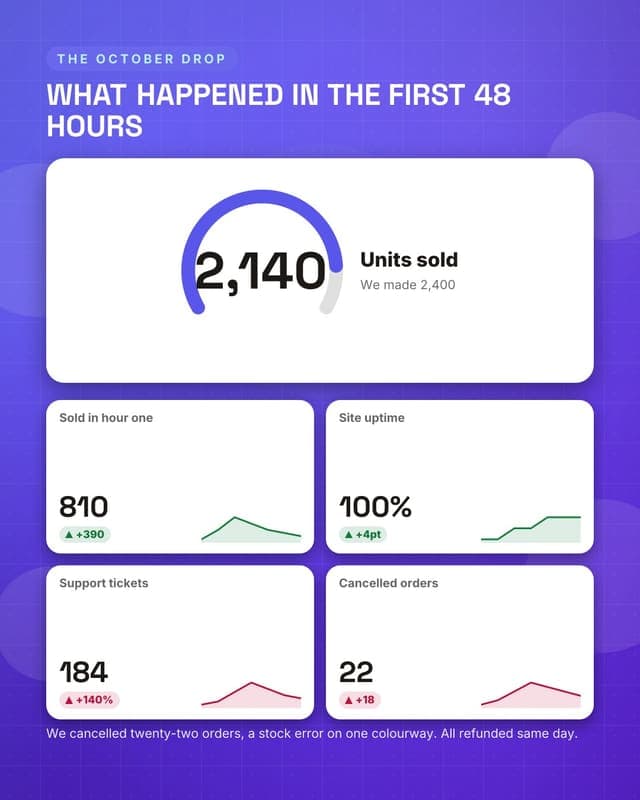
How the drop went
Post-launch honesty that makes the next drop more anticipated, not less.
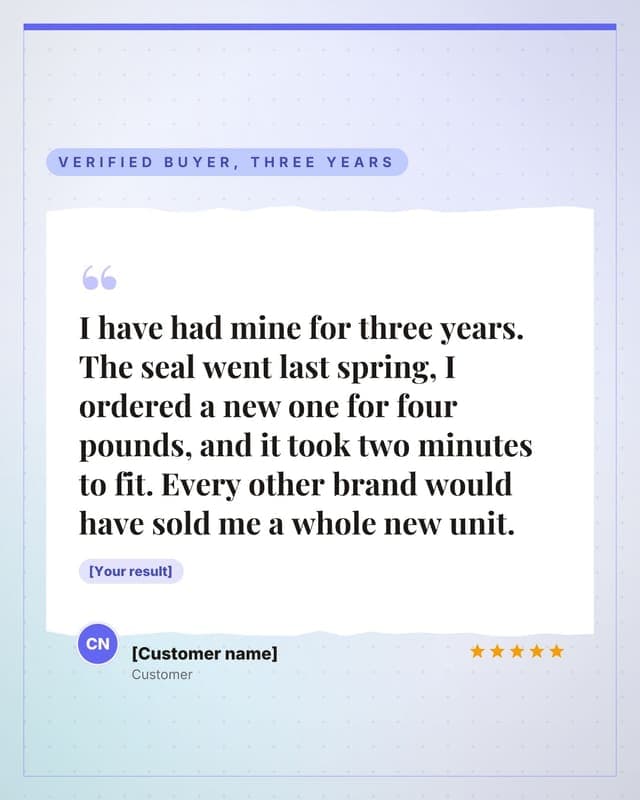
A customer review
A long-form review on paper, with the result it proves.
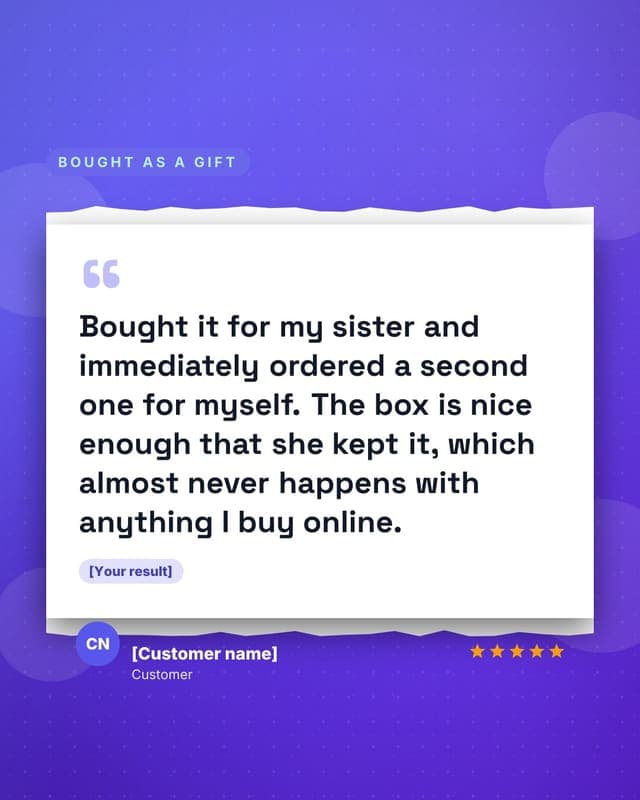
A gift review
Gift-shaped social proof, which is the seasonal version of the review post.
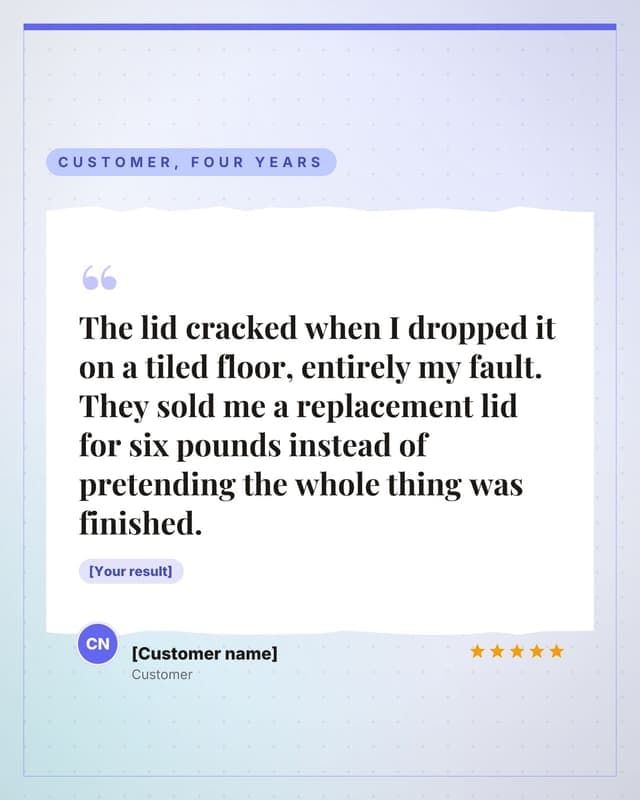
A customer who repaired it
Repairability proof is the strongest possible sustainability testimonial.
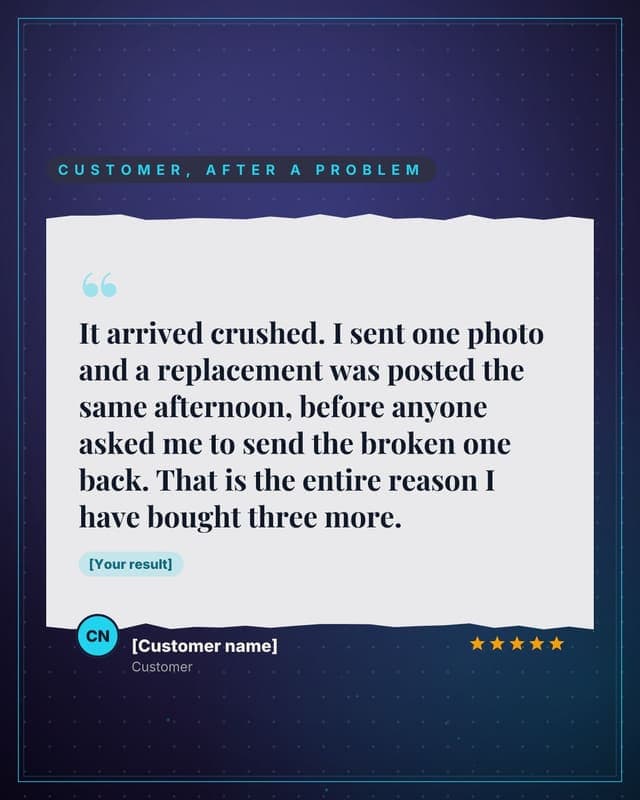
A support experience
Service proof converts better than product proof for repeat purchase.
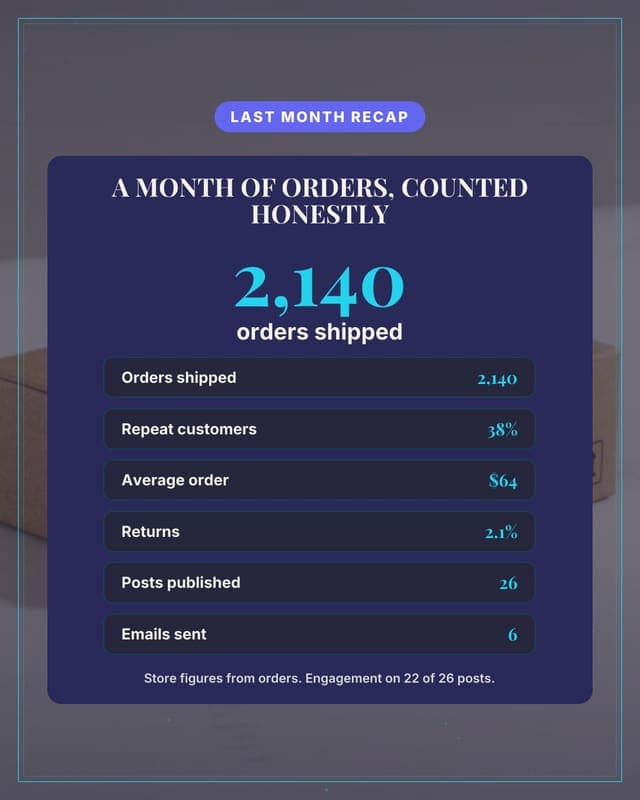
Month in numbers: the shop
Your month as one honest card: orders shipped, the numbers, what actually sold.
Promote
Offers, pricing and the reason to act this week.
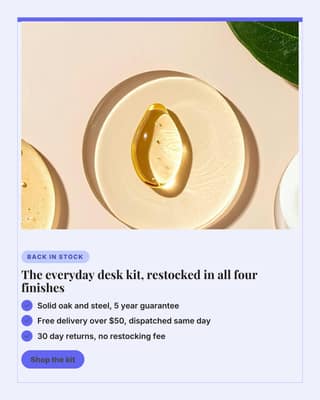
Hero product
The product, framed, with the three reasons people actually add to cart.
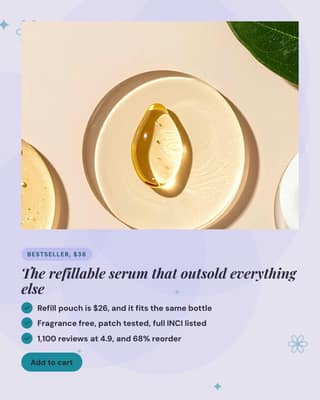
Single product spotlight
One product, one price, one reason. The workhorse card for a paid ad.
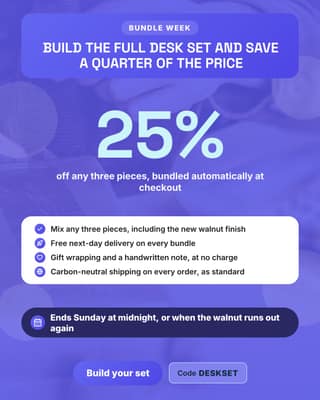
Sale or bundle
A sale card where the deal is readable in one glance, with a real deadline.
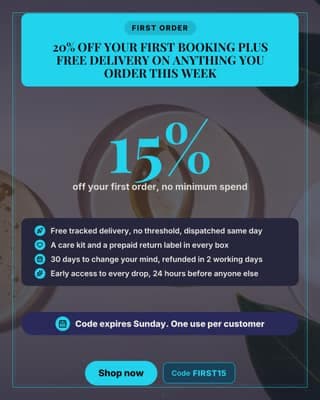
First order offer
The list-building offer. Small discount, big reason to hand over an email.
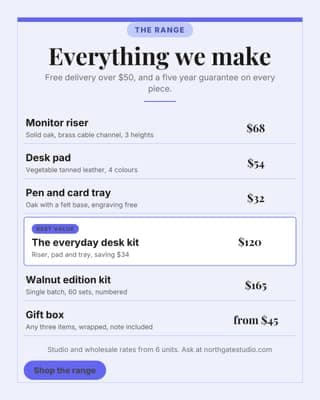
The range and prices
Every price on one card. It kills the DM that asks how much before it is sent.
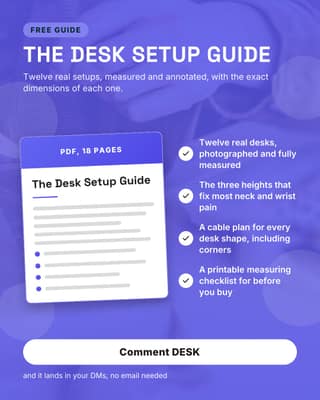
Free guide
A free download that builds the list and pre-sells the product at the same time.
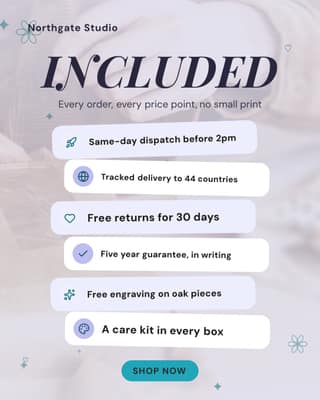
What every order includes
Six icons that turn your shipping policy into a reason to buy.
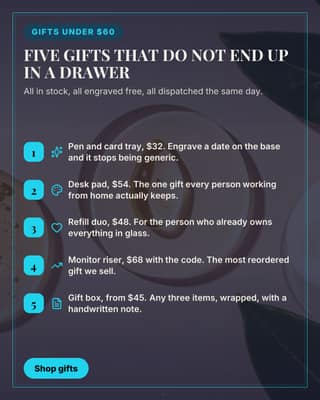
Gift guide
The seasonal list post. It promotes six products without reading like an ad.
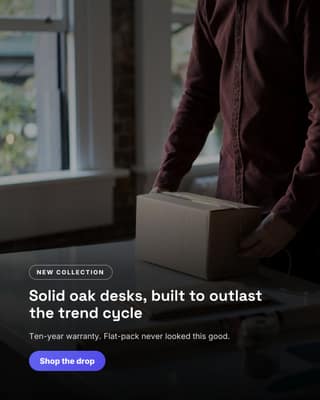
Hero drop
Lead with the product in a cinematic full-bleed frame.
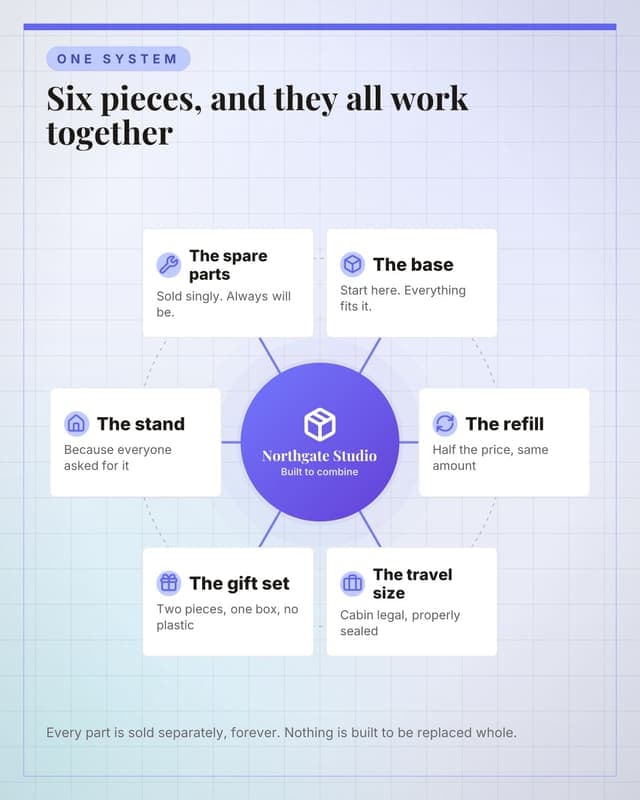
The whole range
Show a product family as one system rather than a grid of thumbnails.
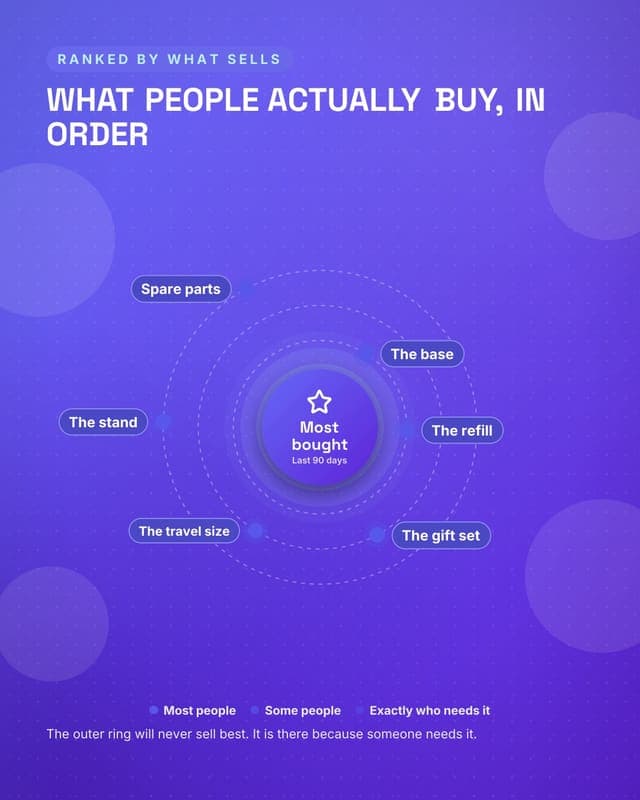
What people actually buy
Rank the range by real demand, which is more persuasive than a curated grid.
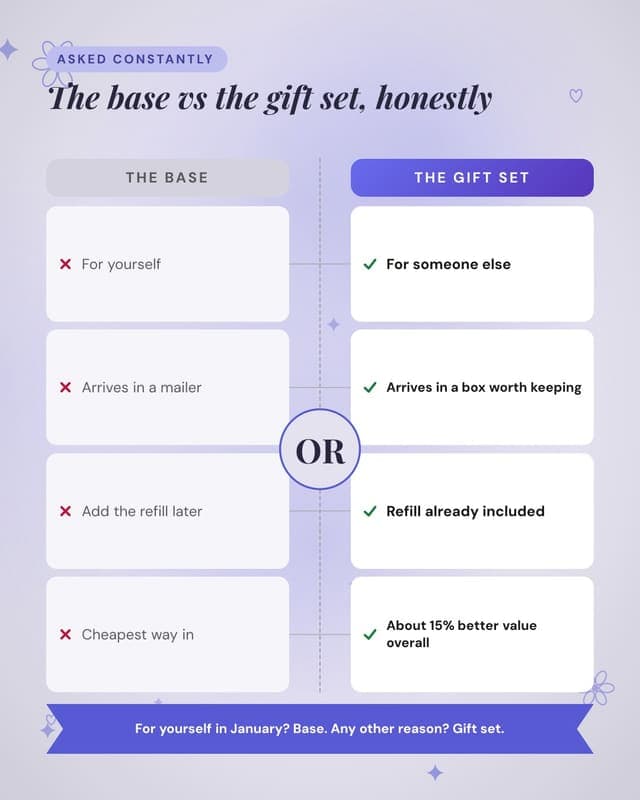
Which one to buy
A buying guide as a comparison, which converts better than a spec table.
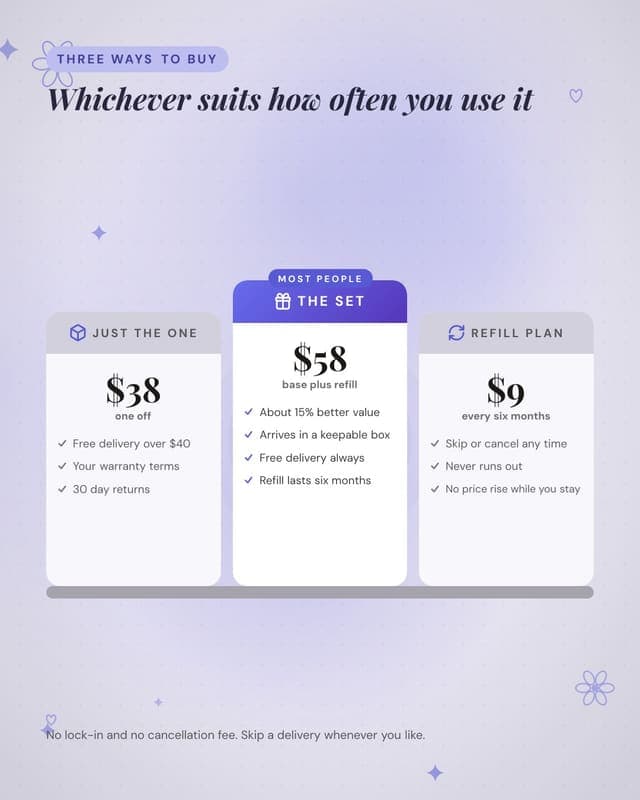
Three ways to buy
One-off, bundle and subscription as columns with the middle recommended.
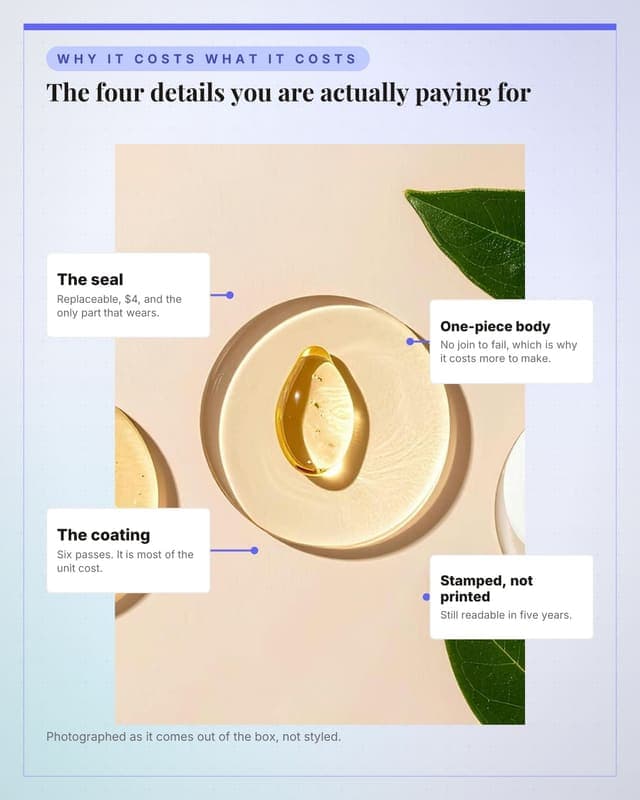
The product, annotated
The single best-performing ecommerce format: point at what makes it worth the price.
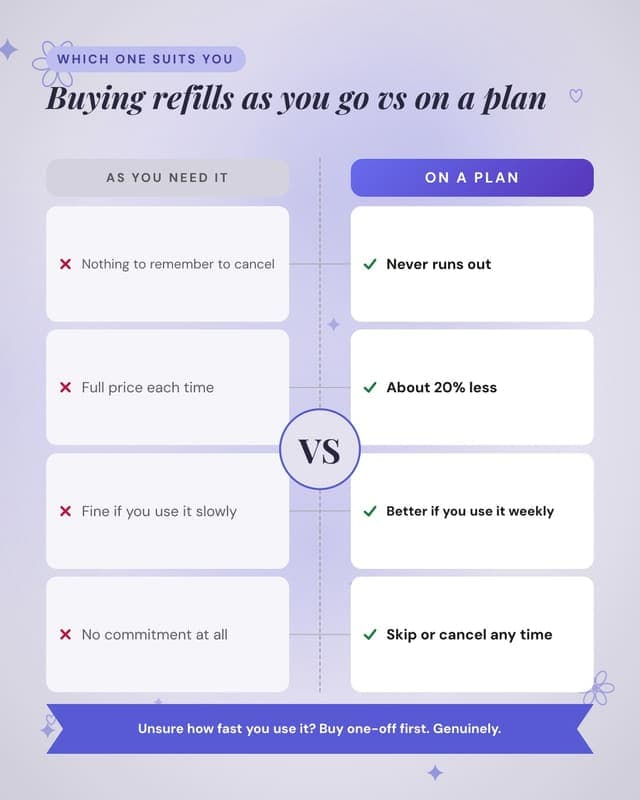
One-off versus refill plan
Helps the customer choose honestly, which raises the conversion on both.
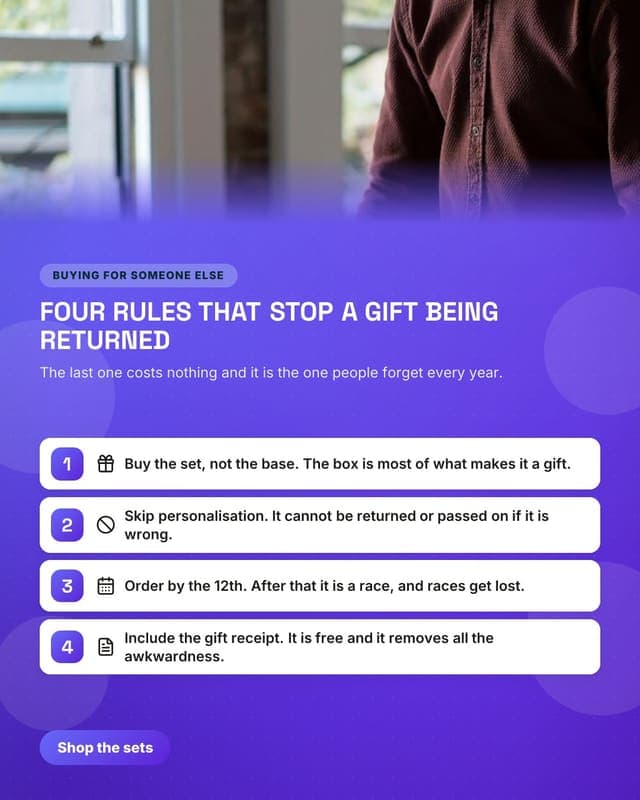
Choosing a gift
Seasonal content that is genuinely useful and drives the higher-margin bundle.
Convert
The post that asks for the booking, the trial or the reply.
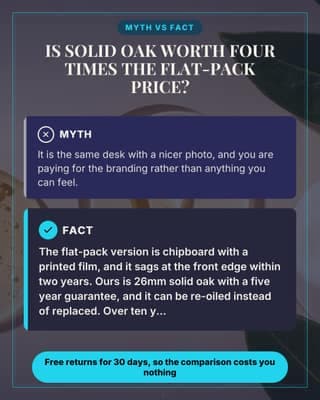
Price objection
Answer the hesitation that sits in the cart: why it costs what it costs.
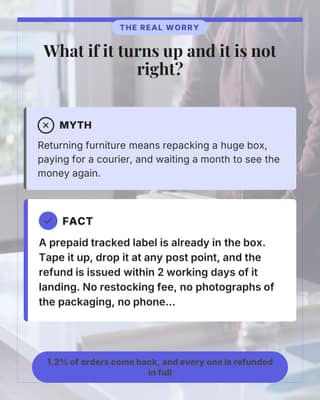
Buying online objection
The unspoken worry: what if it is wrong and I am stuck with it.
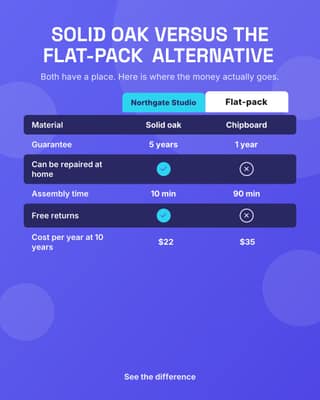
Versus the cheap version
An honest side-by-side against the alternative people are weighing you against.
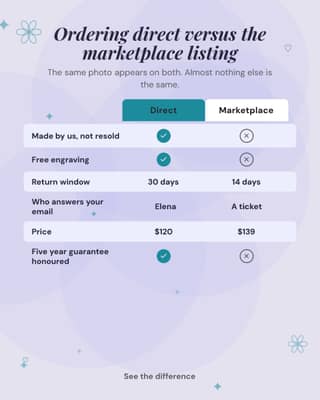
Versus the marketplace listing
Why order direct instead of from the giant marketplace. Say it plainly.
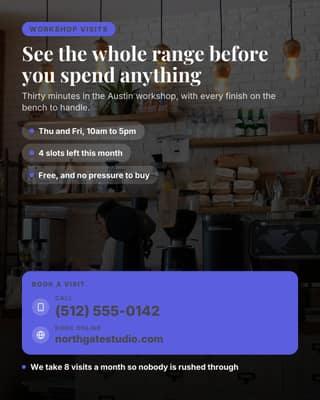
Showroom appointment
For high-value pieces, book the visit. Nothing converts like touching the thing.
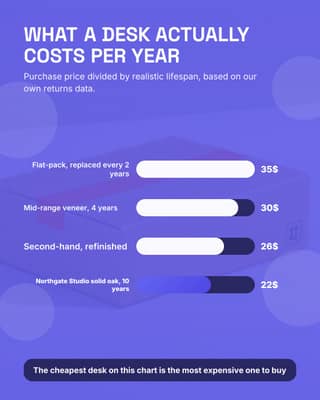
Cost per year chart
Reframe the price as a yearly cost. The bar chart does the arguing for you.
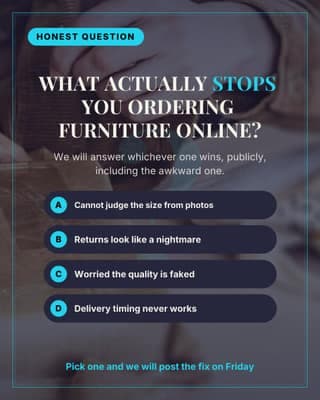
Poll the hesitation
Ask what stops people ordering. Every answer is next week is content.
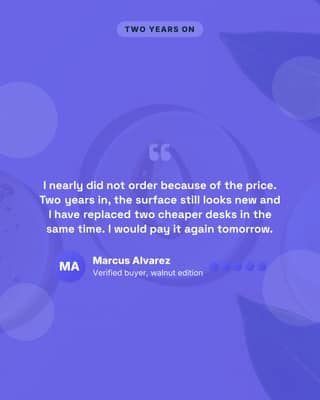
Objection-killing review
The review that answers the exact hesitation in the cart. Pick it deliberately.
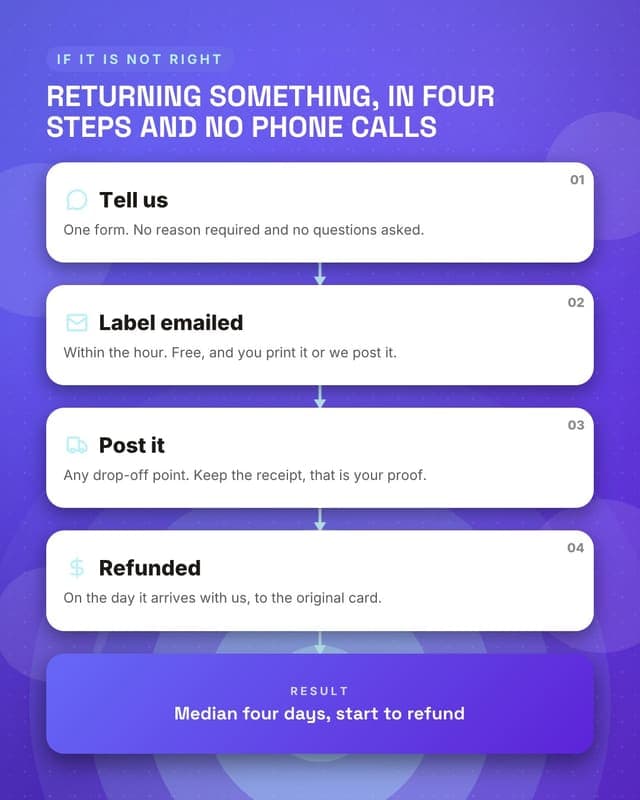
How returns work
A frictionless returns policy shown as a process removes the last hesitation.
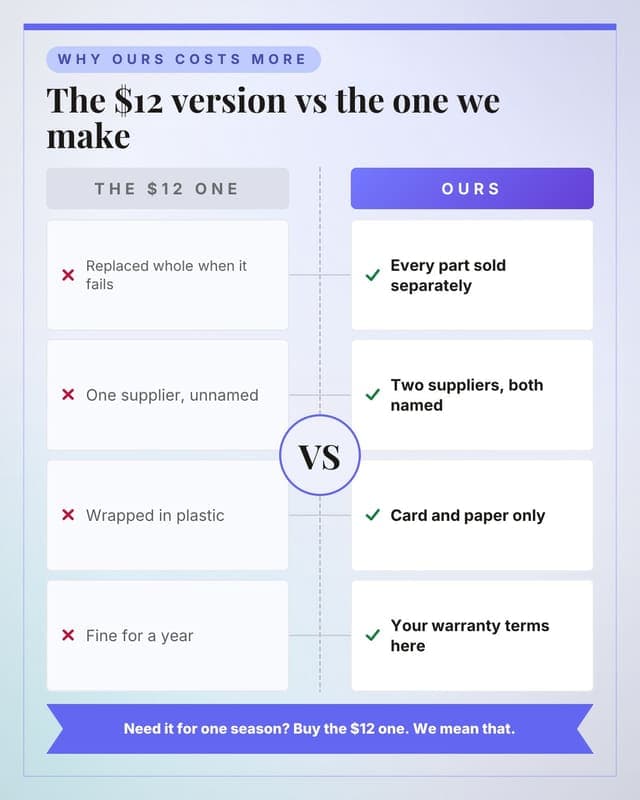
Ours versus the cheap one
Price justification done as a fair comparison, including where cheap wins.
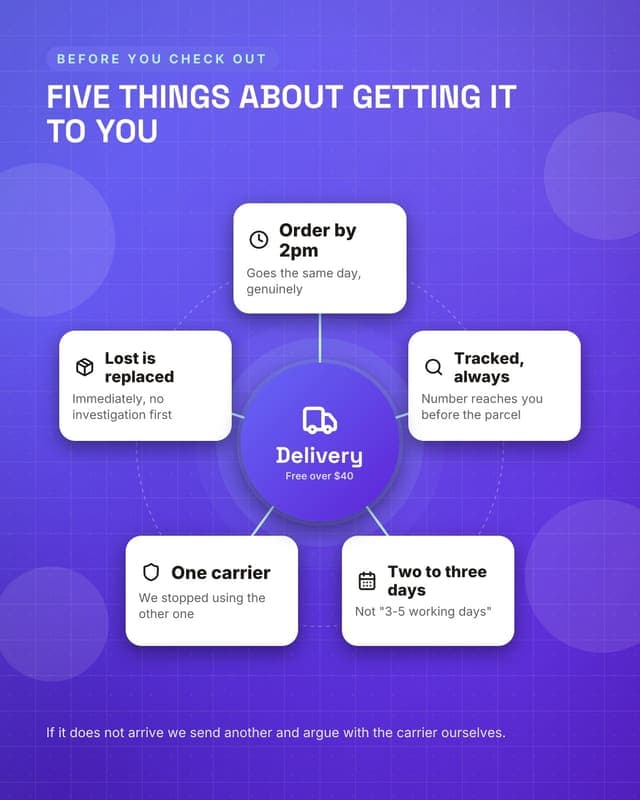
How delivery works
Delivery clarity is the last conversion barrier before checkout.
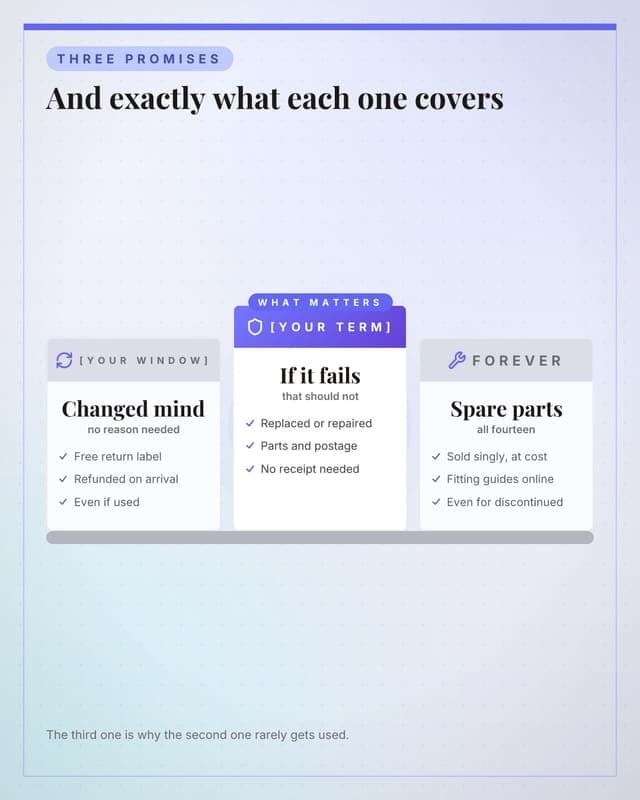
What the guarantee covers
Concrete guarantee terms as columns, which removes the last hesitation.
How these become your posts
- Add your brand once: colours, fonts, logo. The Brand Kit can fill itself from your website.
- Pick a template and describe the post, or let the AI write it from your topic in your own voice.
- The renderer produces the finished graphic in your brand, at the right dimensions for the network.
- Schedule it. Free publishes to 7 of 9 networks; TikTok and YouTube take video, which starts on Lite. Hands-off auto-publishing, where the scheduled post goes out without you, is included on every plan, inside each plan's monthly publish allowance.
Use these on your own brand
Browsing is free. The free plan includes 8 of these 80 designs; paid plans unlock all of them. Add your colours and logo once and every one comes out looking like you made it.
Start for $0Free forever plan, no credit card. Every network is included.
Keep reading
Frequently asked questions
How many post templates are in the Ecommerce gallery?
80, spread across 46 layout families, and the largest single group is the 25 built to educate. Every one shows a real rendered preview rather than a blurred teaser, so you can judge the design before you sign up for anything.
Which of these still work at a wide 16:9 crop?
77 of the 80 on this page. We render every layout family at each aspect the product supports and check whether the text clips, and 3 of these sit in a family the audit has not reached yet, so treat those as untested rather than as passing. The full table per crop is on the templates hub.
What should an ecommerce account post more of?
Whatever the feed is currently short of. This set breaks down as 25 educate, 16 promote, 15 proof, 12 announce and 12 convert. Ecommerce feeds run heavy on promote. The educate and proof designs are what stop the account reading as a permanent sale.