Social Media Post Templates by Industry
These are editable image designs, not caption templates: every one came out of the same renderer that makes a customer’s posts. Pick the audience that matches your business, browse by what the post needs to do, and the design fills with your brand colours, fonts and logo when you use it.
1059 designs in the library across 48 layout families, of which the 753 on these pages are browsable without an account. Every one is hand-authored rather than generated on demand. We measure text clipping in each rendered design at every aspect ratio, and we publish what that finds: all 45 layout families reflow cleanly at 16:9, measured rather than asserted. The wide crop is the sharp case, because the layouts are tuned for a tall frame. Pages here filter on that measurement, so a design that stops reflowing cleanly drops out of the grid rather than reaching you broken.
Which layouts survive which crop
We render 45 of the 48 layout families at every aspect ratio the product ships and check whether the text clips. 225 renders, measured rather than assumed.
| Crop | Families that reflow cleanly |
|---|---|
| Feed portrait (4:5) | 45 of 45 |
| Feed square (1:1) | 45 of 45 |
| Story and Reel (9:16) | 45 of 45 |
| Pin (2:3) | 45 of 45 |
| Landscape (16:9) | 45 of 45 |
Landscape is the one that hurts, and it is the one nobody advertises: these layouts are tuned for a tall frame, so a wide crop is where a headline runs out of room. Every gallery page here filters on this measurement rather than showing you a design that breaks when you crop it.
What the table does not cover, because saying 45 when we ship 48 would be the same trick we are refusing to play: case-study, editorial-carousel, tutorial-steps. Those families are in the gallery and have not been through the audit yet.
Content Drifter publishes 753 editable social media post designs, browsable without an account, grouped by audience (creators, marketers, founders, small business, agencies, SaaS, ecommerce, coaches, real estate) and by what the post is for (announce, educate, proof, promote, convert). These are image designs you edit with your own branding rather than caption templates: every preview is produced by the same renderer that makes a customer's posts, and using one applies your own brand colours, fonts and logo.
Browse by what the post is for
Announce
Launches, drops, news and anything that starts with "we just".
Educate
Teach the thing you get asked about constantly.
Proof
Results, reviews and before-and-afters that answer "does it work".
Promote
Offers, pricing and the reason to act this week.
Convert
The post that asks for the booking, the trial or the reply.
Templates by audience
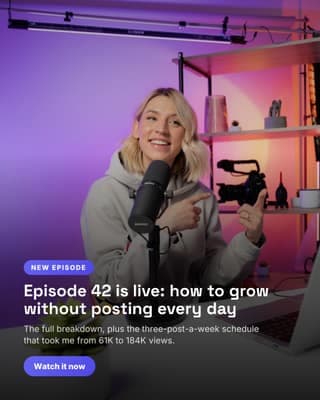
Creators templates
You post to grow an audience and land brand deals.
89 templates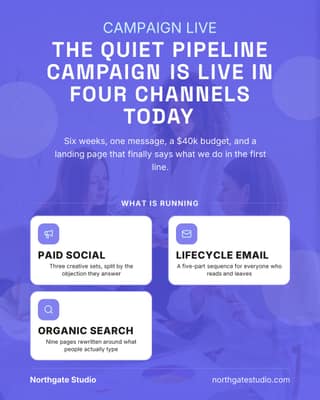
Marketers templates
You run the content calendar for a brand or a team.
88 templates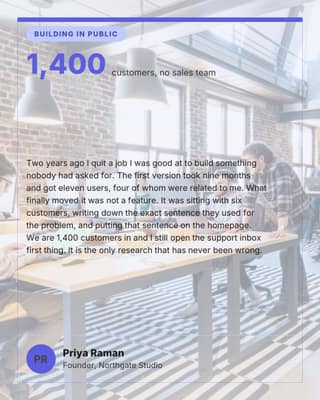
Founders templates
You build in public and sell while you build.
88 templates
Small business templates
You serve local customers and need posts that fill the diary.
81 templates
Agencies templates
You post for several client brands at once.
87 templates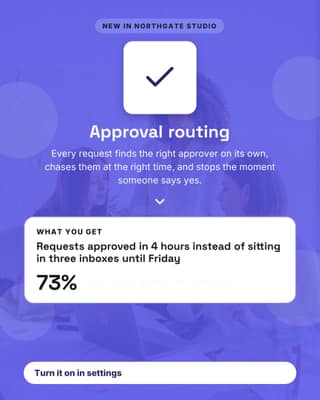
SaaS templates
You ship features and turn them into demand.
83 templates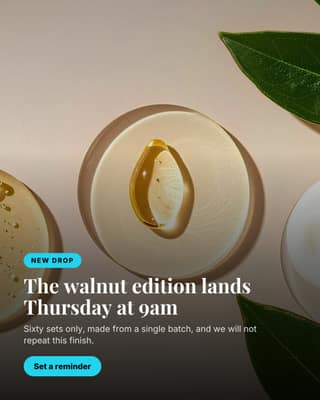
Ecommerce templates
You sell products and live on launches, drops and offers.
80 templates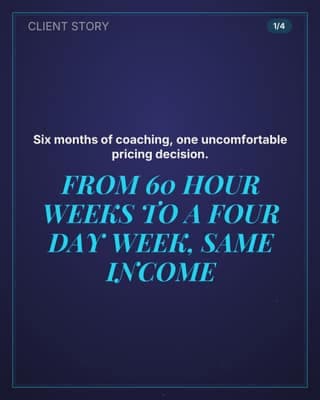
Coaches and consultants templates
You sell your expertise and need proof plus authority.
82 templates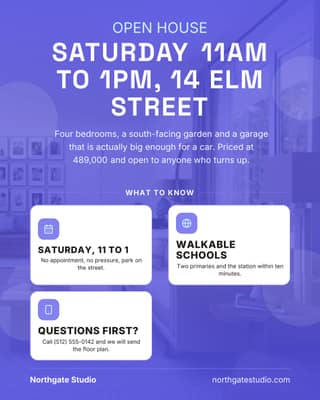
Real estate templates
You market listings, sold results and your local expertise.
75 templatesOr browse by network
Every template renders at the right size for the network
The previews here are all shown at one shape so you can compare designs side by side. When you actually use one, the renderer outputs it at the dimensions the destination network wants: 4:5 for an Instagram or LinkedIn feed post, 2:3 for a Pinterest pin, 9:16 for a story, and so on. You are choosing a design, not a canvas size.
How to use a template
Frequently asked questions
Are the Content Drifter templates free to browse?
Yes, and no account is needed to look. Every template on the gallery pages shows a real rendered preview rather than a blurred teaser, so you can judge whether the design suits you before signing up. Using one on your own brand needs an account, and the free plan includes 100 of them; paid plans unlock the full library.
Can I edit the templates with my own branding?
Yes, and that is the point of them. Add your colours, fonts and logo once in the Brand Kit, which can fill itself from your website, and every template renders in your brand automatically. You are editing the content, not rebuilding the design.
What social media template sizes do you support?
Each design renders at the right dimensions for the network you are publishing to, so a carousel comes out at the 4:5 that Instagram and LinkedIn want rather than at a generic square you then have to crop.
How are these different from Canva templates?
Canva gives you a design to fill in by hand, one post at a time. These sit inside the workflow: the AI writes the copy in your brand voice, the renderer produces the graphic in your brand, and the post goes onto the calendar and publishes. The design is a step, not the deliverable.
Templates are the easy half
A template is a shape. Content Drifter writes what goes in it, in your brand voice, then renders it in your colours and schedules it to publish. Browsing is free, and the free plan includes 100 designs across every industry; paid plans unlock the full library.
Start for $0Free forever plan, no credit card. Every network is included.