LinkedIn carousels are document posts. You upload a PDF, not images, and LinkedIn renders each page as a slide.
Instagram
1080 × 1350 px4:5 portrait
Also supported
1080 × 1080 (1:1), 1080 × 566 (1.91:1)
Upload format
JPG or PNG
Slides
Up to 20
Max file size
8 MB per image
The first slide sets the aspect ratio for the whole carousel. Mixed ratios get cropped to match slide one.
TikTok
1080 × 1920 px9:16 vertical
Also supported
1080 × 1080 (1:1)
Upload format
JPEG or WebP
Slides
Up to 35
Max file size
20 MB per image
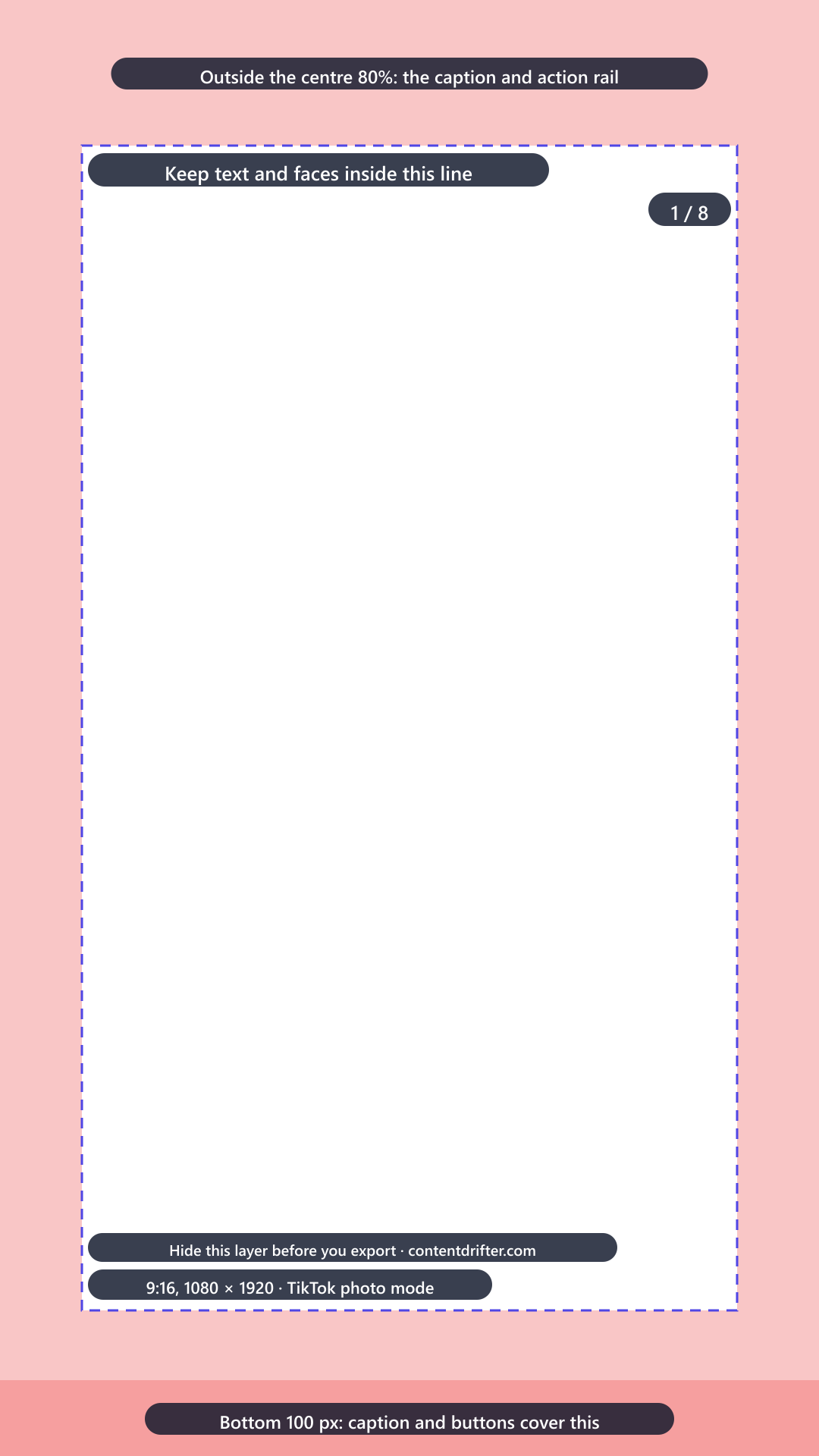
Photo mode fills the screen, so anything outside the centre 80% risks sitting under the caption and action rail.
Facebook
1080 × 1080 px1:1 square
Also supported
1080 × 1350 (4:5)
Upload format
JPG or PNG
Slides
2 to 10 cards
Max file size
30 MB per image
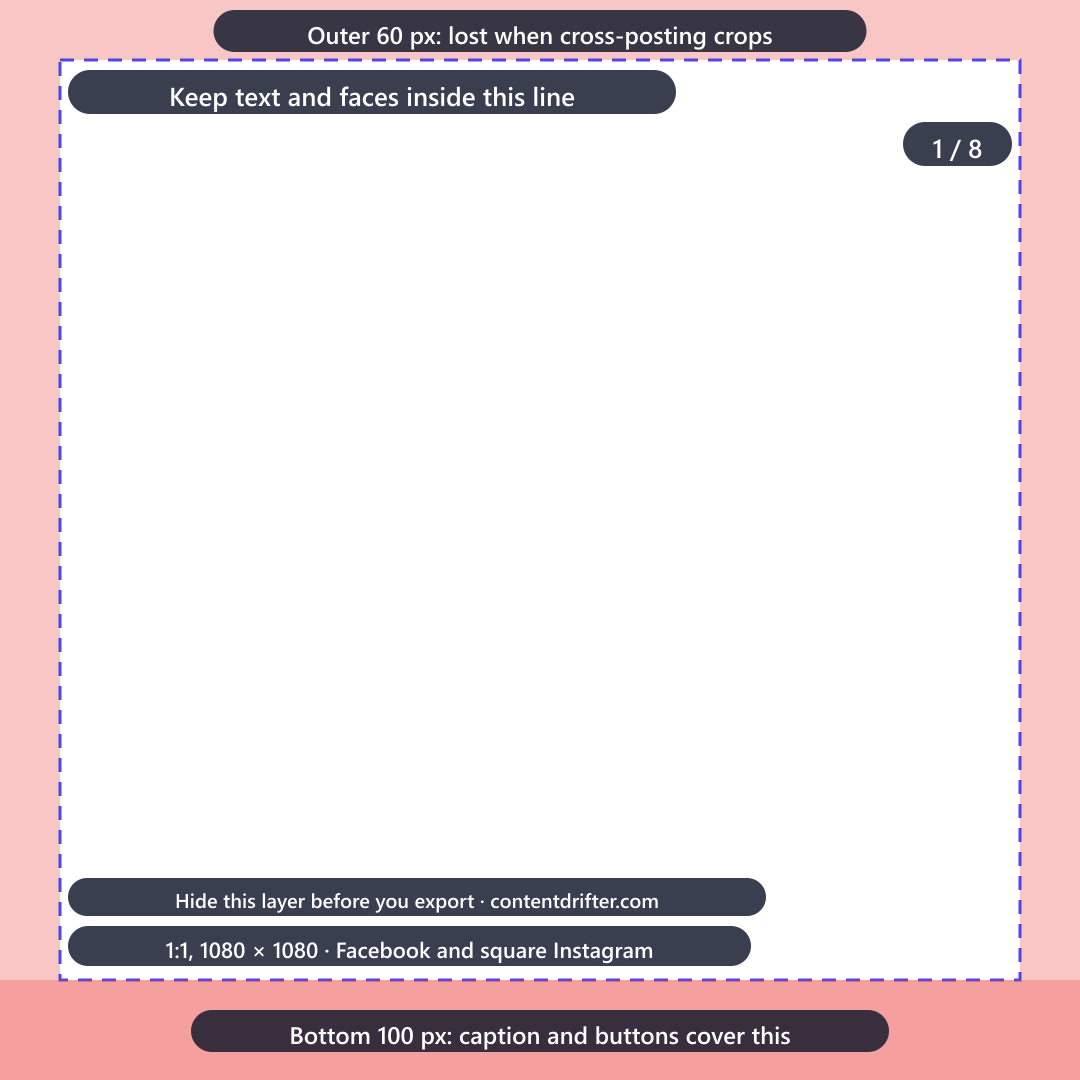
Carousel cards crop to square in most placements, so keep text away from the edges.
One design, every platform
LinkedIn and Instagram both recommend 1080 × 1350 at 4:5, so a single portrait design covers the two platforms where carousels perform best (how the Instagram algorithm ranks carousels in 2026). Design once at 4:5, export a PDF for LinkedIn and images for Instagram, and add a 9:16 crop only if you also post to TikTok. Designing in Canva? Its planner schedules single images or videos to Instagram, not carousels, so the slides need another way out: how Canva's planner compares.
Safe zones that actually matter
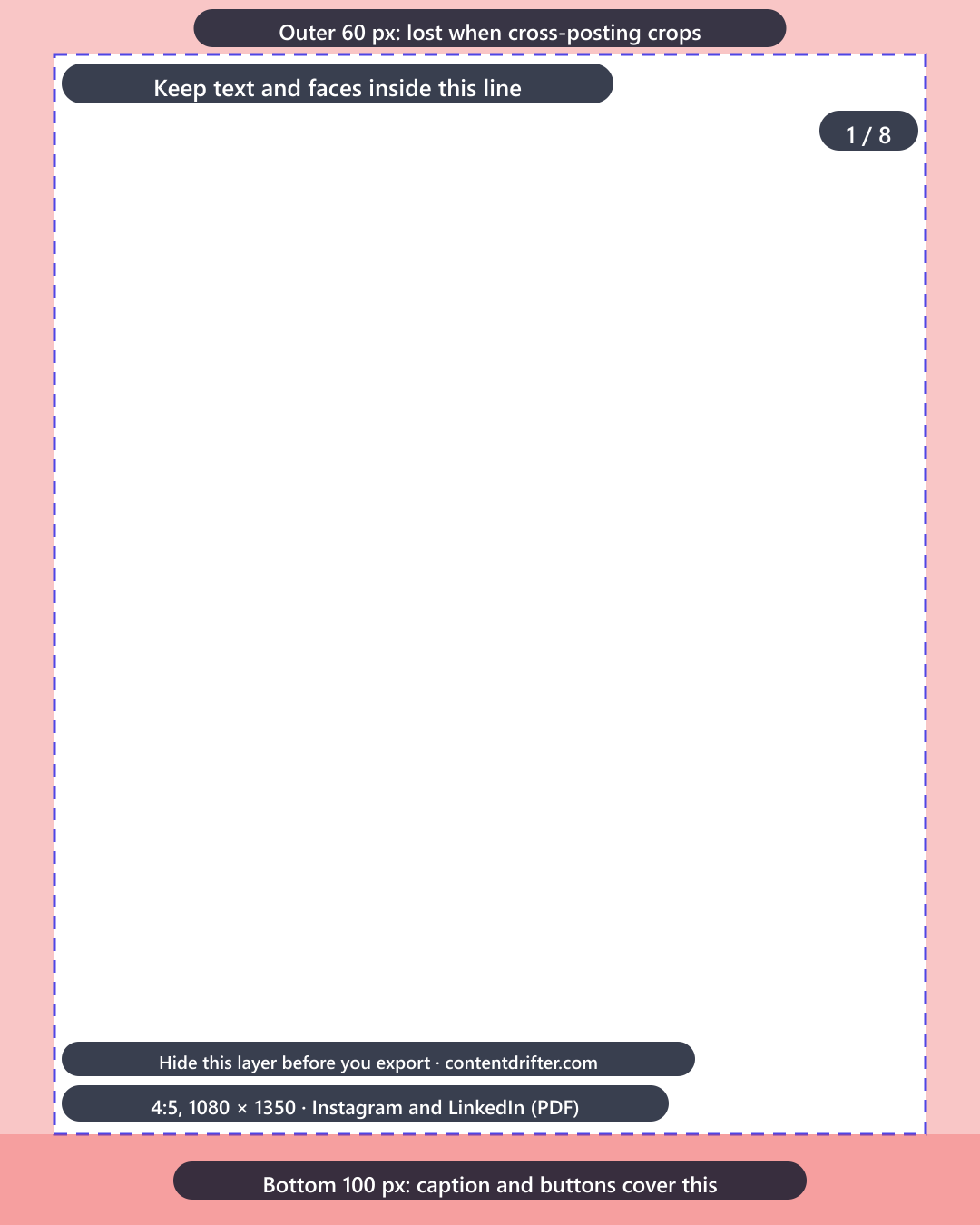
Keep 100 px clear at the bottom. On Instagram and TikTok the caption and action buttons overlay the lower edge of the frame.
Do not put text in the outer 60 px. Cross-posting crops to different ratios, and edge text is the first thing lost.
Design at 2× if you use fine type. Export at 1080 wide, but set small text at a size that survives compression, roughly 28 px minimum.
Number your slides. A visible “1 / 8” measurably improves completion, and completion is the signal both feeds reward.
Download them as overlays (transparent PNG; put one on top of your Canva or Figma frame, design inside the line, hide it before export): 4:5, 1:1 or 9:16.
Frequently asked questions
What size should a LinkedIn carousel be?
Design at 1080 × 1350 pixels, a 4:5 portrait ratio, and export as a PDF. LinkedIn carousels are document posts, so the upload is a single PDF file where each page becomes a slide.
Why does LinkedIn need a PDF instead of images?
LinkedIn carousels use the document post format, which was built for slide decks and reports. LinkedIn renders each PDF page as one swipeable slide, which is why an image upload creates a multi-image post rather than a carousel.
What size should an Instagram carousel be?
Design at 1080 × 1350 pixels, a 4:5 portrait ratio, and upload JPG or PNG images. Instagram supports up to 20 slides, and the first slide sets the aspect ratio for every slide after it.
Can I use the same design on LinkedIn and Instagram?
Yes. Both platforms recommend 1080 × 1350 at 4:5, so one portrait design covers both. You only need to export twice: a PDF for LinkedIn and images for Instagram.
How many slides should a carousel have?
Between 6 and 10 works best on both LinkedIn and Instagram. Enough to develop an idea, few enough that people reach the end, which is what drives the completion signal both feeds reward.
The dimensions are the easy half
Every size guide gives you numbers. What they cannot tell you is whether a design still reads once it is cropped to them, because none of them ships designs. We ship 45 layout families, so we render each one at every aspect the product supports and check whether the text clips. That is 225 renders, measured rather than assumed.
Crop
Families that reflow cleanly
Feed portrait (4:5)
45 of 45
Feed square (1:1)
45 of 45
Story and Reel (9:16)
45 of 45
Pin (2:3)
45 of 45
Landscape (16:9)
45 of 45
Landscape is where it hurts, and that is the honest answer to “can I reuse this at 16:9”: these layouts are tuned for a tall frame, so a wide crop is where a headline runs out of room. 3 families have not been through the audit yet (case-study, editorial-carousel, tutorial-steps), so treat those as untested rather than passing. The full table is on the templates hub.
Stop looking up carousel dimensions
Content Drifter renders carousels at the right size for every network automatically, in your brand colours, from a topic or a URL. The sizes on this page are the ones it already uses.