Creators Social Media Templates
You post to grow an audience and land brand deals. Each of these is a real design our renderer produces, shown here with example copy. Use one and it fills with your brand colours, fonts, logo and your own words.
By Tayyab, Founder
If you need one of these wide: 86 of the 89 designs on this page sit in a layout that reflows cleanly at 16:9. We measured that by rendering each layout at every aspect and checking whether the text clips. 3 of them use a layout the audit has not reached yet, so treat those as untested rather than passing. The full table is on the templates hub.
Announce
Launches, drops, news and anything that starts with "we just".
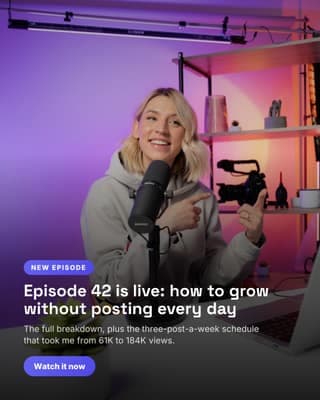
New episode drop
Announce the thing you just published, over a photo of you making it.

Newsletter milestone
A round number is a reason to post. Say it over a photo of the work.
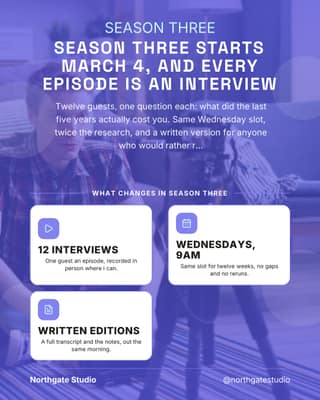
New season launch
A proper launch post: the date, what changes, and where to find it.
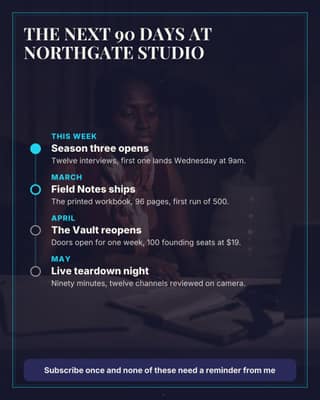
What is coming next
Publish the plan. People stay subscribed for the thing they are waiting on.
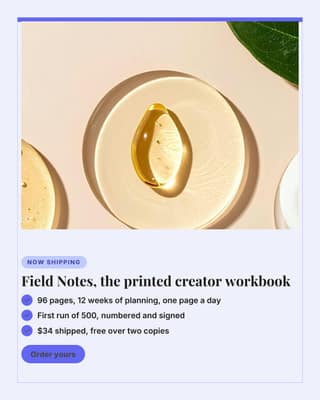
Physical product drop
The product, framed, with the three lines that make people order it.
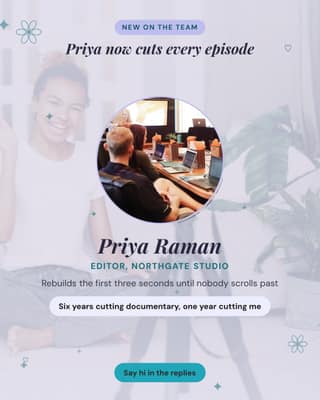
Meet the person behind it
Introducing the editor or producer makes a one-person brand feel real.
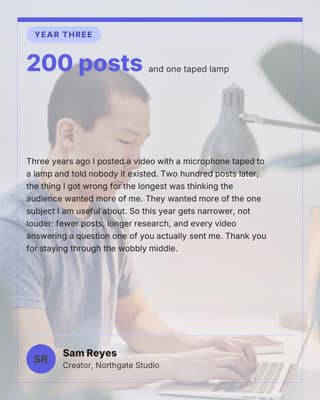
Milestone letter
A personal note to the people who have been here a while. Signed, not broadcast.
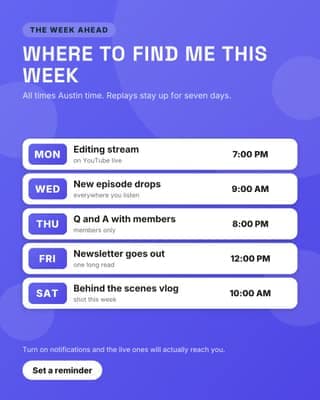
Live and upload week
Tells people when to show up, which is the whole trick with live content.
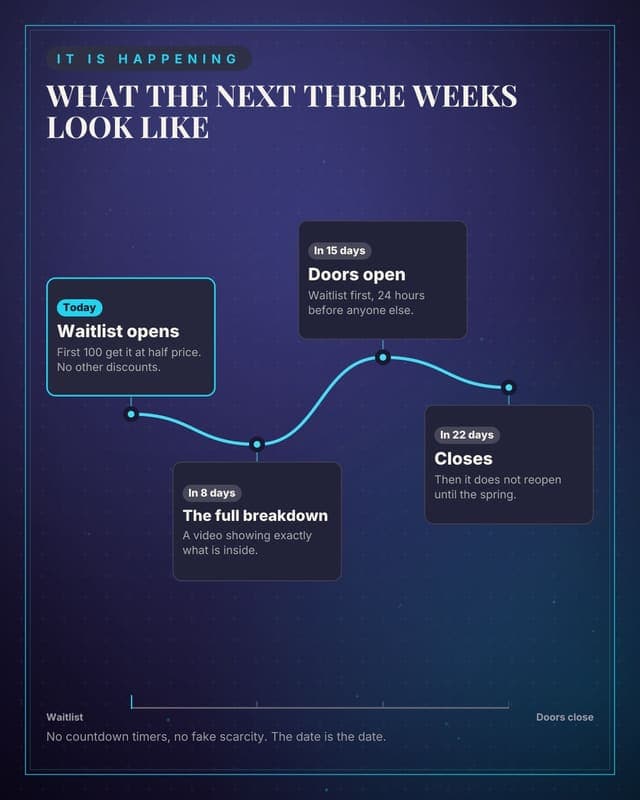
Launch countdown
Build anticipation with dated milestones instead of vague teasing.
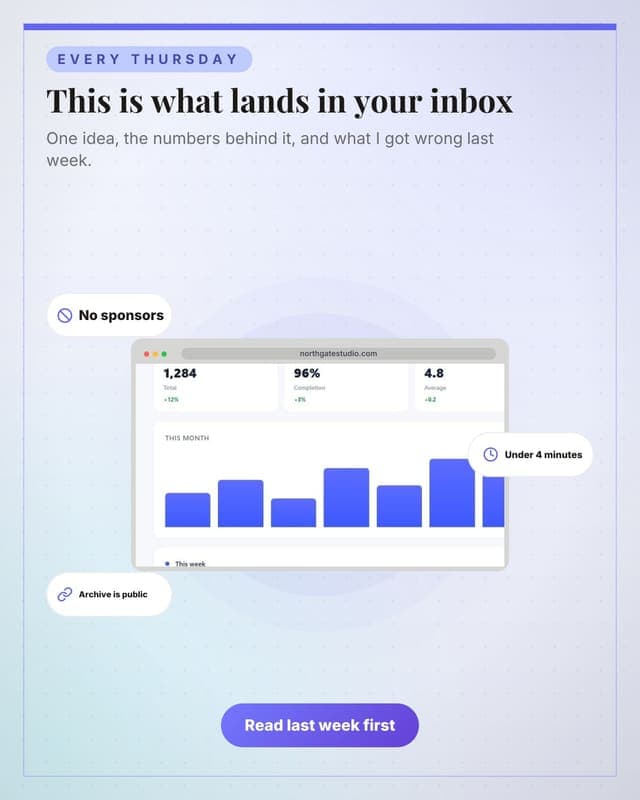
The newsletter, shown
Show what people get before they subscribe, framed in a browser.
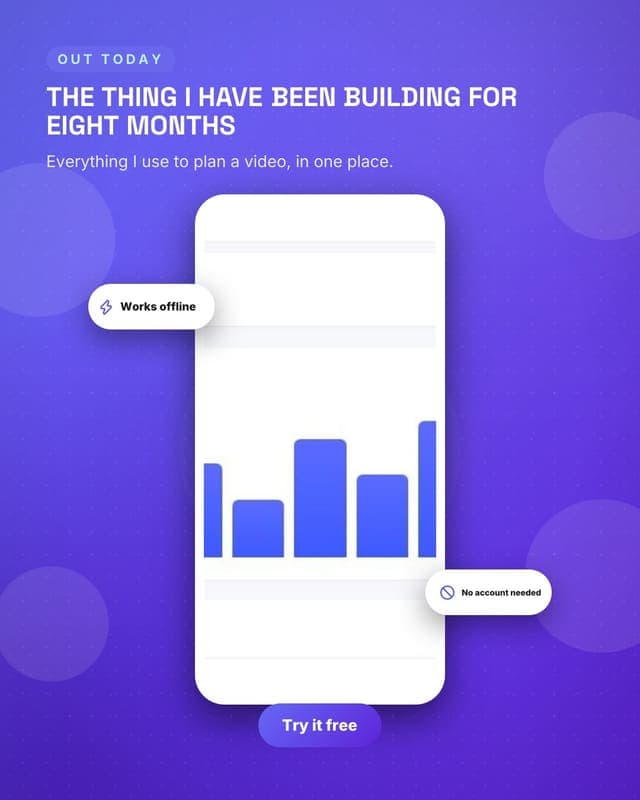
A product on a phone
Phone frame version, for anything that is used on mobile.
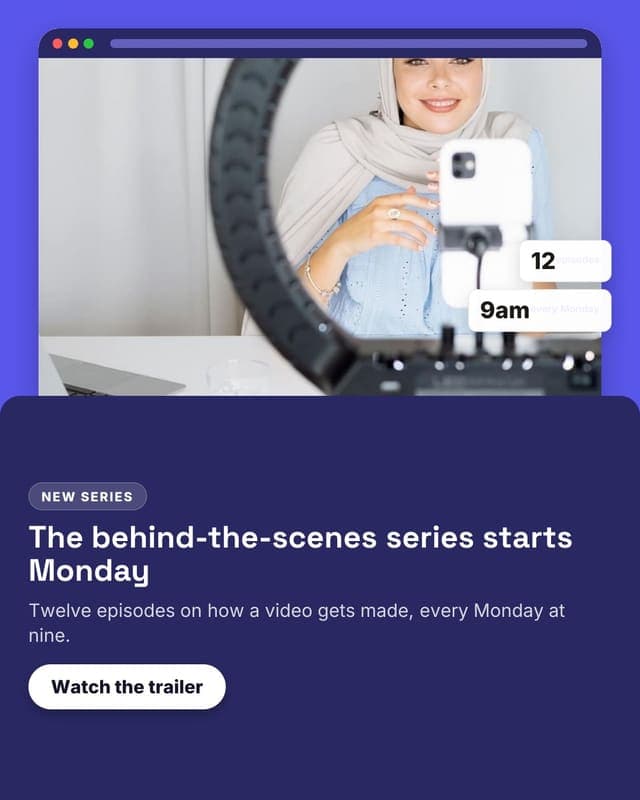
Series launch
A new series announced with the series page in a browser and the schedule as badges.
Educate
Teach the thing you get asked about constantly.
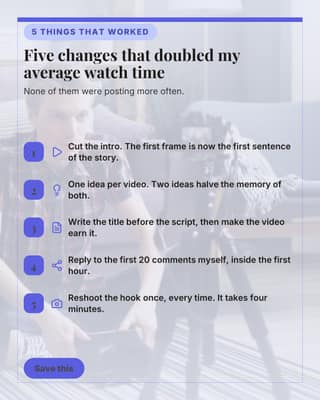
What moved the numbers
Five specific things that worked for you, saved and shared by people who want them.
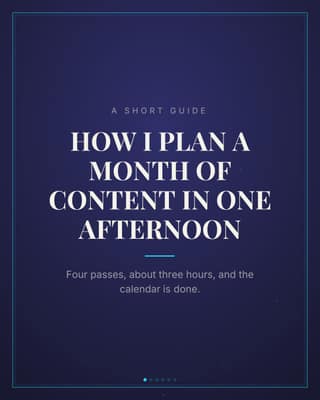
How I plan a month
A short guide carousel. The format people screenshot and send to a friend.
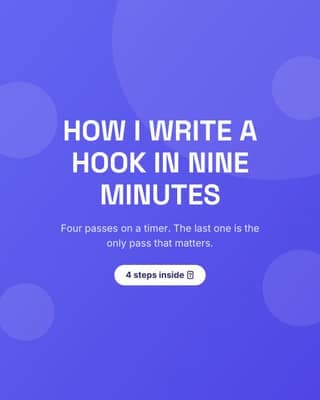
How I write a hook
A repeatable process, in steps. The most saved kind of post there is.
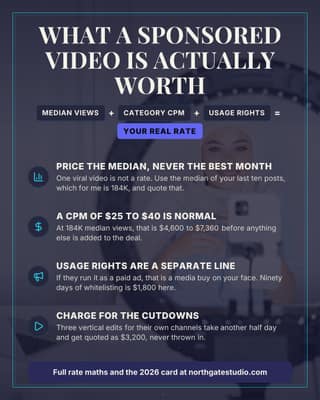
What a sponsorship is worth
Teach the maths behind your rate. Educated buyers haggle less.
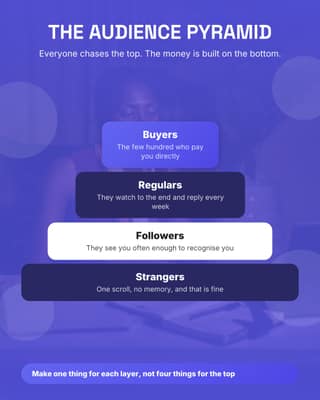
Audience pyramid
Name your own model. A framework with your name on it gets quoted back to you.
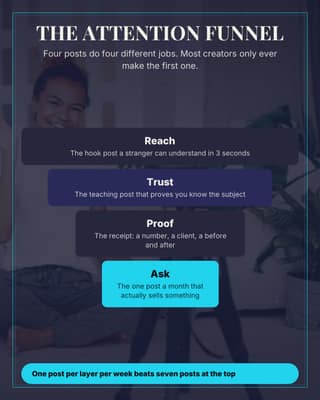
The attention funnel
Four posts doing four different jobs, drawn so the gap is obvious.
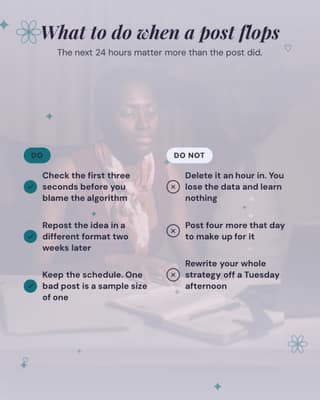
When a post flops
A do and do not split on something every creator has felt this week.
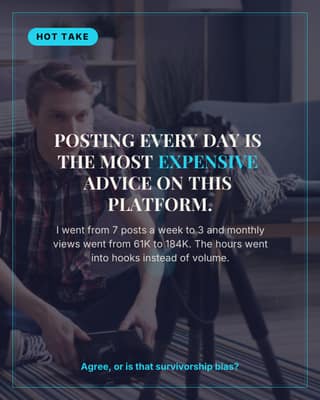
Hot take
One opinion, no hedging, and a question that makes the comments do the work.
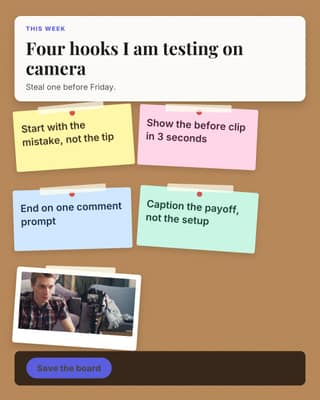
Brainstorm board
Pin four ideas on a mood board instead of burying them in a paragraph.
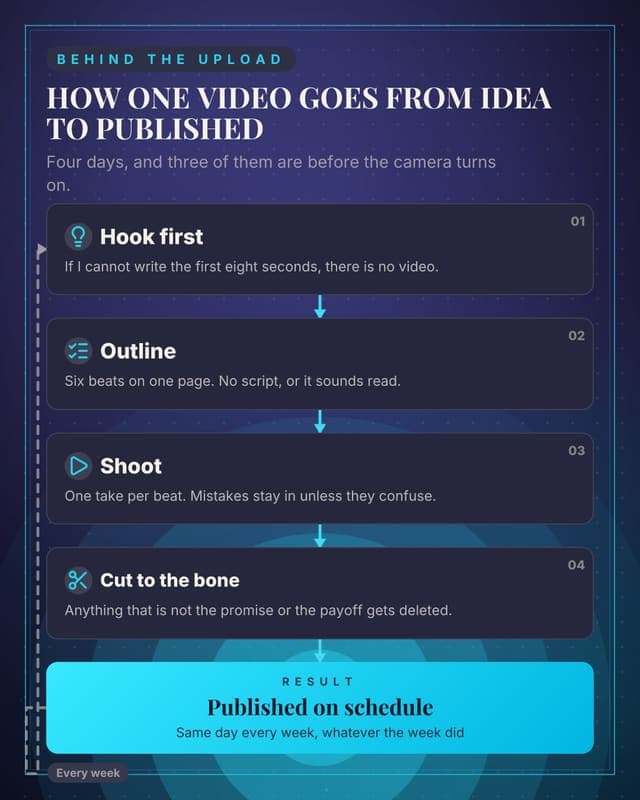
How one video gets made
Your production process as a real flow. The most-saved creator post there is.
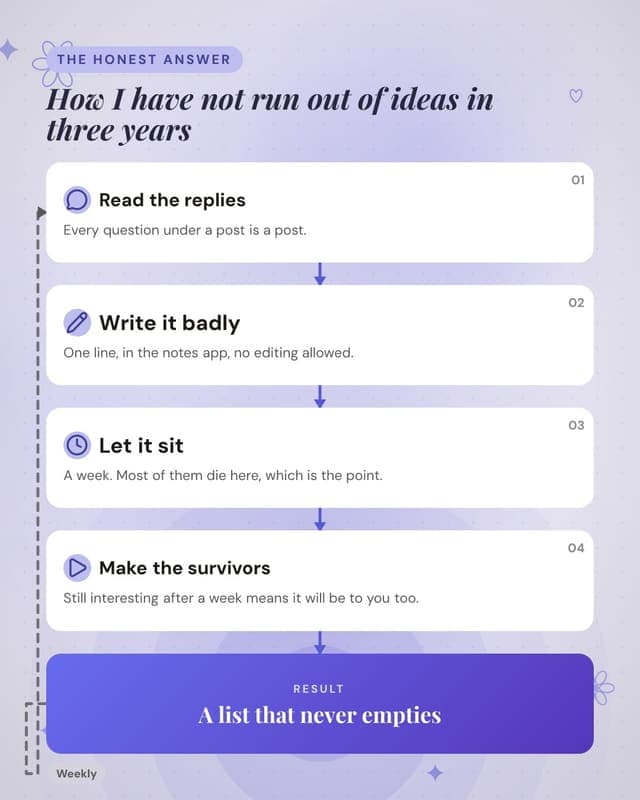
Where ideas come from
Turn "how do you never run out of ideas" into a repeatable loop.
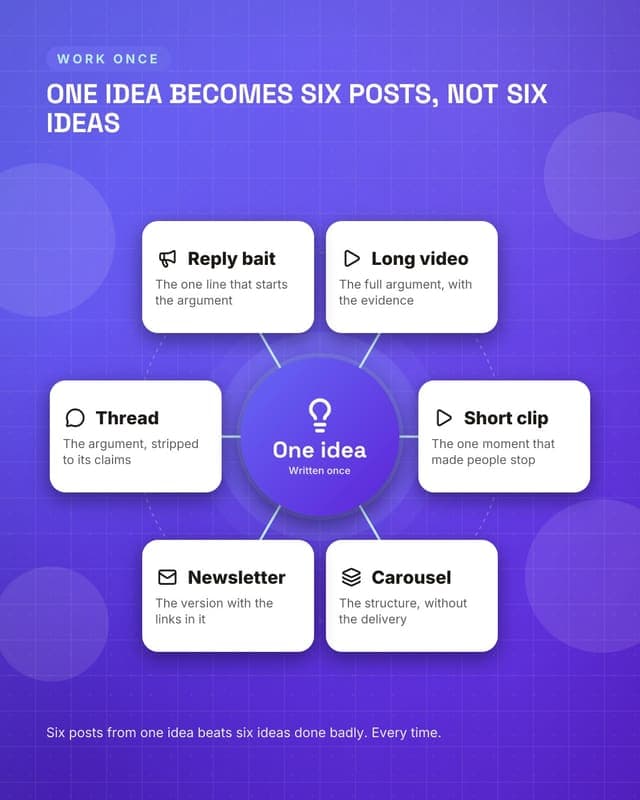
One idea, six posts
The repurposing map: a single hub idea and everything it becomes.
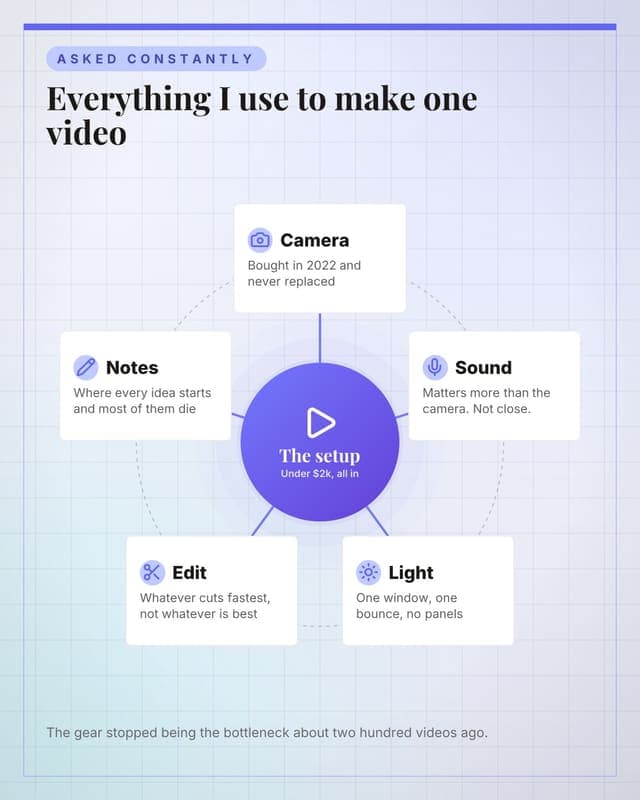
The tools I actually use
A gear post that reads as a map rather than an affiliate list.
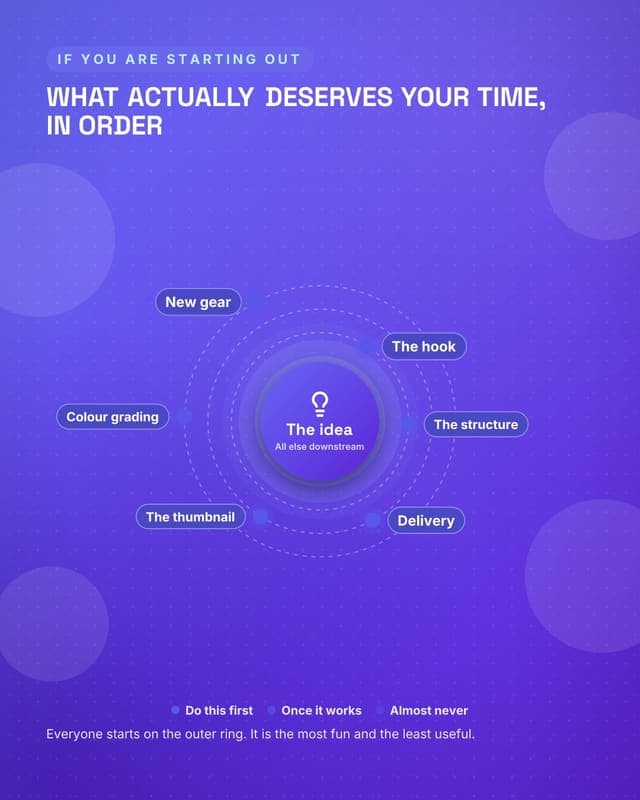
Where the effort goes
Rings that show what deserves your time, which is not what beginners think.
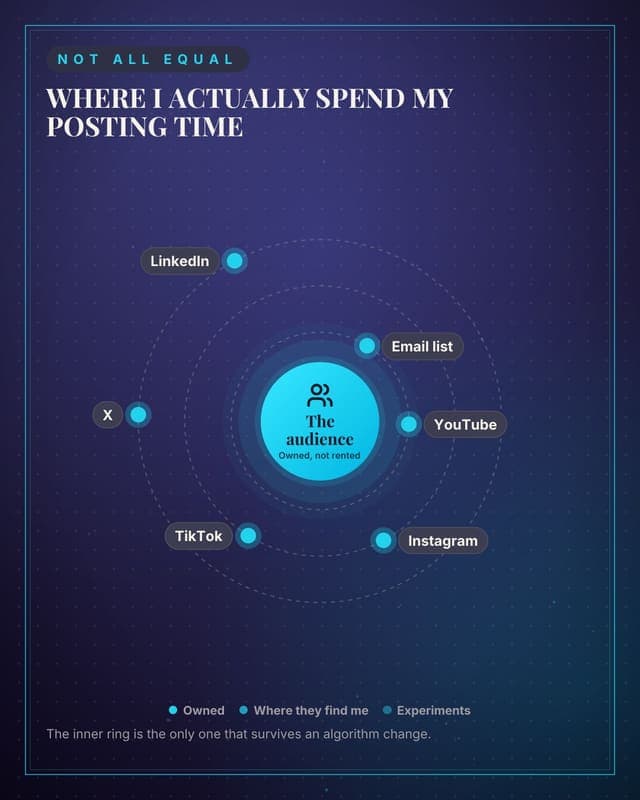
How I weight platforms
Which platforms get real effort and which get leftovers, drawn as distance.
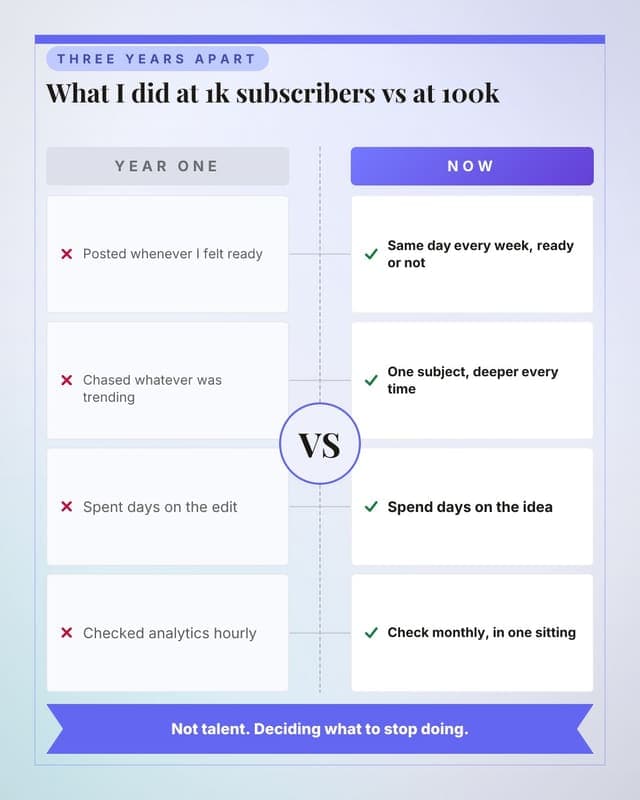
What changed when it worked
Year one versus year three, as a paired comparison rather than two lists.
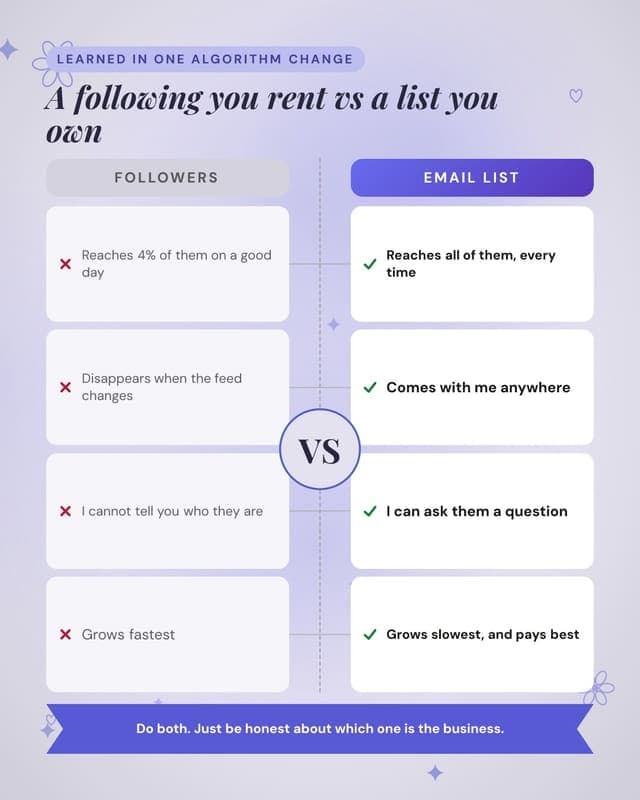
Owned versus rented audience
The email-list argument, made as a comparison instead of a lecture.
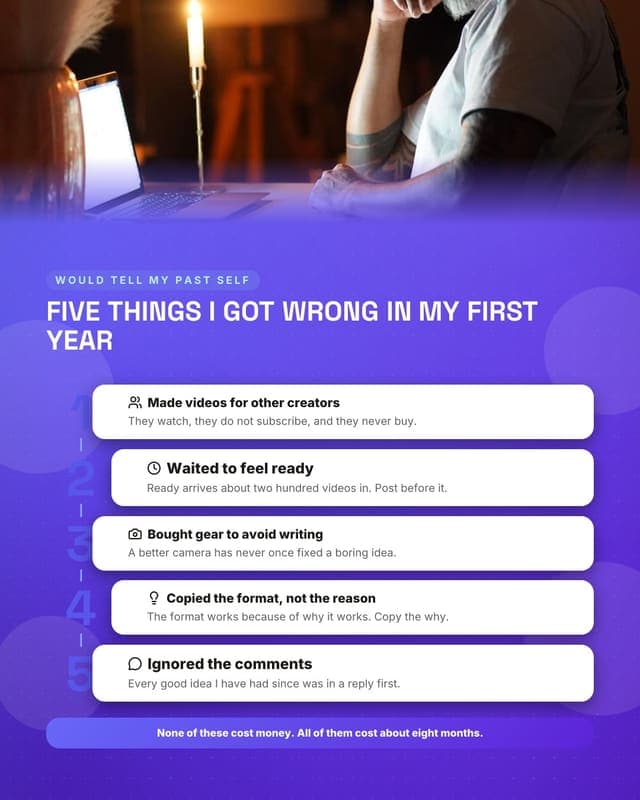
Mistakes in year one
The highest-saving creator format: mistakes, numbered, with the fix underneath.
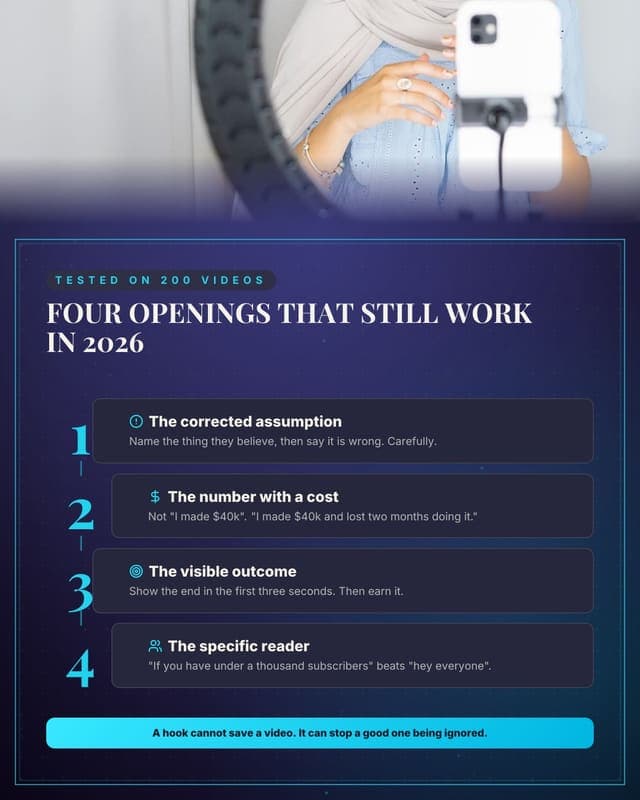
Hooks that keep working
A tactical listicle people screenshot, with an honest caveat at the bottom.
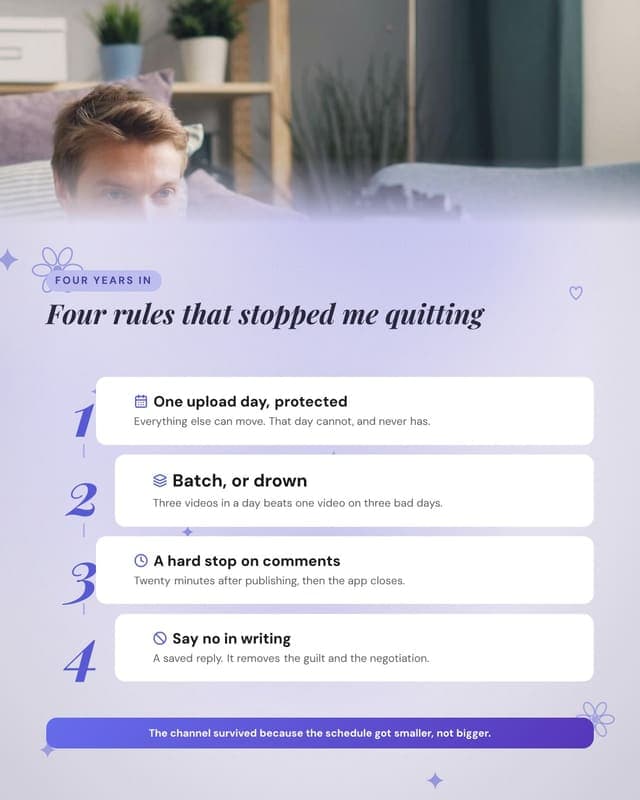
How I avoid burning out
The human post. High save rate, and it makes the next sponsored post land better.
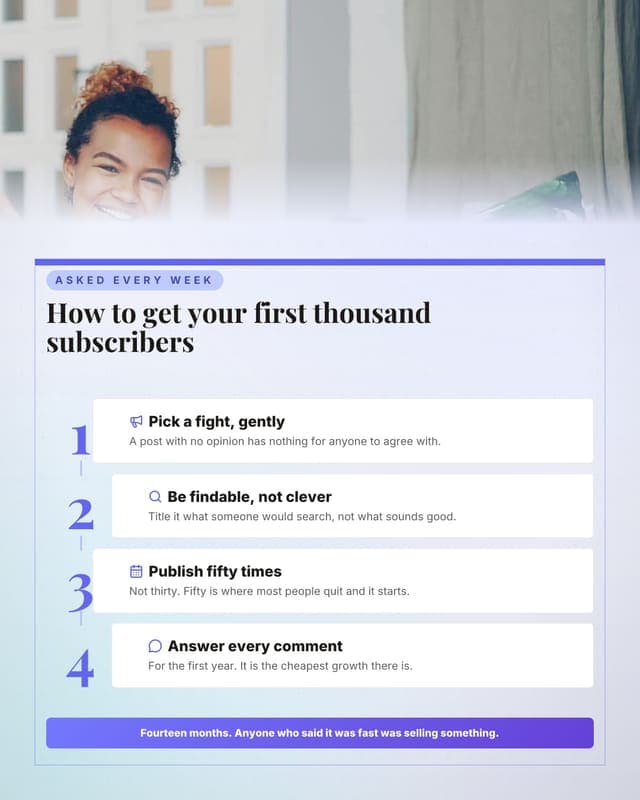
Getting the first 1,000
Answers the single most-asked question in creator comments.
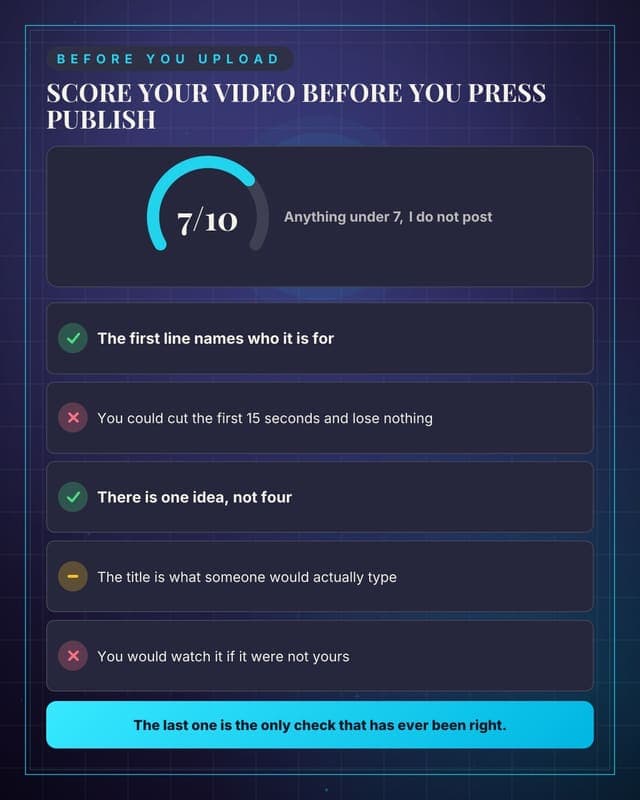
Score your last video
A self-audit format that gets saved and re-used every upload.
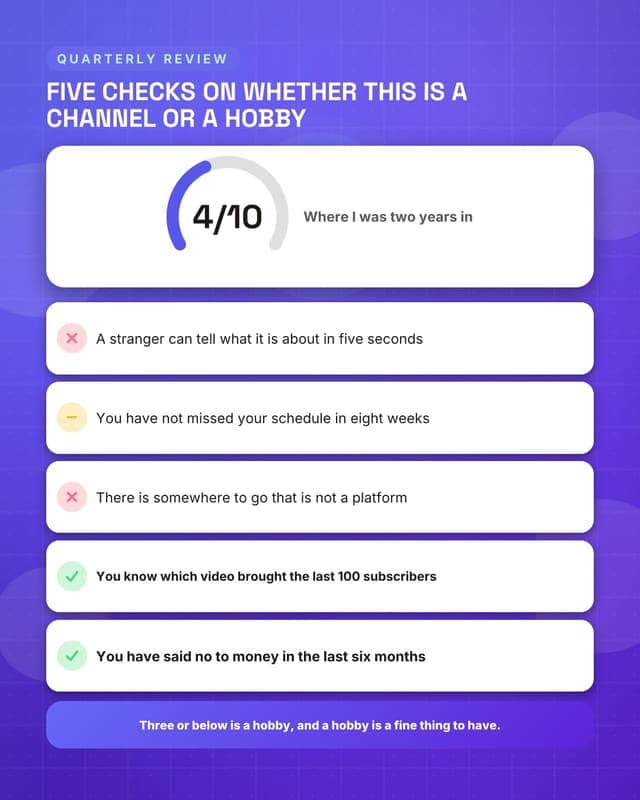
Score your channel
A bigger audit for the once-a-quarter review post.
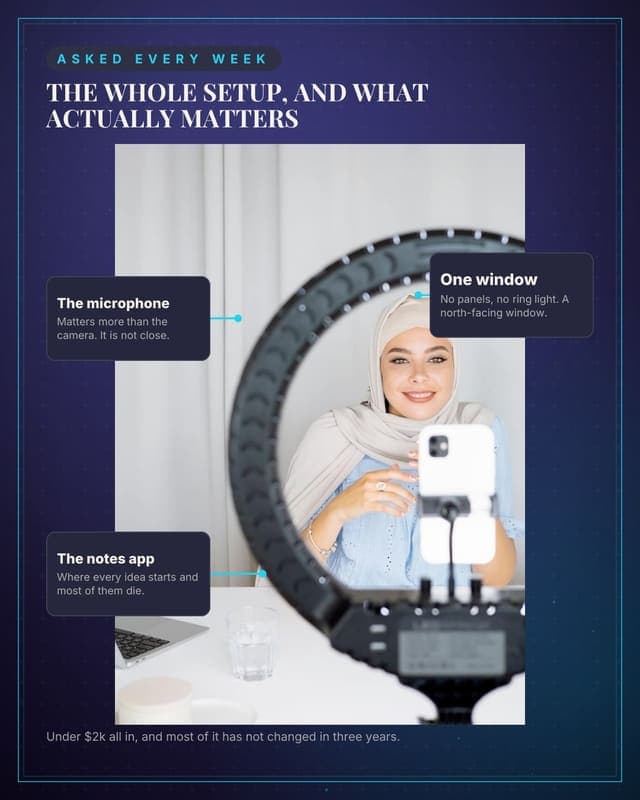
My setup, annotated
The most-requested creator photo, with labels instead of a caption list.
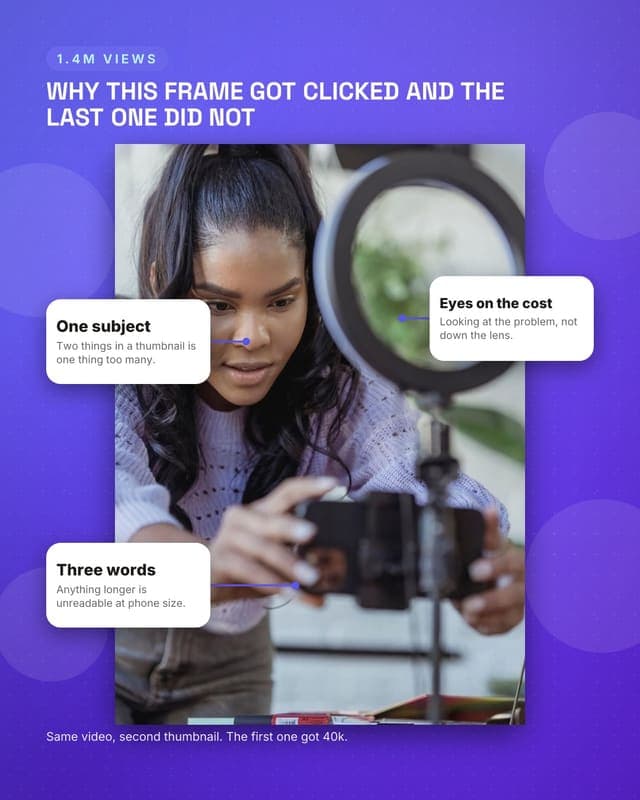
Why this thumbnail worked
Annotate your own best-performing frame. Deeply useful and pure proof.
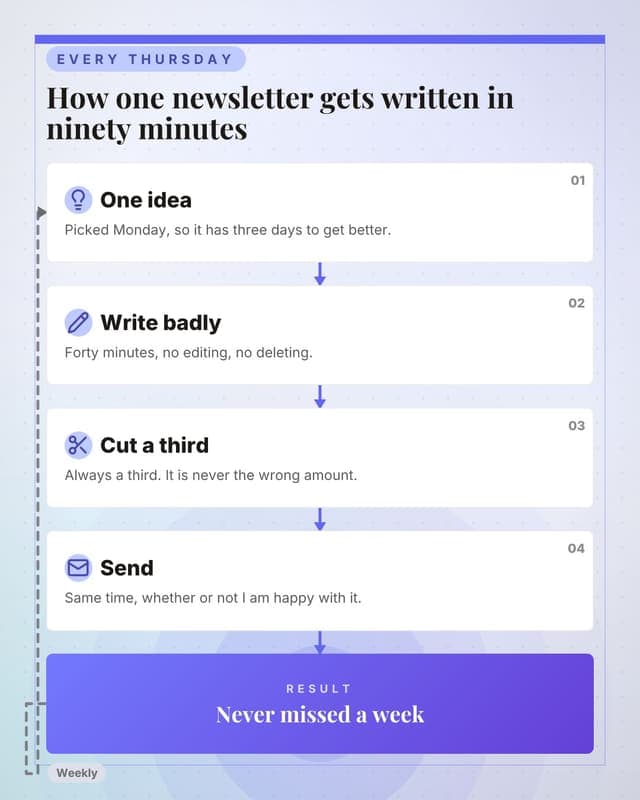
How the newsletter gets written
Process content for the format most creators find hardest to sustain.
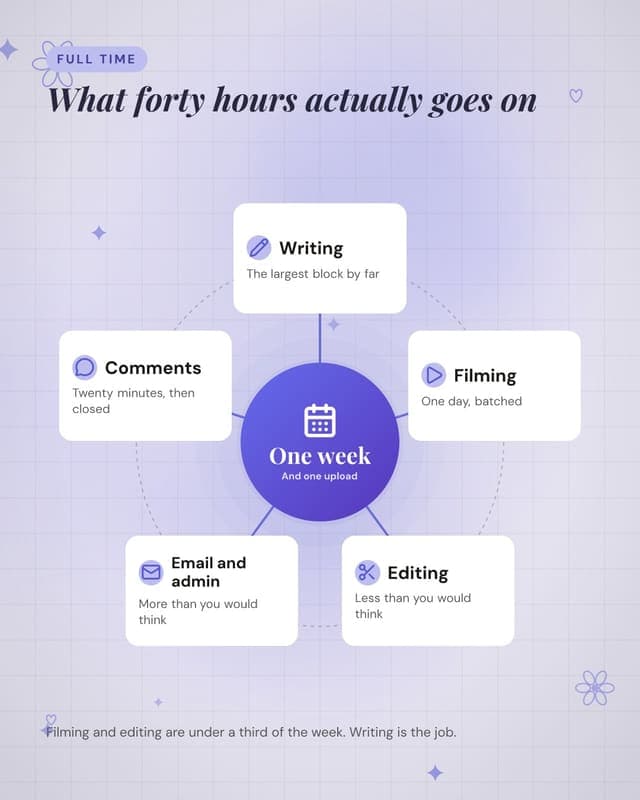
What a week contains
The reality of full-time creating, which almost nobody shows.
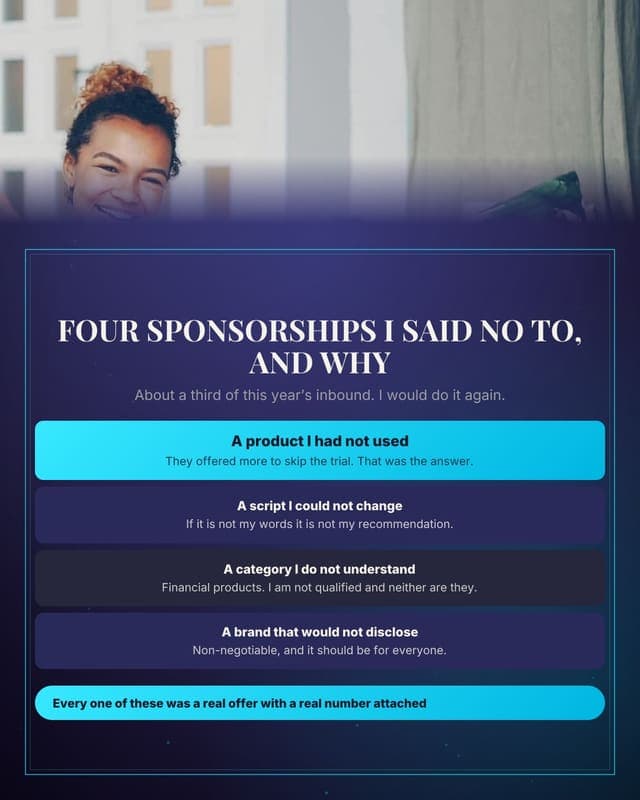
Deals I turned down
Turning down money in public is the strongest trust signal a creator has.
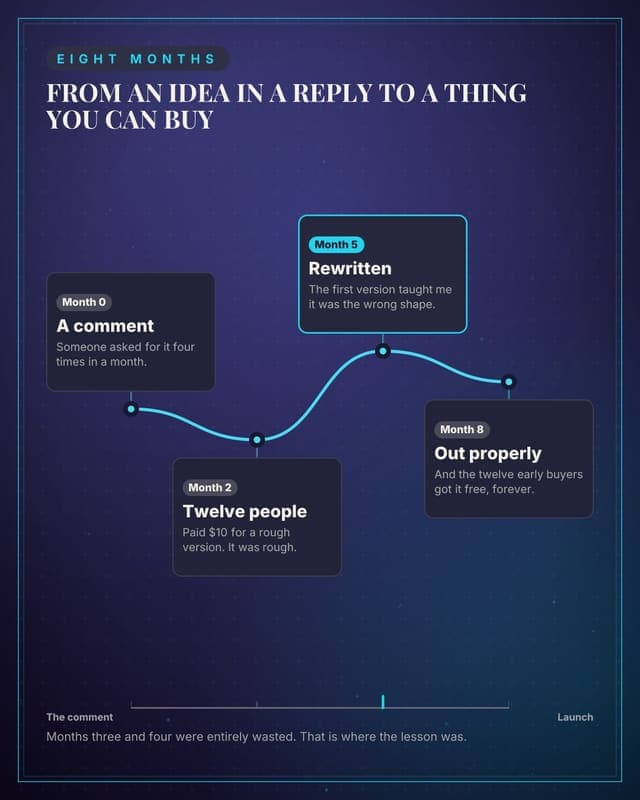
How the product got built
Build-in-public content for creators shipping their own thing.
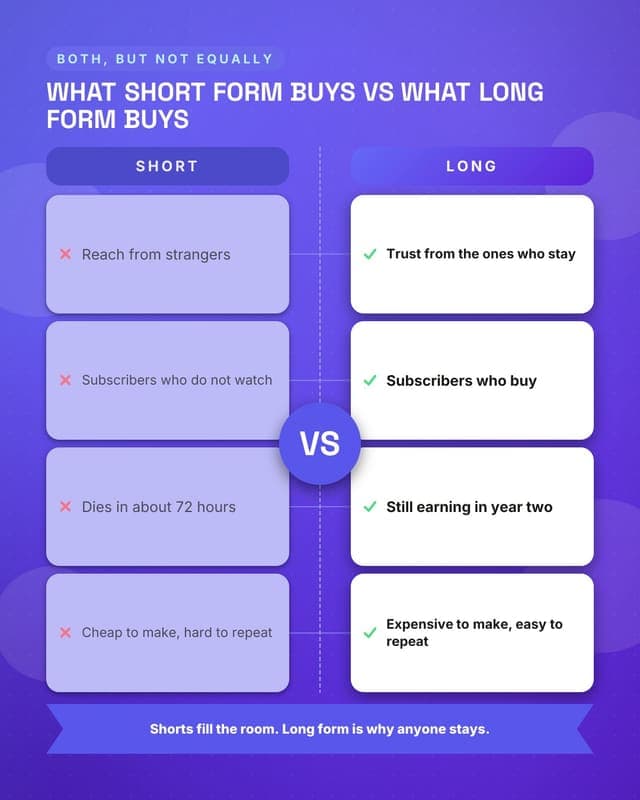
Short form versus long form
A comparison every creator argues about, and a genuinely useful answer.
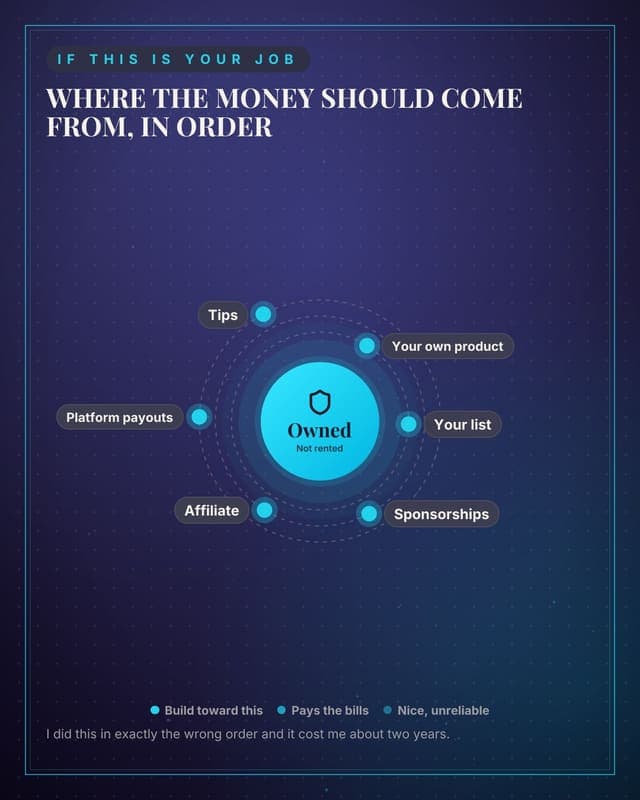
Where income should come from
Advice content aimed at other creators, which is a large and engaged audience.
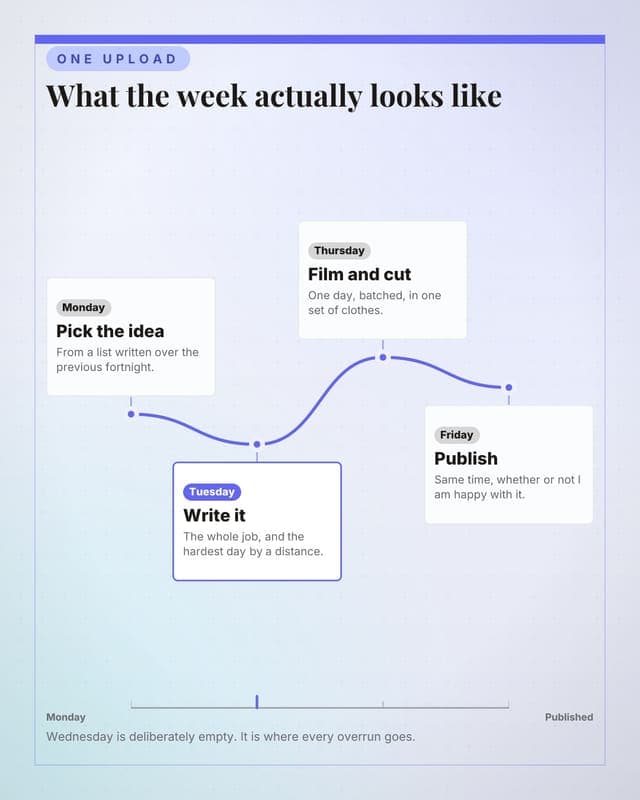
A week, mapped
The routine post. Relatable, useful and it makes the work look like work.
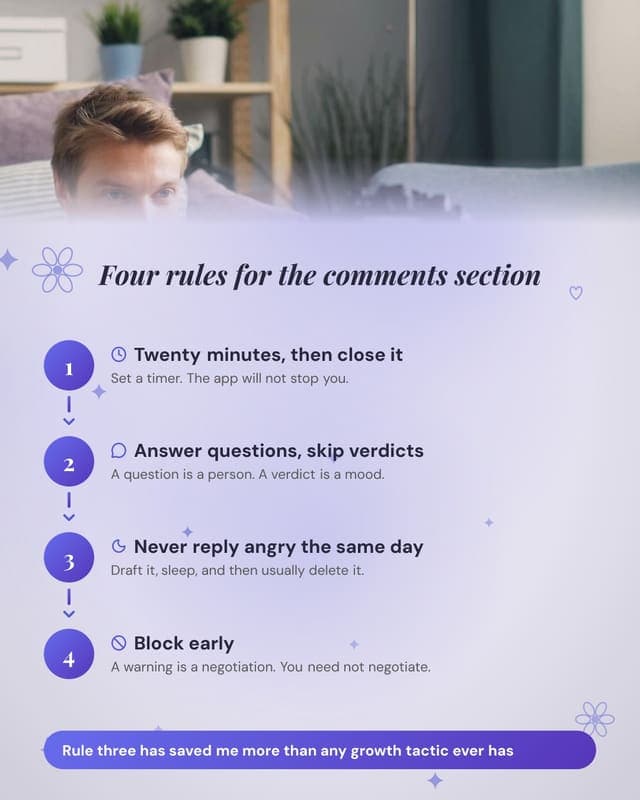
Handling comments
Everyone with an audience needs this, and almost nobody writes it down.
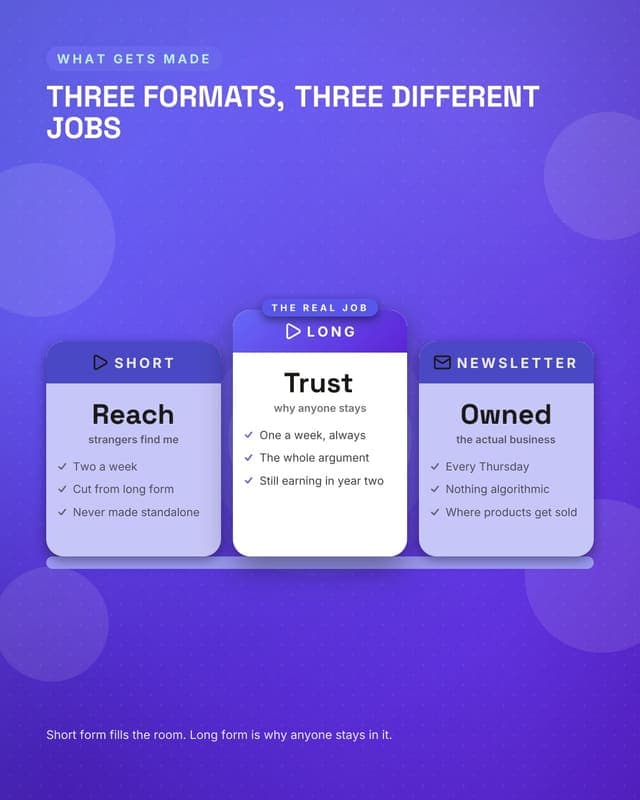
Three formats
Explains the content mix, which sponsors and aspiring creators both want.
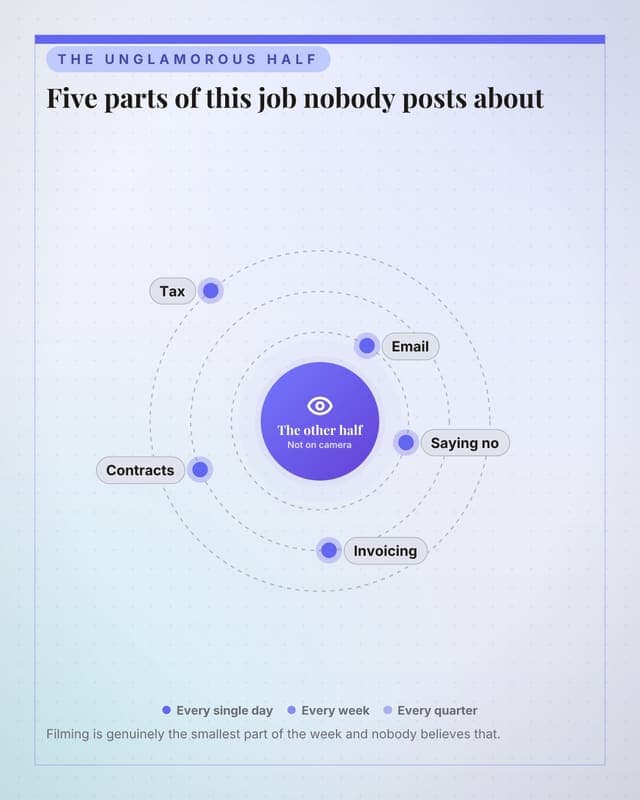
What nobody sees
The unglamorous reality, which performs unusually well and builds real connection.
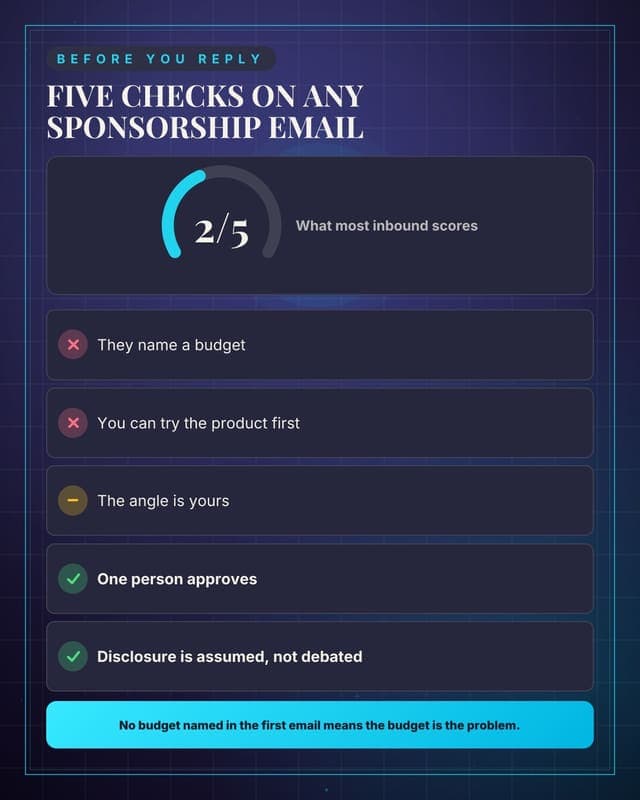
Score a sponsorship offer
Useful to every creator, and it teaches brands what a good offer looks like.
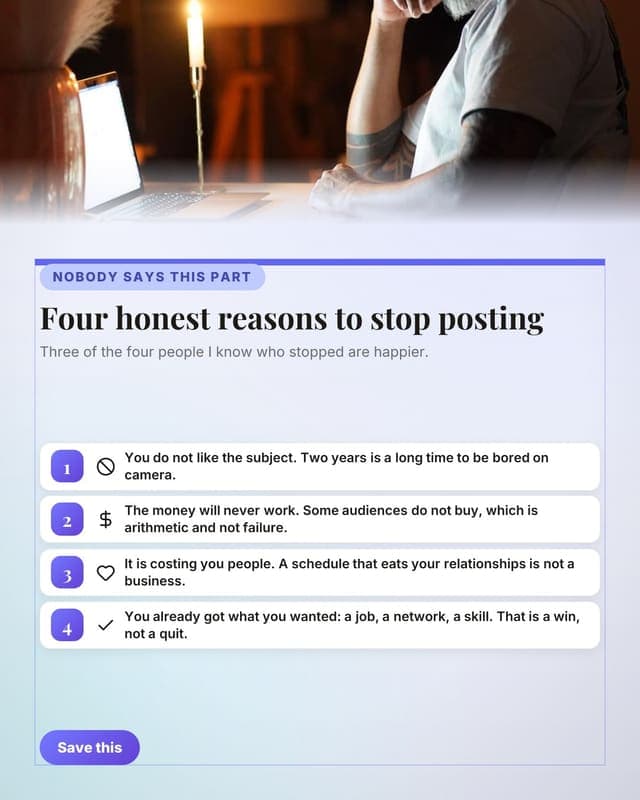
When to stop
The post nobody makes, which is exactly why it travels.
Proof
Results, reviews and before-and-afters that answer "does it work".
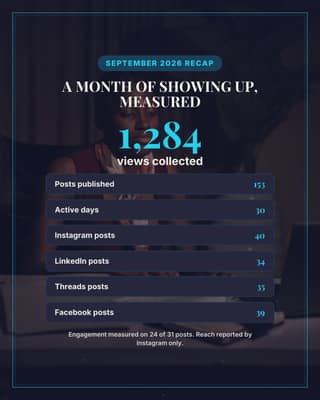
Month in numbers: the channel
Your month as one honest card: output, platforms, and what was actually measured.
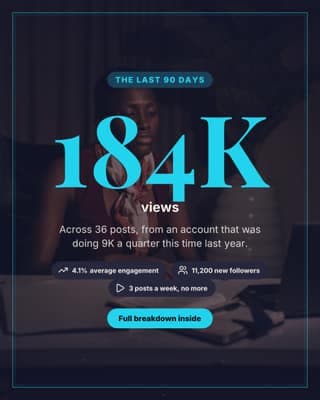
Audience milestone
One number, big enough to be the whole post. Good for a milestone or a media kit.
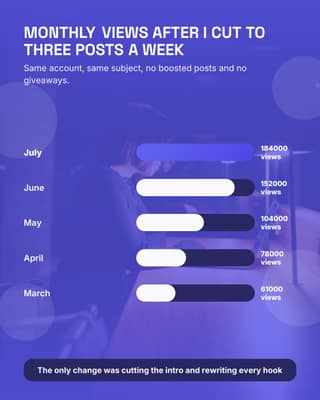
Growth chart
Five months of real numbers as a chart. Nothing proves a claim like a bar.
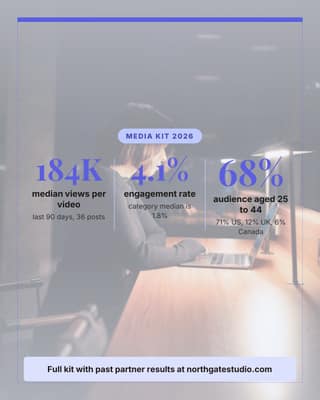
Media kit numbers
The three numbers a brand asks for, answered before they email you.
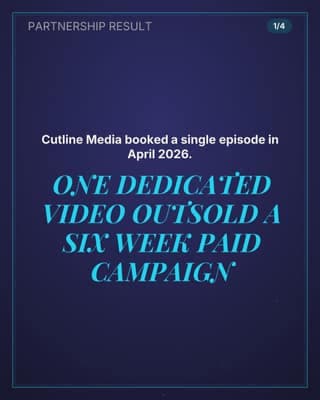
Partnership case study
The receipt that closes the next brand deal: what they bought, what it returned.
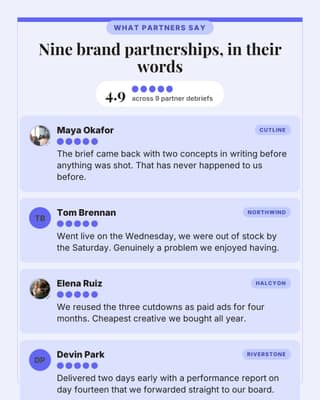
Wall of partner reviews
Four brands saying it beats anything you could write about yourself.
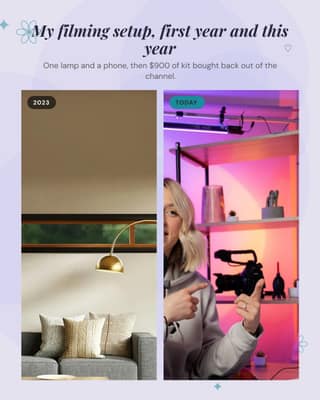
Setup then and now
Two photos, three years apart. The most relatable proof a creator has.
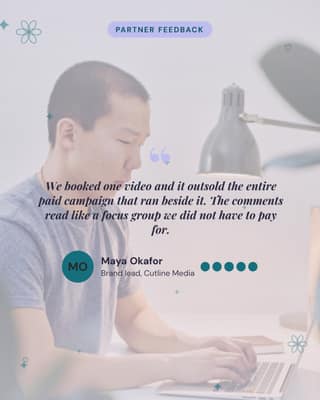
Brand partner testimonial
A sponsor saying the thing you cannot say about yourself.
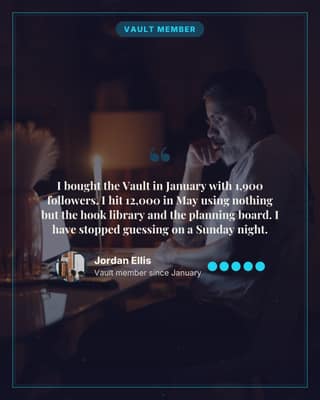
Customer testimonial
Proof for your own product, from somebody who paid for it.
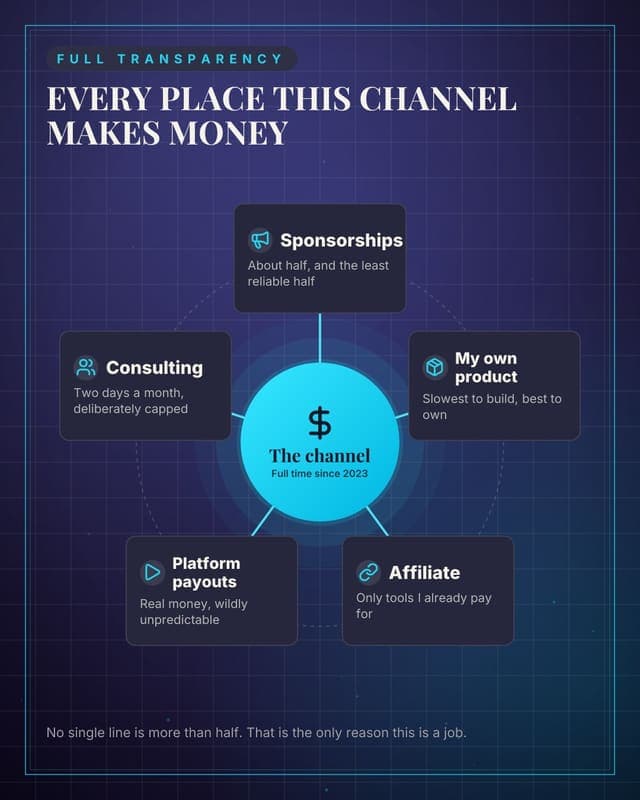
Where the income comes from
A transparency post that shows the whole business, not just the sponsorships.
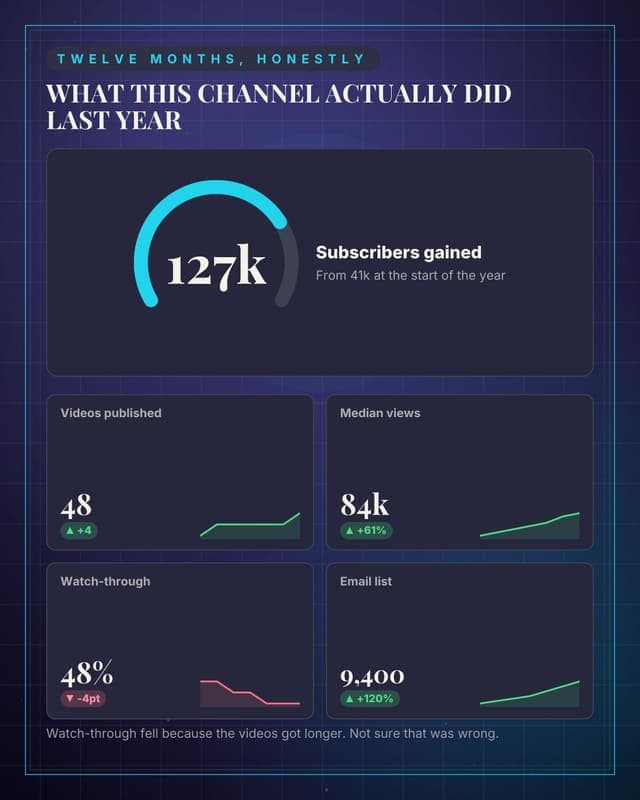
The year in numbers
A transparency dashboard with the bad number deliberately left in.
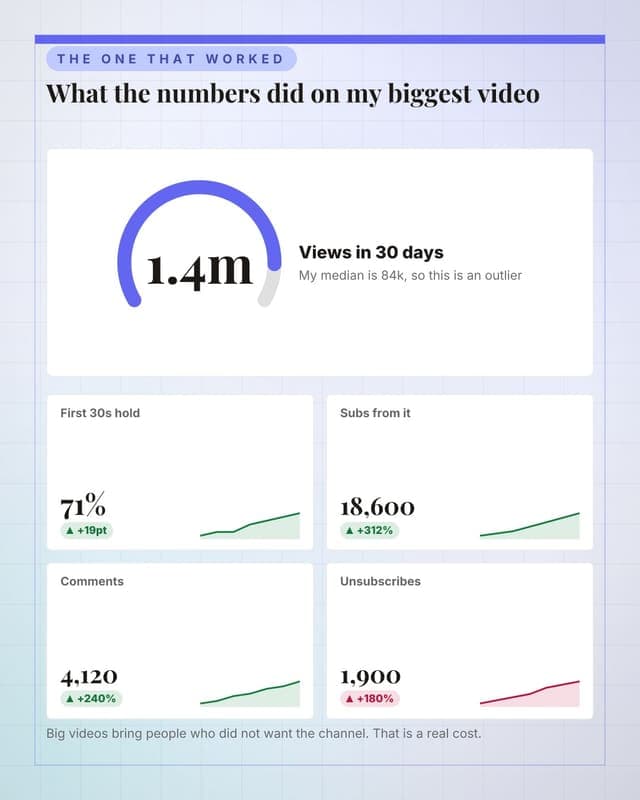
One video, broken down
Post-mortem a single upload so the audience learns the mechanics with you.
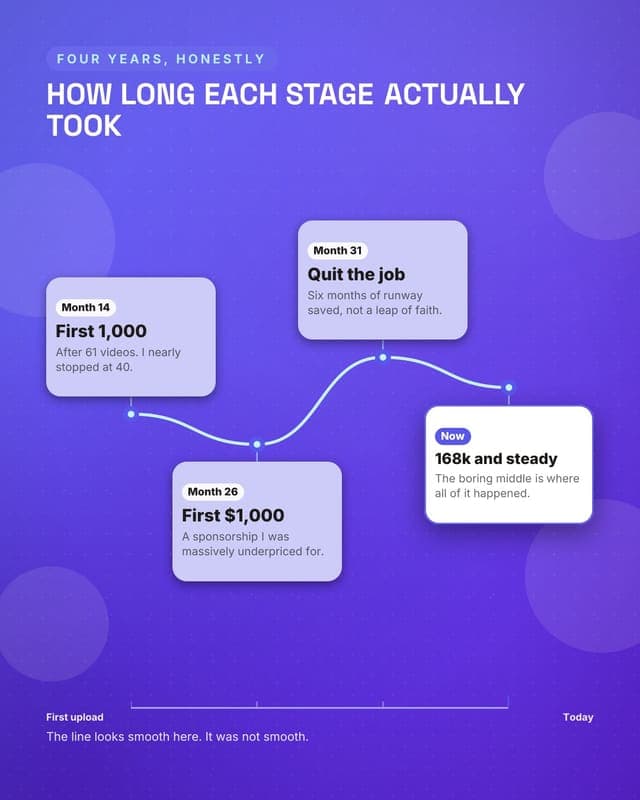
The growth story
Your milestones on a path, which reads far better than a subscriber graph.
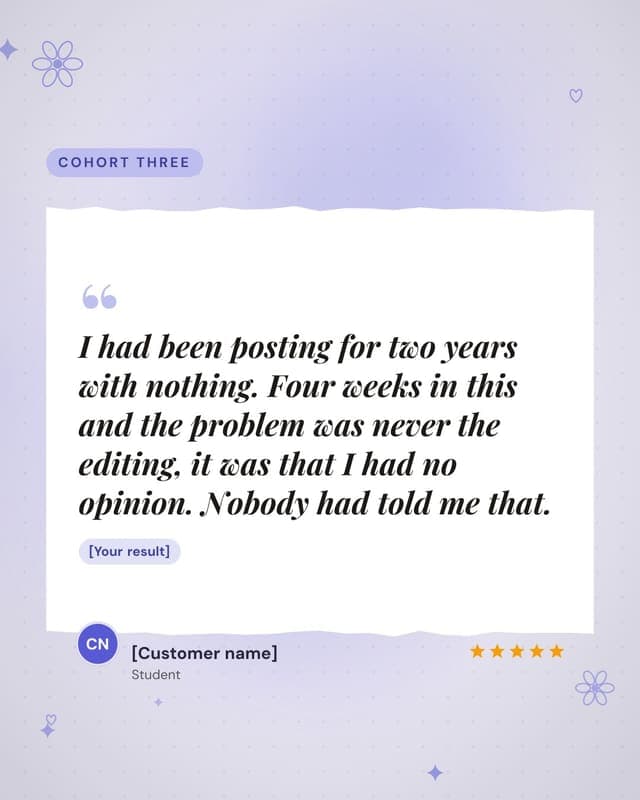
What a student said
Social proof for your product, on paper, with the result it proves.
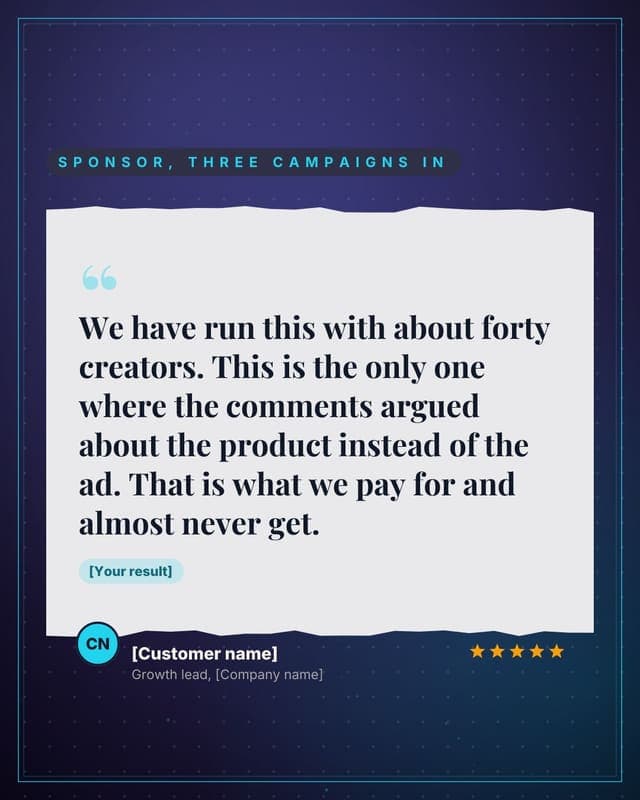
What a sponsor said
A brand testimonial, which is the proof that unlocks the next brand.
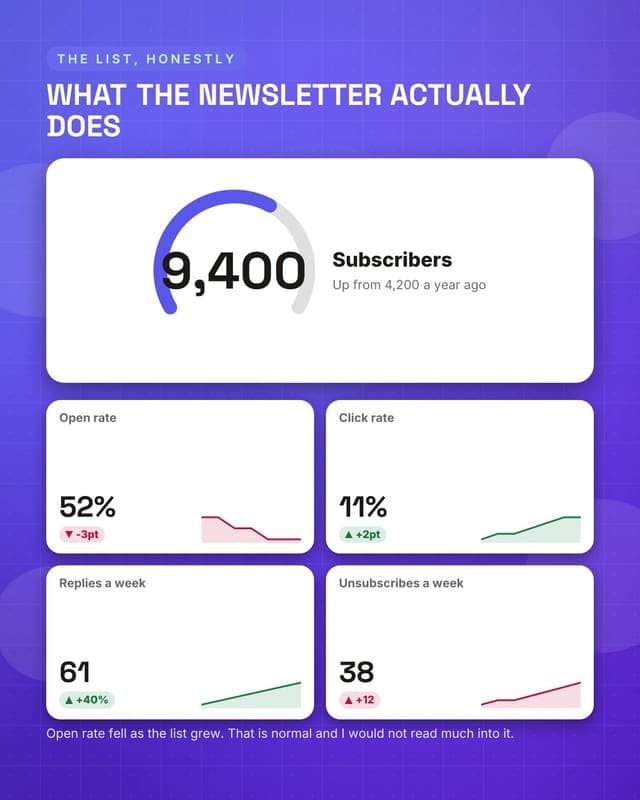
Newsletter numbers
Proof for sponsors that the owned audience is real, with the weak number kept in.
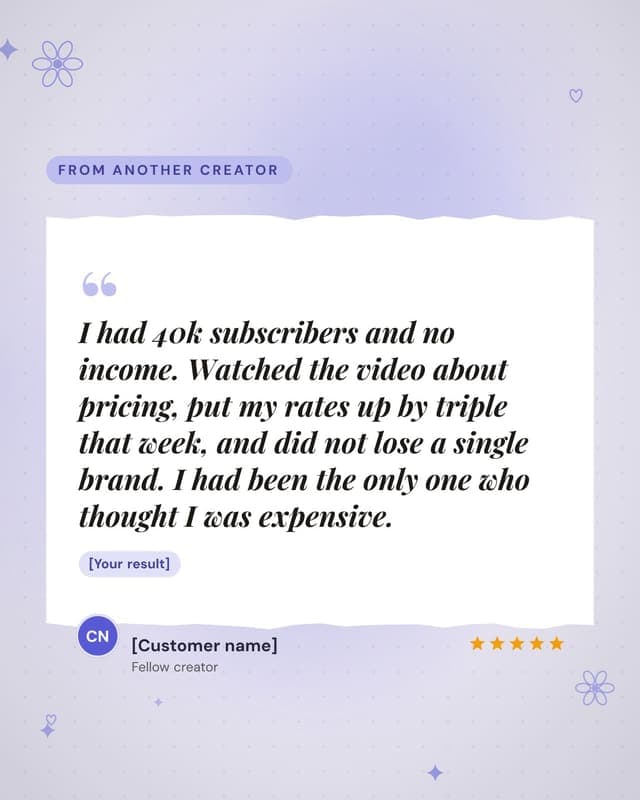
Another creator
Peer endorsement reaches the exact audience your product is for.
Promote
Offers, pricing and the reason to act this week.
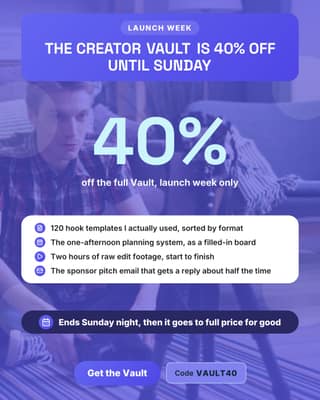
Digital product launch
Launch week pricing on your own product, with the deal readable at a glance.
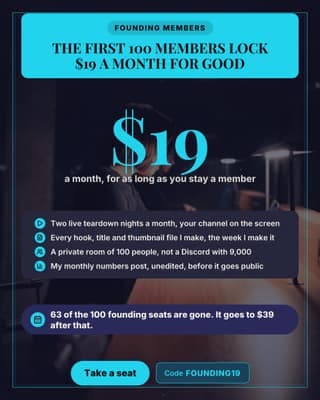
Founding member price
A membership launch where the scarcity is real and countable.
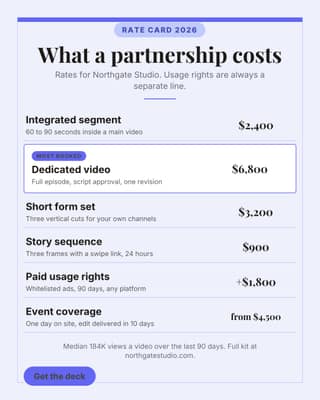
Sponsorship rate card
Publish the rates. It ends the "what is your budget" email forever.
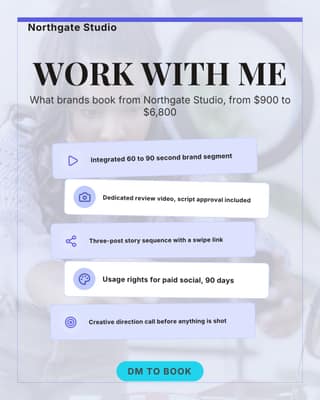
Work with me menu
The pinned post that tells brands exactly what they can buy from you.
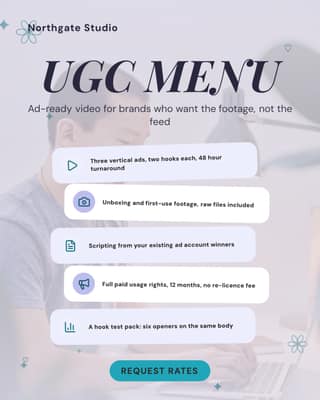
UGC menu for brands
For brands who do not need your audience, only your hands and your camera.
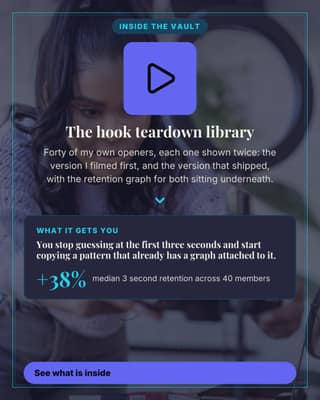
One part of your product
Sell one module instead of the whole thing. Small asks convert better.
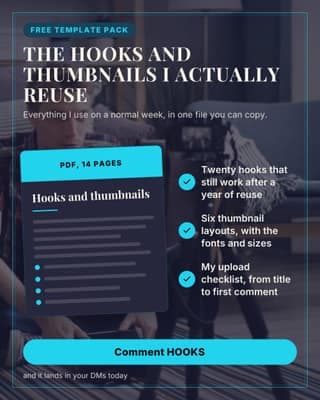
Free resource promo
The comment-to-get post. Built to farm replies and grow the list at once.
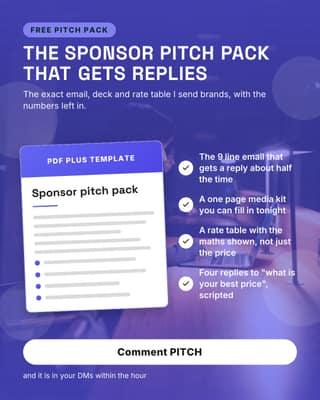
Free sponsor pitch pack
Give away the thing your audience is most scared to write themselves.
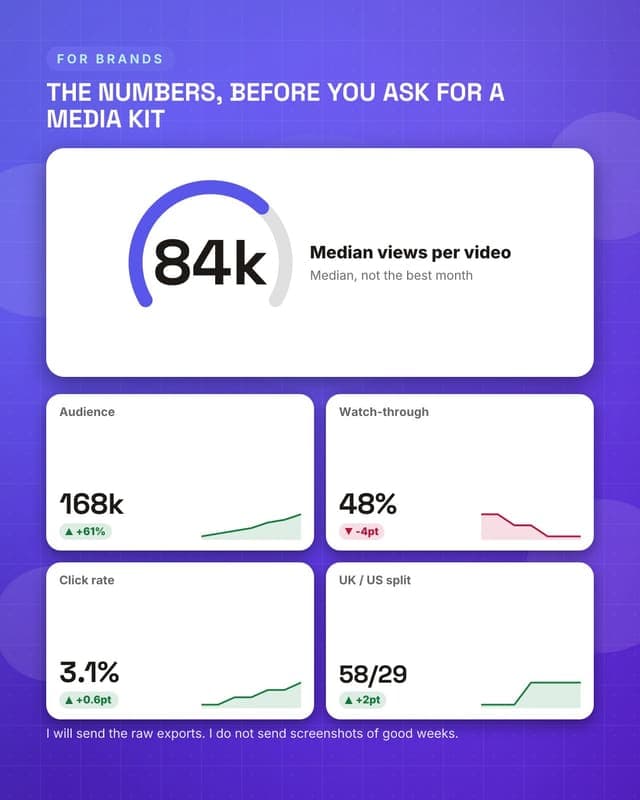
Media kit dashboard
The one image a brand needs before a first call.
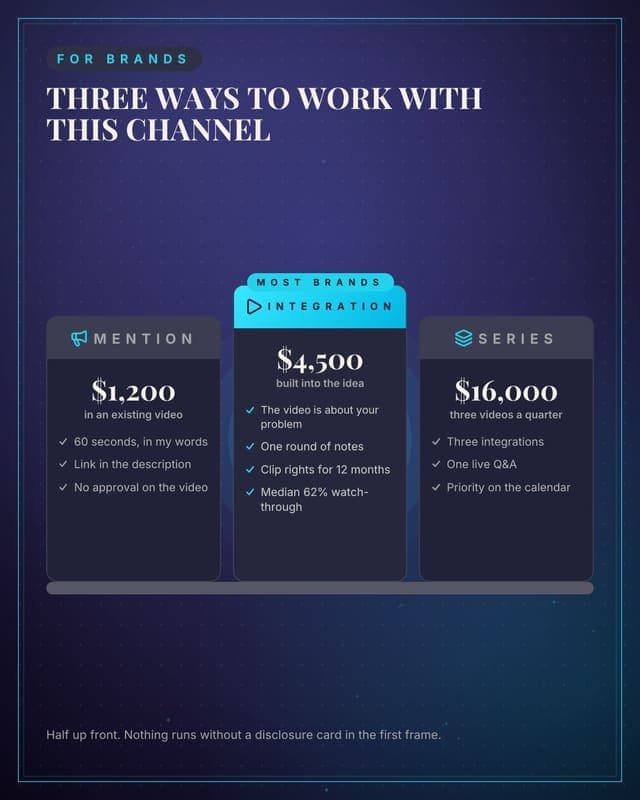
Ways to work with me
Sponsorship tiers as columns with one recommended, so brands self-select.
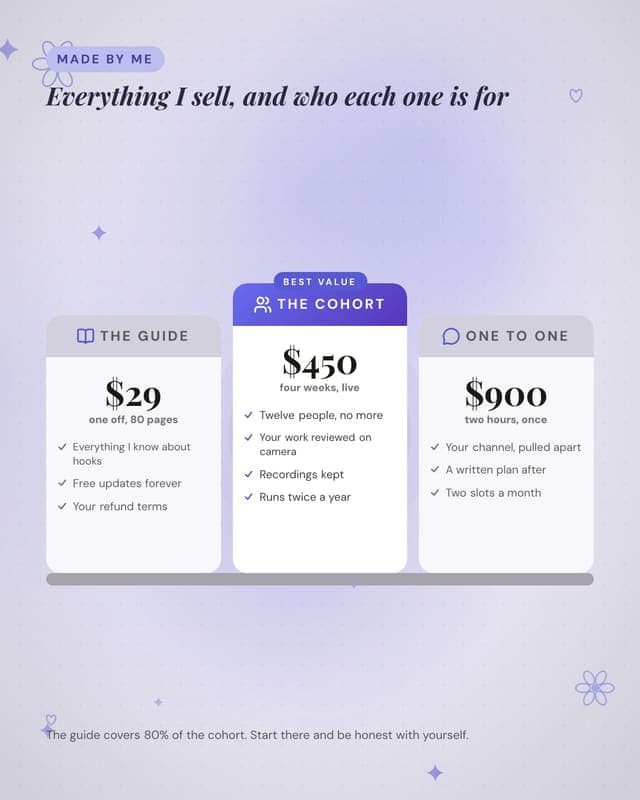
What I sell
Your own products, priced side by side, with the middle one recommended.
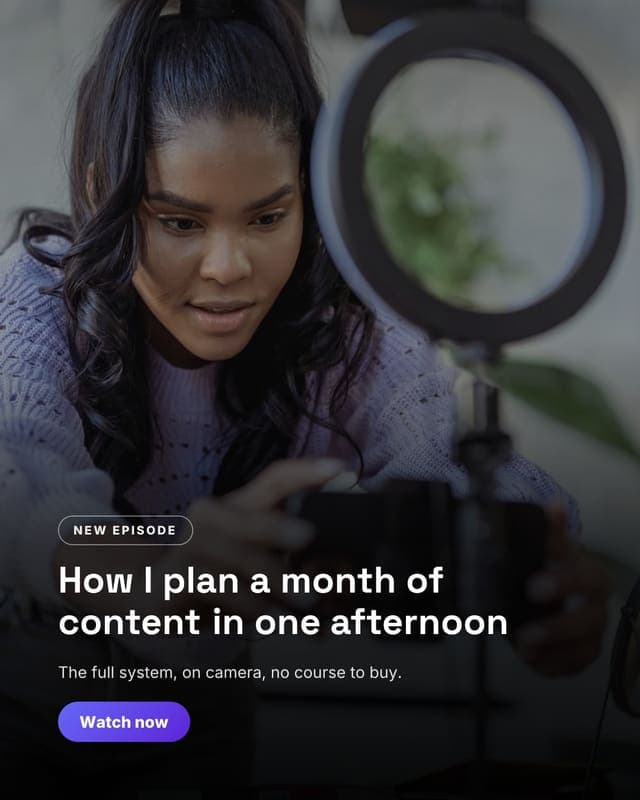
Episode hero
A cinematic still with the episode title over it, for the launch post.
Convert
The post that asks for the booking, the trial or the reply.
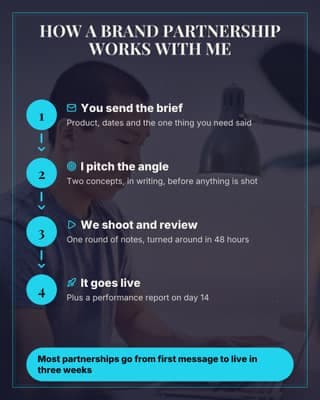
How a partnership works
Removes the friction from a brand DM by showing what happens after it.
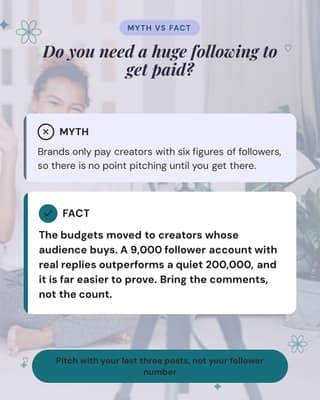
Follower-count myth
Answer the hesitation that stops brands and buyers from messaging you.
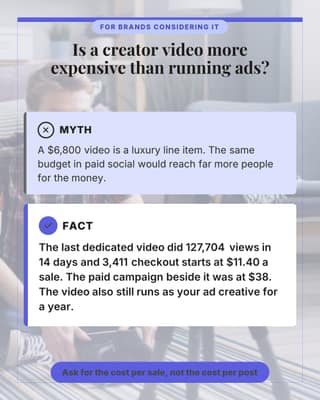
Too expensive myth
The price objection, answered with the number that makes it look cheap.
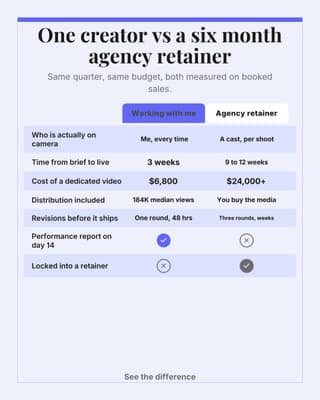
Me vs an agency
Line the two options up and let the table close it for you.
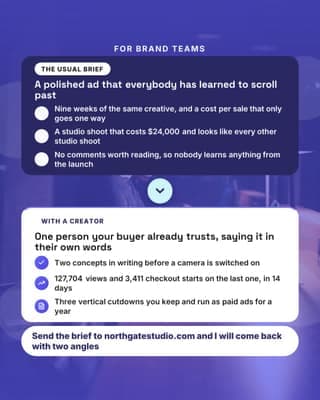
Why ads get skipped
Name the brand-side pain, then be the fix. The pitch post for sponsors.
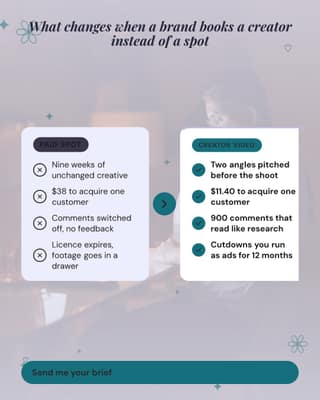
Old way vs working with me
The words-only transformation. Works before you have any photos or charts.
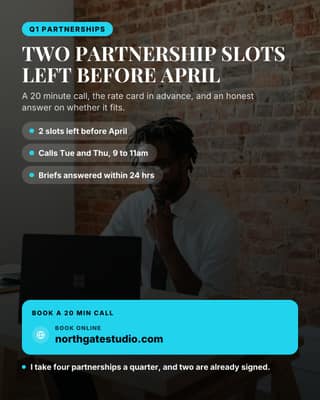
Partnership slots open
Stop saying DM me. Put the slots, the dates and the link on the image.
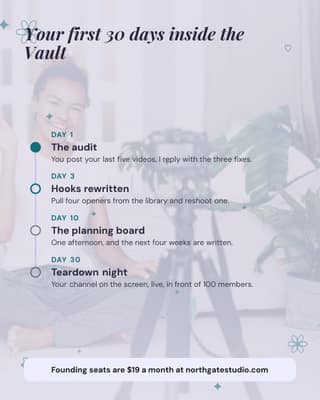
Your first 30 days
Show what happens after somebody buys. Certainty is what closes the sale.
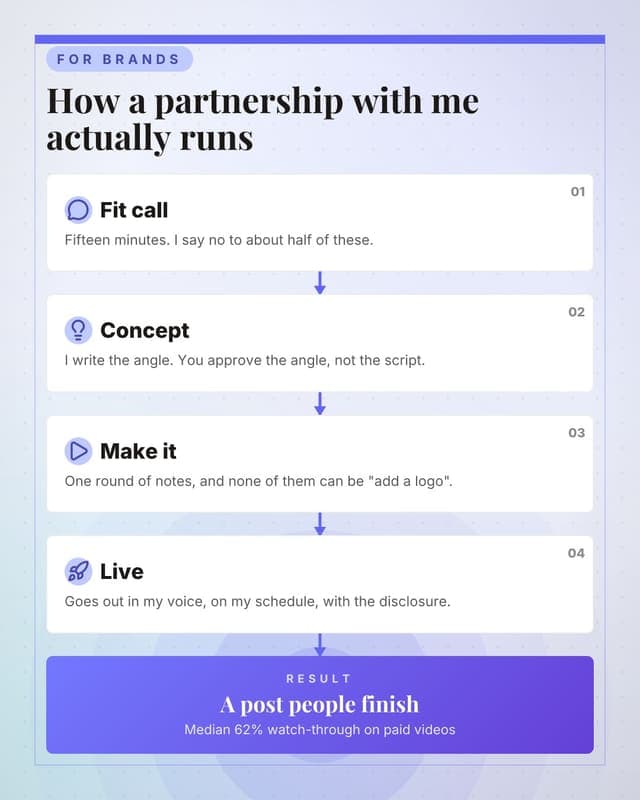
How a brand deal runs
Set expectations with brands before the first call, in one image.
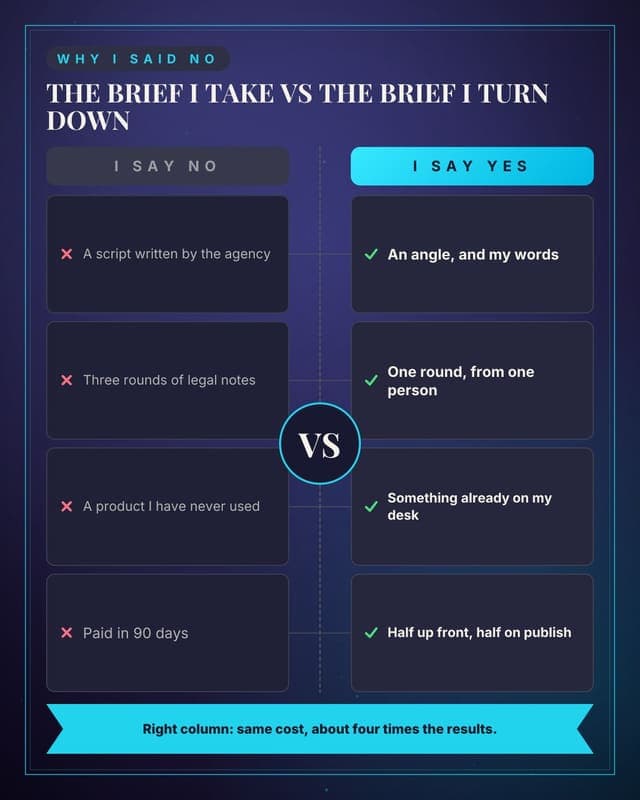
Good deal versus bad deal
Teach brands how to work with you by contrasting the two kinds of brief.
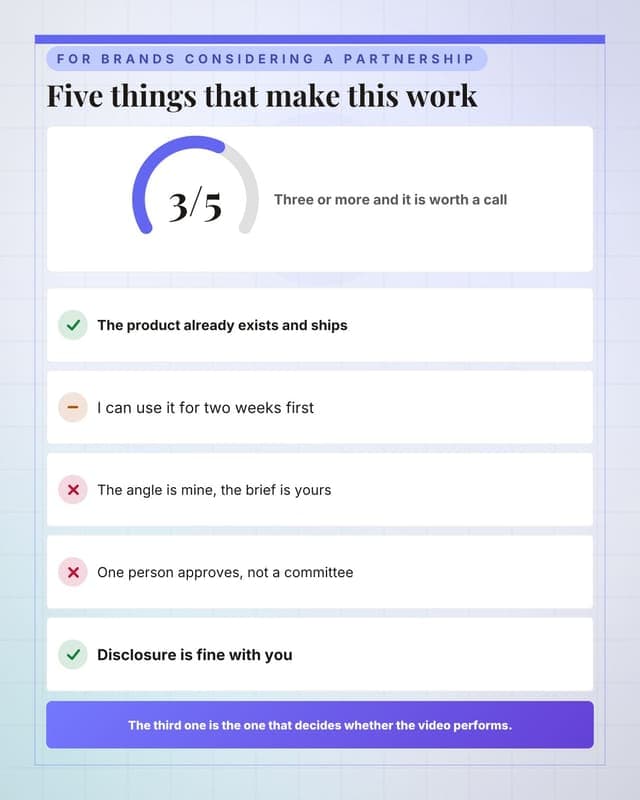
Are we a fit
Qualifies brands before the first call, saving everyone a week.
How these become your posts
- Add your brand once: colours, fonts, logo. The Brand Kit can fill itself from your website.
- Pick a template and describe the post, or let the AI write it from your topic in your own voice.
- The renderer produces the finished graphic in your brand, at the right dimensions for the network.
- Schedule it. Free publishes to 7 of 9 networks; TikTok and YouTube take video, which starts on Lite. Hands-off auto-publishing, where the scheduled post goes out without you, is included on every plan, inside each plan's monthly publish allowance.
Use these on your own brand
Browsing is free. The free plan includes 8 of these 89 designs; paid plans unlock all of them. Add your colours and logo once and every one comes out looking like you made it.
Start for $0Free forever plan, no credit card. Every network is included.
Keep reading
Frequently asked questions
How many post templates are in the Creators gallery?
89, spread across 48 layout families, and the largest single group is the 37 built to educate. Every one shows a real rendered preview rather than a blurred teaser, so you can judge the design before you sign up for anything.
Which of these still work at a wide 16:9 crop?
86 of the 89 on this page. We render every layout family at each aspect the product supports and check whether the text clips, and 3 of these sit in a family the audit has not reached yet, so treat those as untested rather than as passing. The full table per crop is on the templates hub.
What should a creator account post more of?
Whatever the feed is currently short of. This set breaks down as 37 educate, 17 proof, 12 announce, 12 promote and 11 convert. Most creator feeds have the educate and proof halves covered and almost none of the convert ones, which is why the offer never lands when it finally appears.