Instagram Post Templates
753 editable Instagram post templates, every one rendered at 1080 x 1350 (4:5), the size Instagram wants. The tallest shape Instagram will show in the feed without cropping, so it takes the most vertical space on a phone screen as someone scrolls past.
A Instagram post made from a template takes up to 10 images at 8 MB each and a caption of up to 2,200 characters.
By Tayyab, Founder
Instagram at 4:5: 45 of 45 layouts hold. We render every layout at 4:5 and check for clipping. Nothing is dropped here. Full table.
The same shape works for LinkedIn, Threads, Bluesky, so anything here covers those too.
Showing 40 of 753 designs, 8 per goal, so the page stays quick on a phone. The audience galleries carry the full set.
Announce
Launches, drops, news and anything that starts with "we just". Showing 8 of 101.
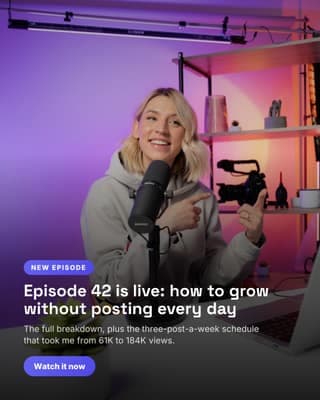
New episode drop
Announce the thing you just published, over a photo of you making it.

Newsletter milestone
A round number is a reason to post. Say it over a photo of the work.
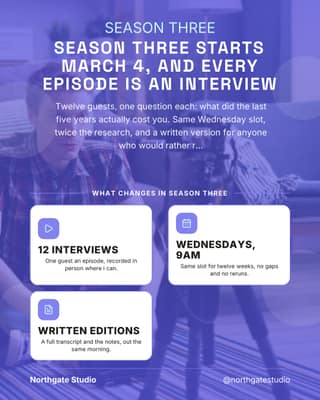
New season launch
A proper launch post: the date, what changes, and where to find it.
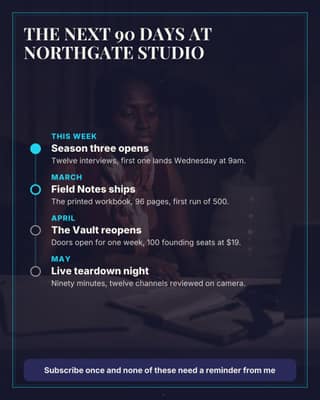
What is coming next
Publish the plan. People stay subscribed for the thing they are waiting on.
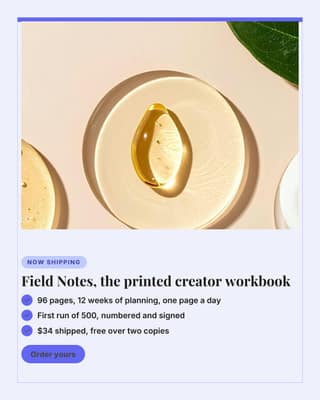
Physical product drop
The product, framed, with the three lines that make people order it.
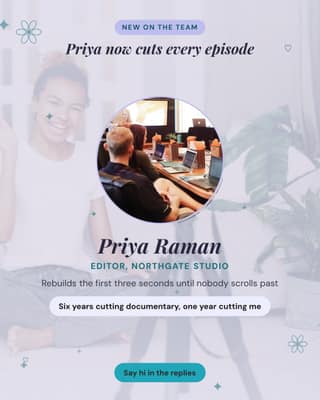
Meet the person behind it
Introducing the editor or producer makes a one-person brand feel real.
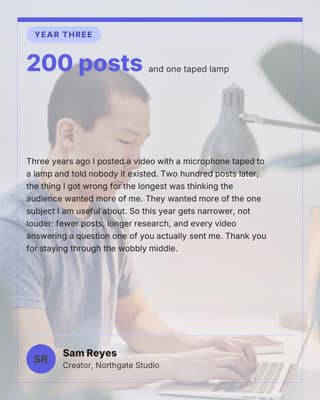
Milestone letter
A personal note to the people who have been here a while. Signed, not broadcast.
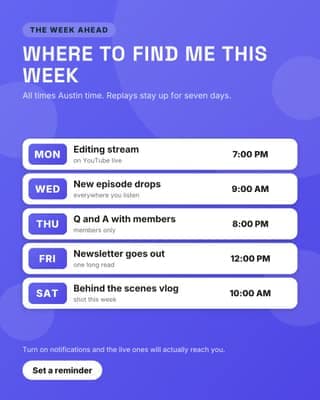
Live and upload week
Tells people when to show up, which is the whole trick with live content.
Educate
Teach the thing you get asked about constantly. Showing 8 of 266.
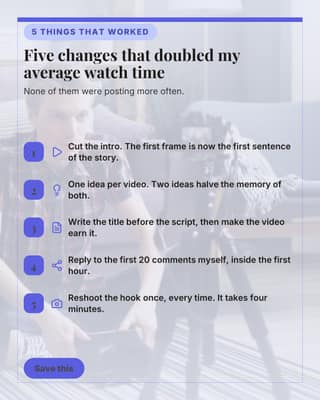
What moved the numbers
Five specific things that worked for you, saved and shared by people who want them.
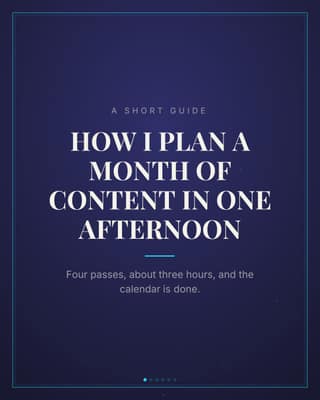
How I plan a month
A short guide carousel. The format people screenshot and send to a friend.
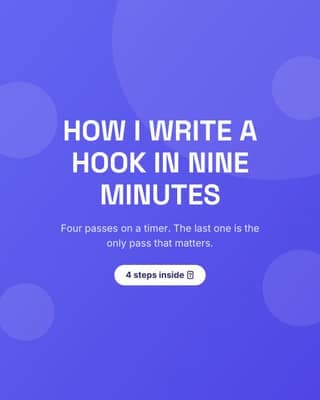
How I write a hook
A repeatable process, in steps. The most saved kind of post there is.
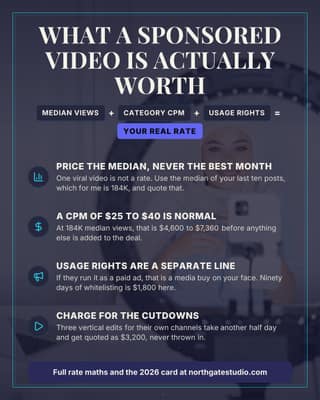
What a sponsorship is worth
Teach the maths behind your rate. Educated buyers haggle less.
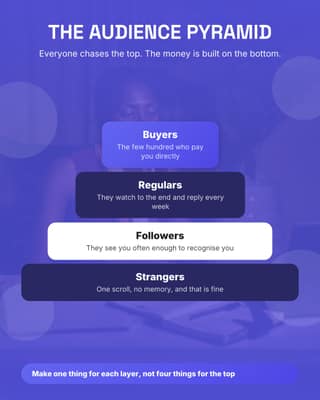
Audience pyramid
Name your own model. A framework with your name on it gets quoted back to you.
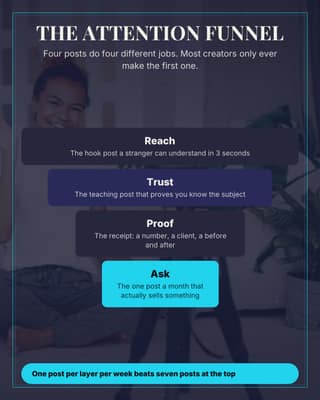
The attention funnel
Four posts doing four different jobs, drawn so the gap is obvious.
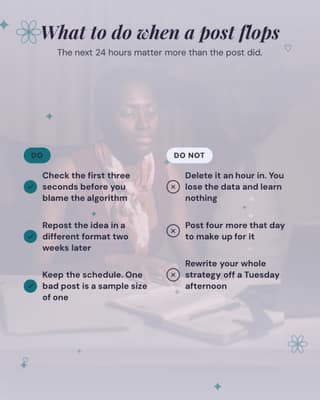
When a post flops
A do and do not split on something every creator has felt this week.
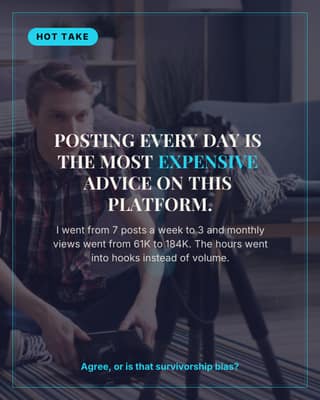
Hot take
One opinion, no hedging, and a question that makes the comments do the work.
Proof
Results, reviews and before-and-afters that answer "does it work". Showing 8 of 151.
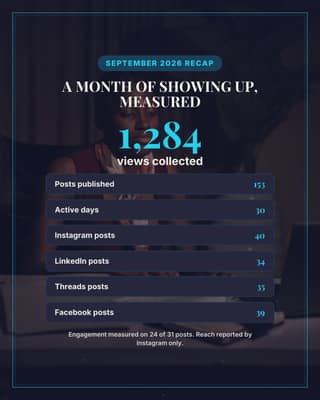
Month in numbers: the channel
Your month as one honest card: output, platforms, and what was actually measured.
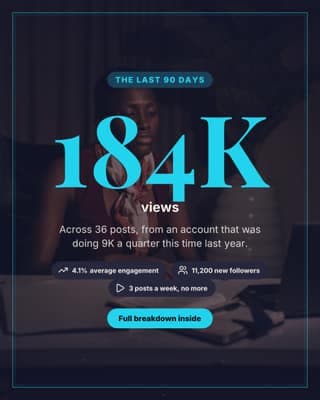
Audience milestone
One number, big enough to be the whole post. Good for a milestone or a media kit.
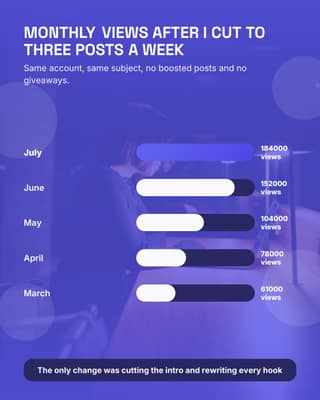
Growth chart
Five months of real numbers as a chart. Nothing proves a claim like a bar.
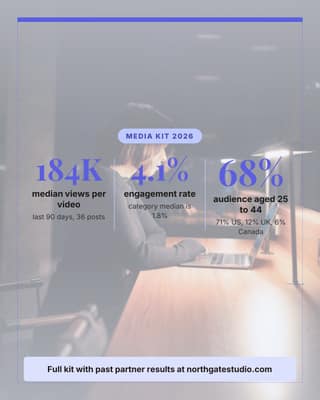
Media kit numbers
The three numbers a brand asks for, answered before they email you.
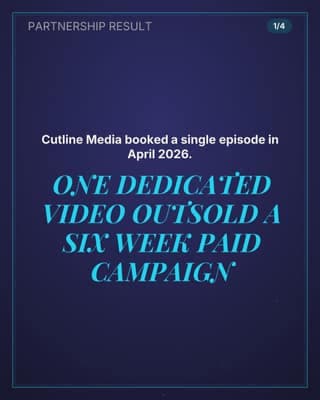
Partnership case study
The receipt that closes the next brand deal: what they bought, what it returned.
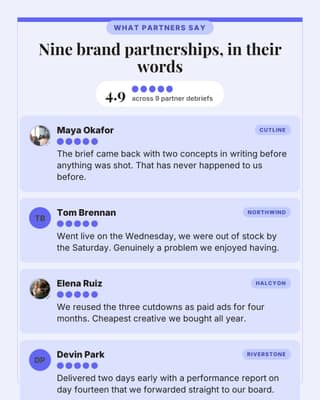
Wall of partner reviews
Four brands saying it beats anything you could write about yourself.
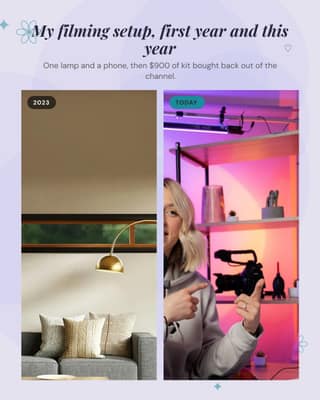
Setup then and now
Two photos, three years apart. The most relatable proof a creator has.
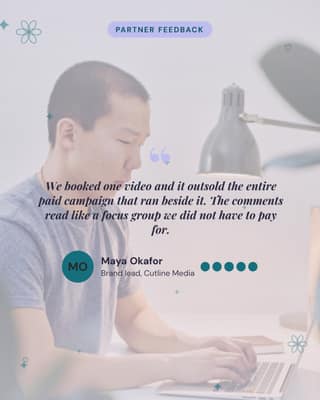
Brand partner testimonial
A sponsor saying the thing you cannot say about yourself.
Promote
Offers, pricing and the reason to act this week. Showing 8 of 115.
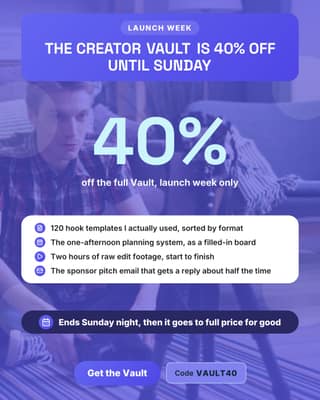
Digital product launch
Launch week pricing on your own product, with the deal readable at a glance.
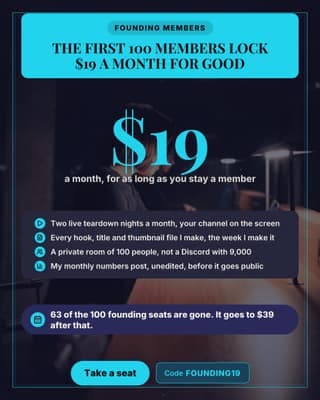
Founding member price
A membership launch where the scarcity is real and countable.
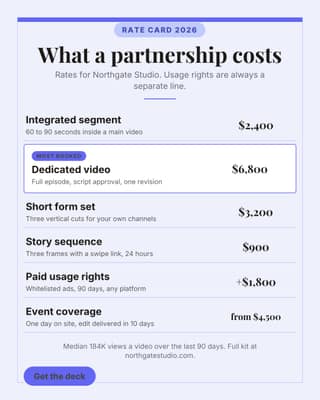
Sponsorship rate card
Publish the rates. It ends the "what is your budget" email forever.
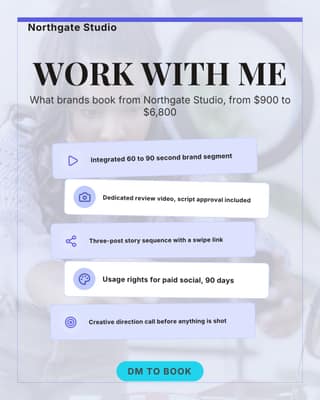
Work with me menu
The pinned post that tells brands exactly what they can buy from you.
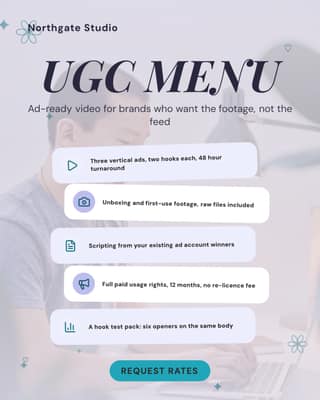
UGC menu for brands
For brands who do not need your audience, only your hands and your camera.
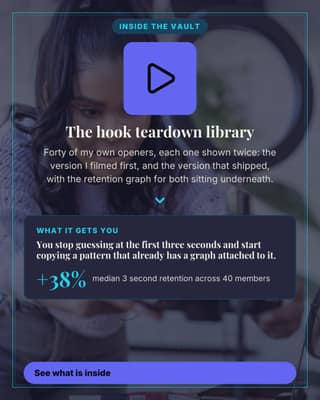
One part of your product
Sell one module instead of the whole thing. Small asks convert better.
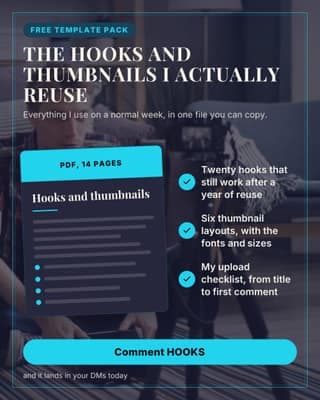
Free resource promo
The comment-to-get post. Built to farm replies and grow the list at once.
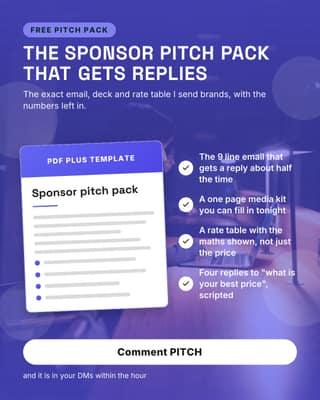
Free sponsor pitch pack
Give away the thing your audience is most scared to write themselves.
Convert
The post that asks for the booking, the trial or the reply. Showing 8 of 120.
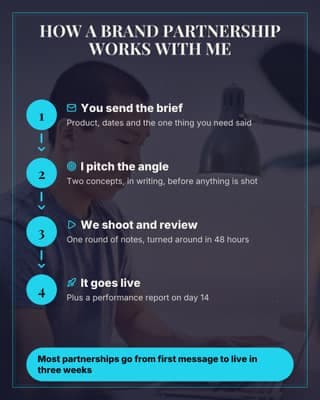
How a partnership works
Removes the friction from a brand DM by showing what happens after it.
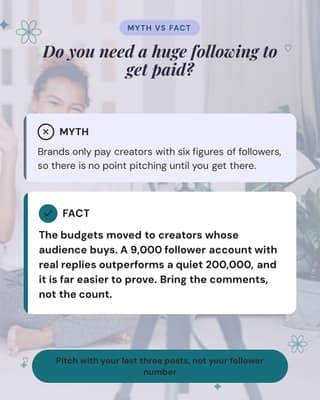
Follower-count myth
Answer the hesitation that stops brands and buyers from messaging you.
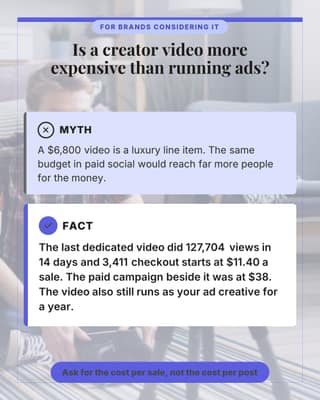
Too expensive myth
The price objection, answered with the number that makes it look cheap.
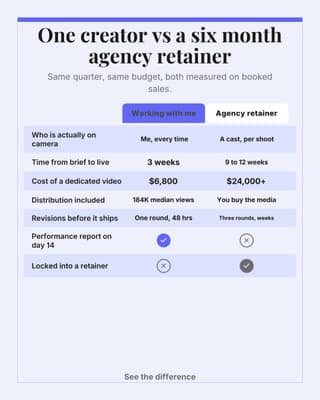
Me vs an agency
Line the two options up and let the table close it for you.
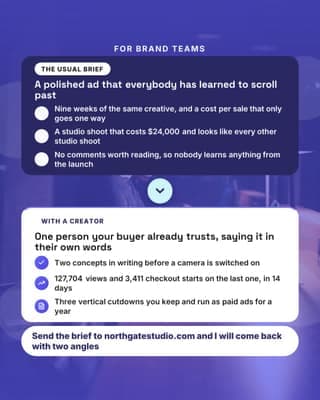
Why ads get skipped
Name the brand-side pain, then be the fix. The pitch post for sponsors.
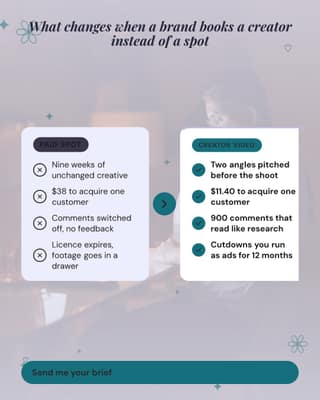
Old way vs working with me
The words-only transformation. Works before you have any photos or charts.
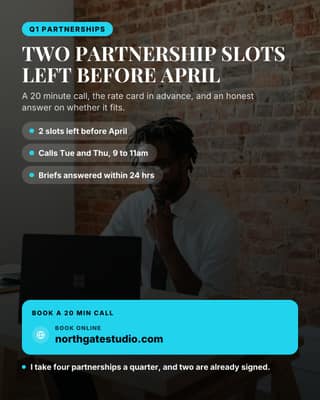
Partnership slots open
Stop saying DM me. Put the slots, the dates and the link on the image.
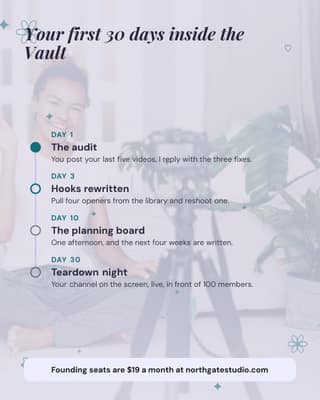
Your first 30 days
Show what happens after somebody buys. Certainty is what closes the sale.
Why 4:5 for Instagram
The tallest shape Instagram will show in the feed without cropping, so it takes the most vertical space on a phone screen as someone scrolls past. Pick a design here and the renderer outputs it at 1080 x 1350 in your own brand colours, fonts and logo. If you publish the same post to several networks, it re-renders per network rather than posting one crop everywhere.
What Instagram does to your image
- Instagram crops anything taller than 4:5 in the feed, so a 9:16 graphic posted as a feed image loses its top and bottom. Design at 4:5 and reuse the tall version as a Story instead.
- The profile grid still shows squares. Anything critical in the top or bottom fifth of a 4:5 design survives in the feed but gets cut in the grid.
- Feed images are read at about a thumb-width, so headline type wants to be large. A caption-sized font that looks fine on a monitor disappears on a phone.
Frequently asked questions
What size should an Instagram post be?
1080 x 1350 pixels (4:5 portrait) is the tallest Instagram shows in the feed without cropping, so it takes the most screen as someone scrolls. 1080 x 1080 square is the safer choice if the same image also has to look right in your profile grid.
Are these Instagram templates free?
Yes. Every template here is free to browse and preview with no account. You only sign up to render one with your own brand colours, logo and copy.
Can I edit the templates with my own brand?
Yes. Inside Content Drifter each template renders against your Brand Kit, so colours, fonts and logo are applied automatically rather than by hand, and every text layer stays editable after it renders.
Will a 4:5 post get cropped in my profile grid?
The grid shows a square crop of the centre, so a 4:5 design keeps its middle and loses the top and bottom edges there. Keep logos and key words out of the outer fifth if the grid view matters to you.
Use these on your own Instagram account
Add your colours and logo once and all 753 render as yours, at the right size, scheduled and published to Instagram without you opening the app. Publishing is on the free plan. Hands-off auto-publishing, where the scheduled post goes out without you, is included on every plan, inside each plan's monthly publish allowance.
Start for $0Free forever plan, no credit card. Every network is included.