Marketers Social Media Templates
You run the content calendar for a brand or a team. Each of these Marketers social media templates is a real design our renderer produces, shown here with example copy. Use one and it fills with your brand colours, fonts, logo and your own words.
By Tayyab, Founder
If you need one of these wide: 55 of the 56 designs on this page sit in a layout that reflows cleanly at 16:9. We measured that by rendering each layout at every aspect and checking whether the text clips. 1 of them use a layout the audit has not reached yet, so treat those as untested rather than passing. The full table is on the templates hub.
Announce
Launches, drops, news and anything that starts with "we just".
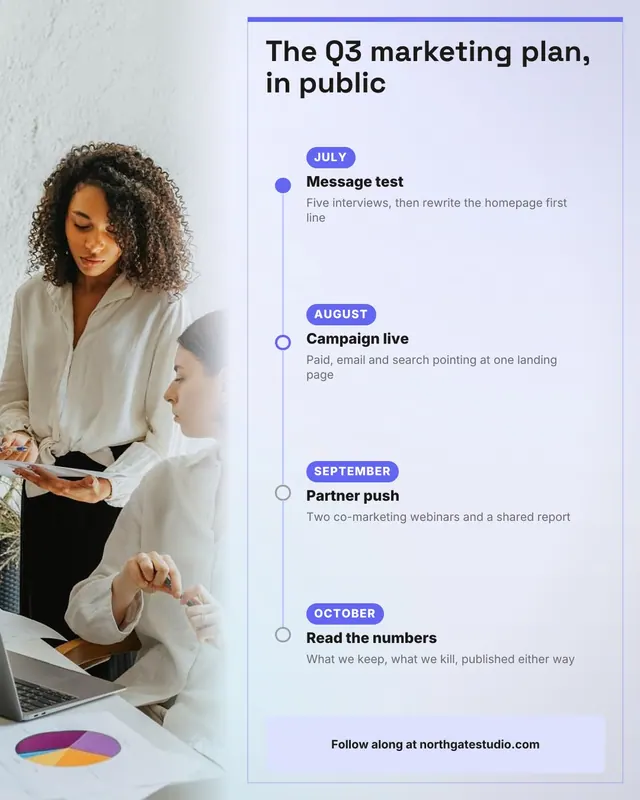
Quarterly plan
Show the quarter as a line so nobody has to open the deck to know where you are.

New hire intro
Introduce the new marketer with a face and a first-week mandate, not a bio.
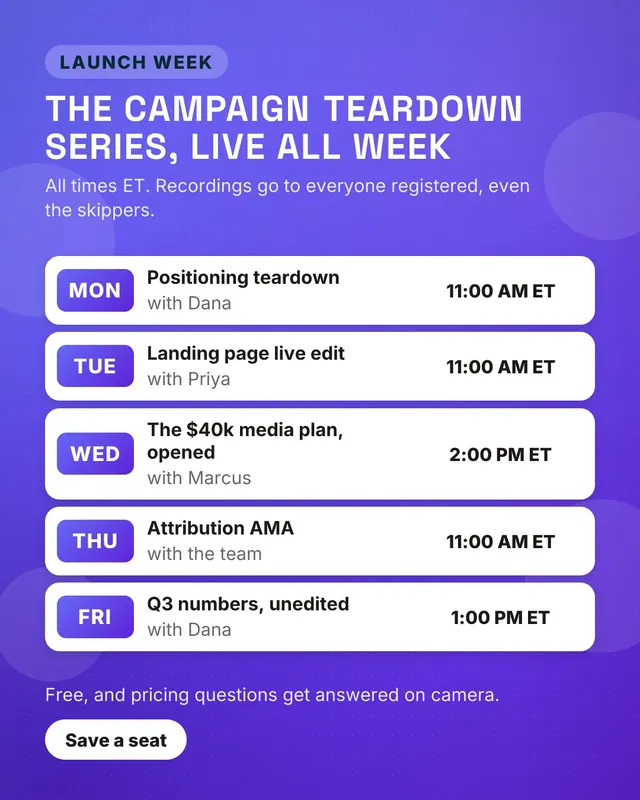
Launch week sessions
A week of live sessions, laid out so people can screenshot and diarise it.

Event or booth announce
Tell people where to find you, with a photo that stops the scroll first.

Milestone announce
One big number for the milestone, with the three facts that make it credible.
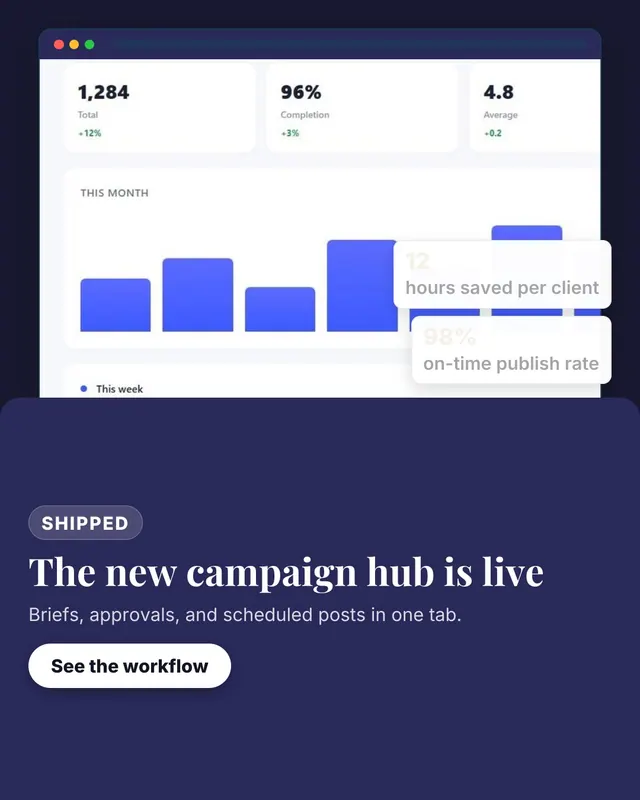
Client launch
Show the campaign hub in-frame with two proof stats.
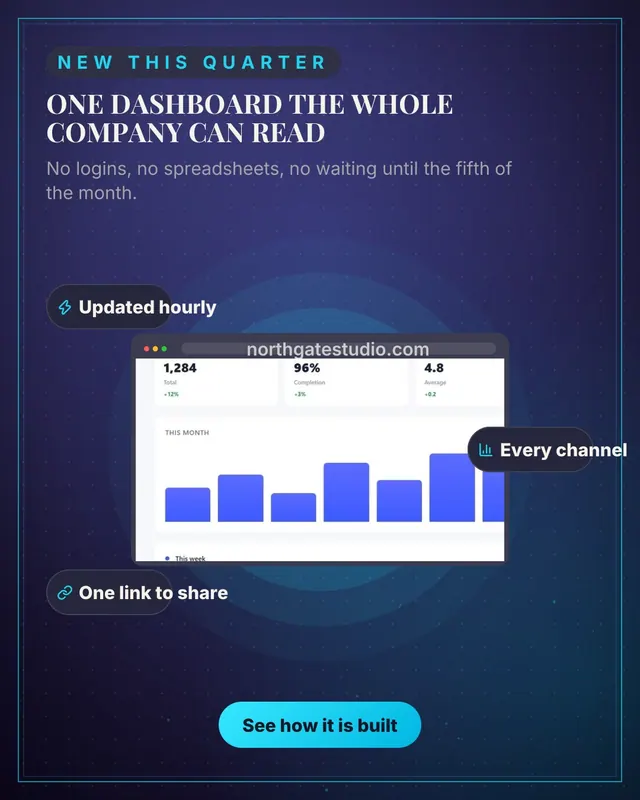
The reporting dashboard
Show the tool instead of describing it, framed in a browser with badges.
Educate
Teach the thing you get asked about constantly.
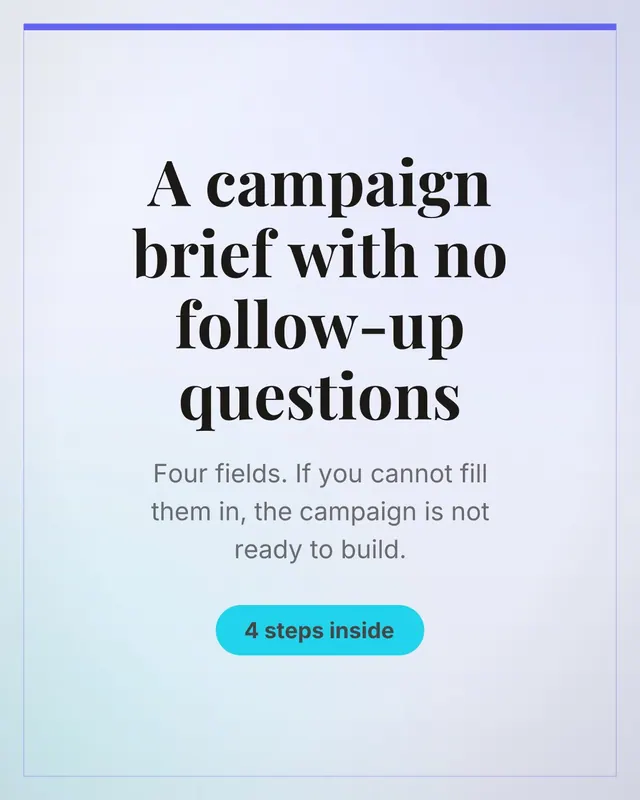
Build a campaign brief
A repeatable process, one step per slide. The format people bookmark for work.
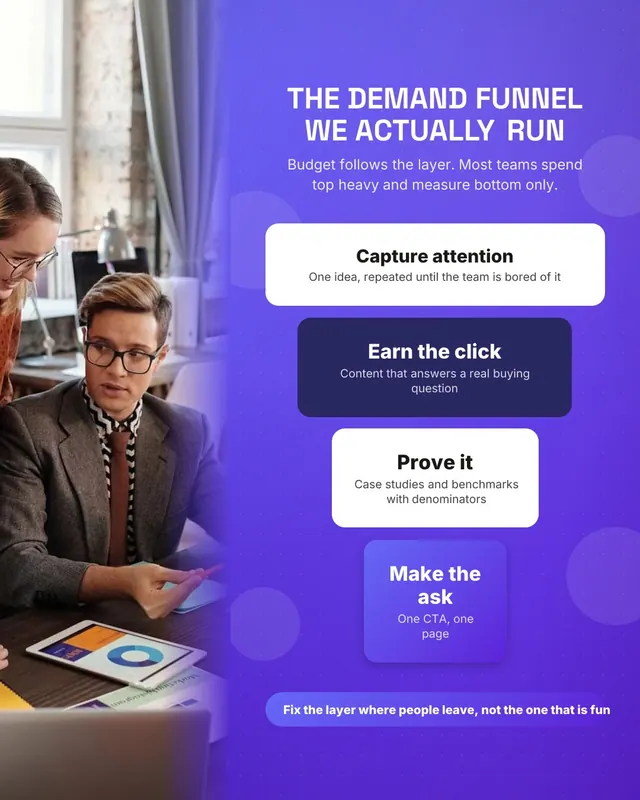
The demand funnel
Name your model and give it a shape. Named frameworks get quoted in meetings.
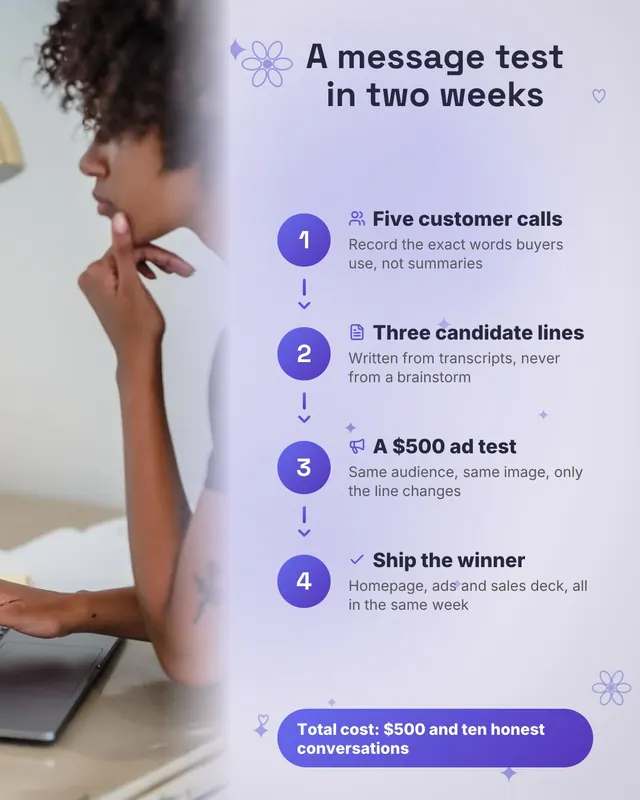
Message test in two weeks
Four boxes that turn "we should test our messaging" into a plan anyone can run.
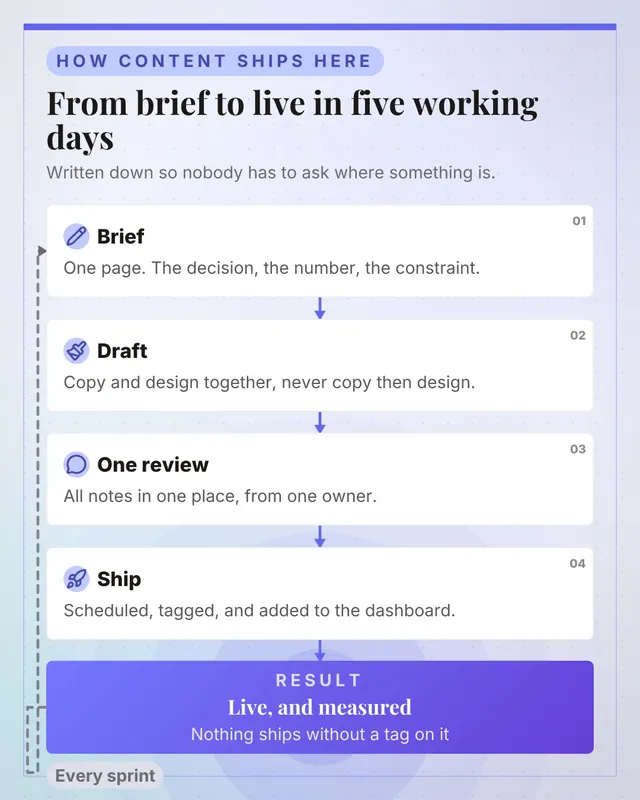
Brief to live, mapped
The internal process as a diagram, so nobody asks where a campaign is again.
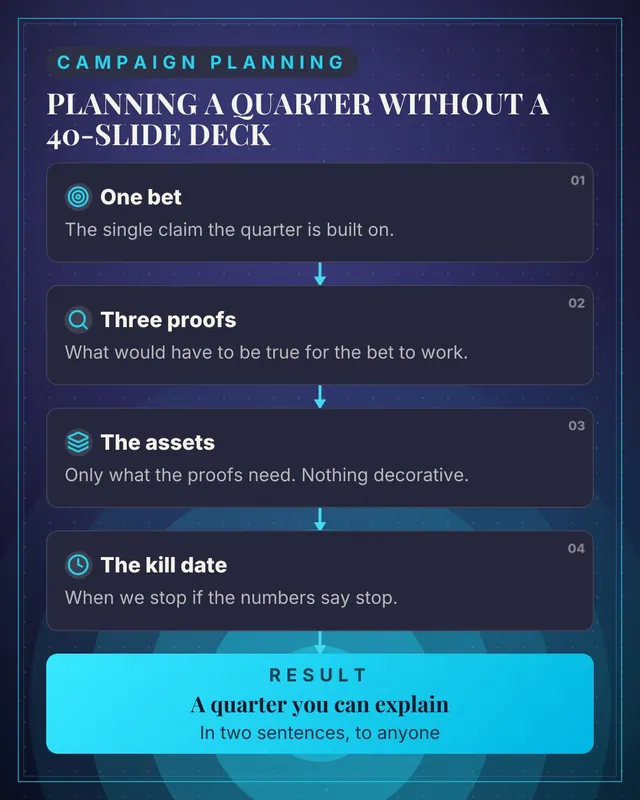
How a campaign is planned
Show stakeholders the shape of a campaign before they ask for a Gantt chart.
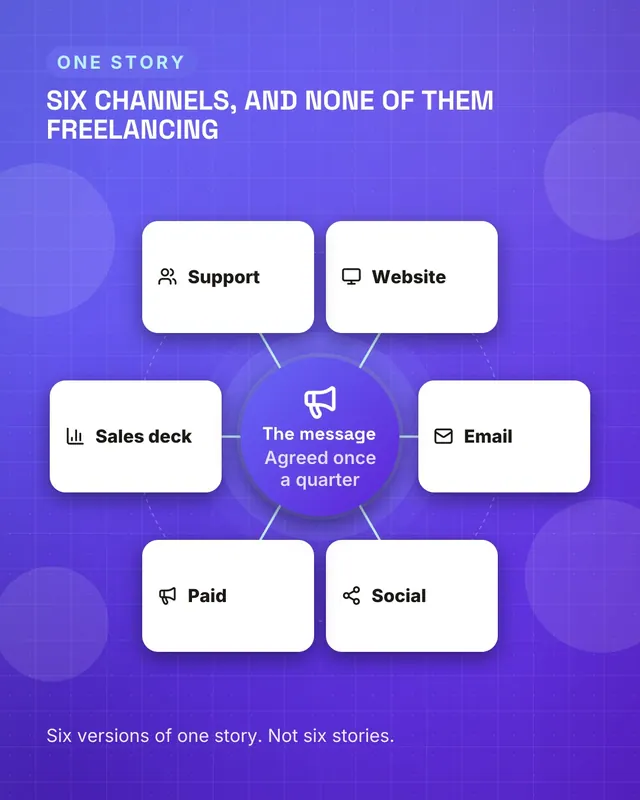
One message, six channels
The distribution map that stops each channel inventing its own story.
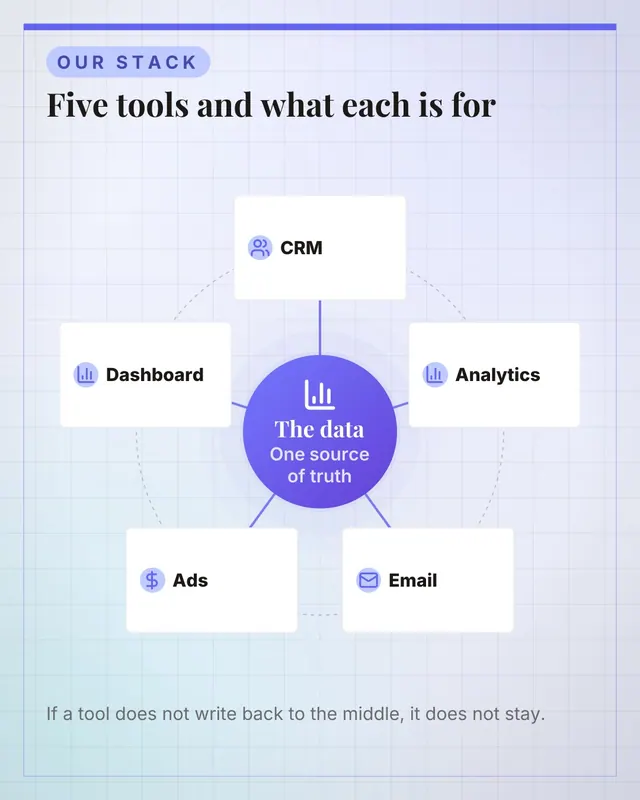
The marketing stack
What tool does what, drawn as a map instead of a logo wall.
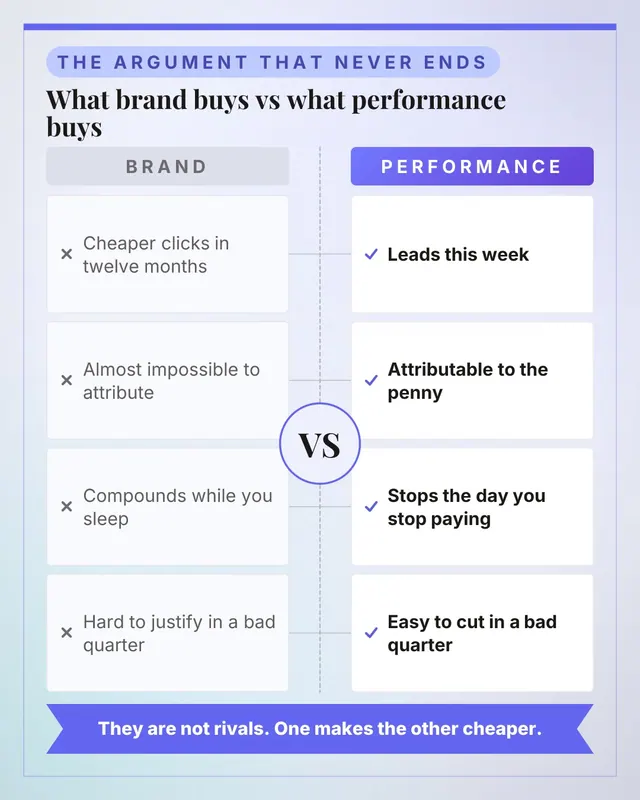
Brand versus performance
The oldest argument in marketing, settled row by row instead of asserted.
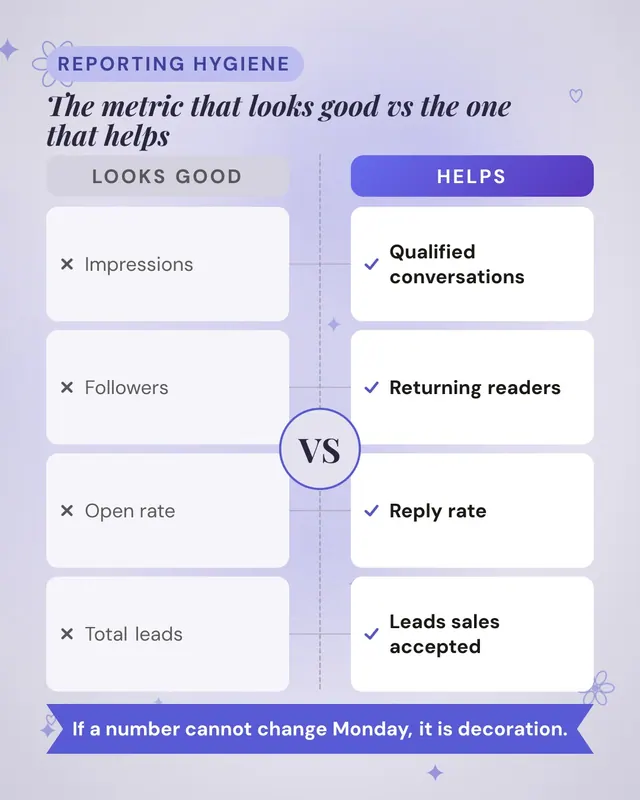
Vanity versus useful metrics
A save-worthy comparison that quietly upgrades how your team reports.
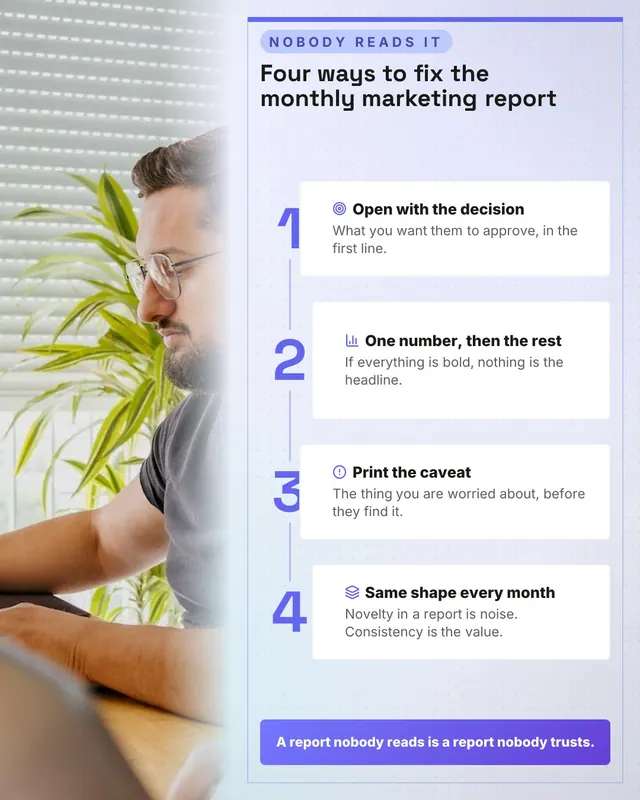
Fixing the monthly report
Practical, opinionated, and shareable with your own leadership.
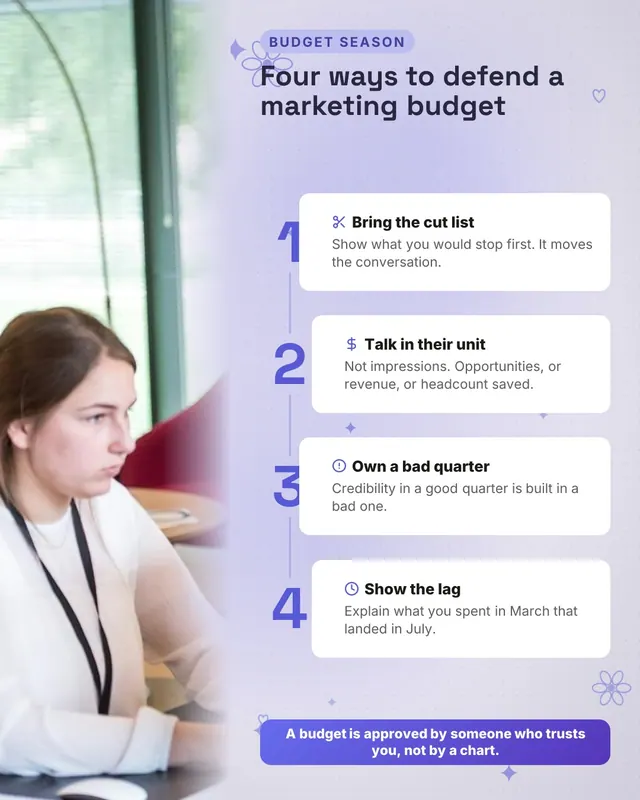
Defending the budget
Highly shareable inside the industry, and useful to your own leadership.
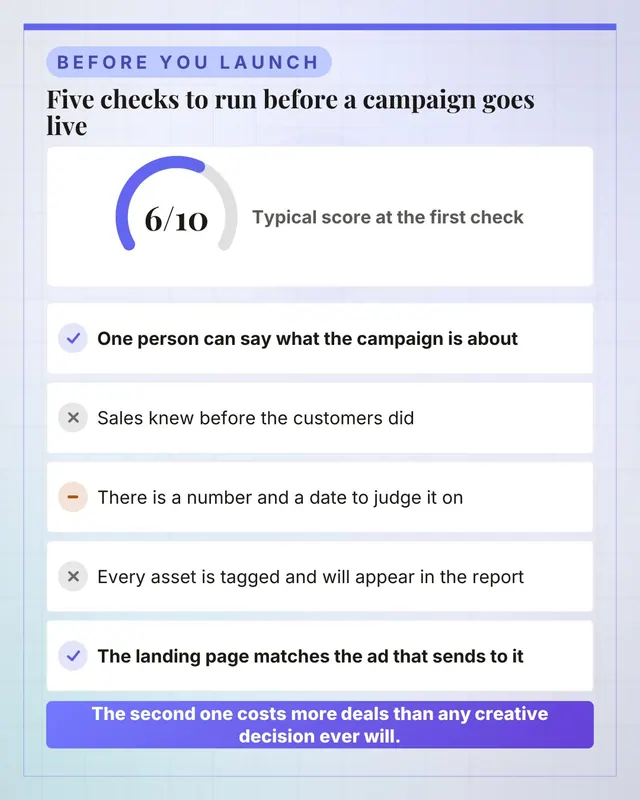
Score your campaign
A pre-launch audit the team can run in two minutes.
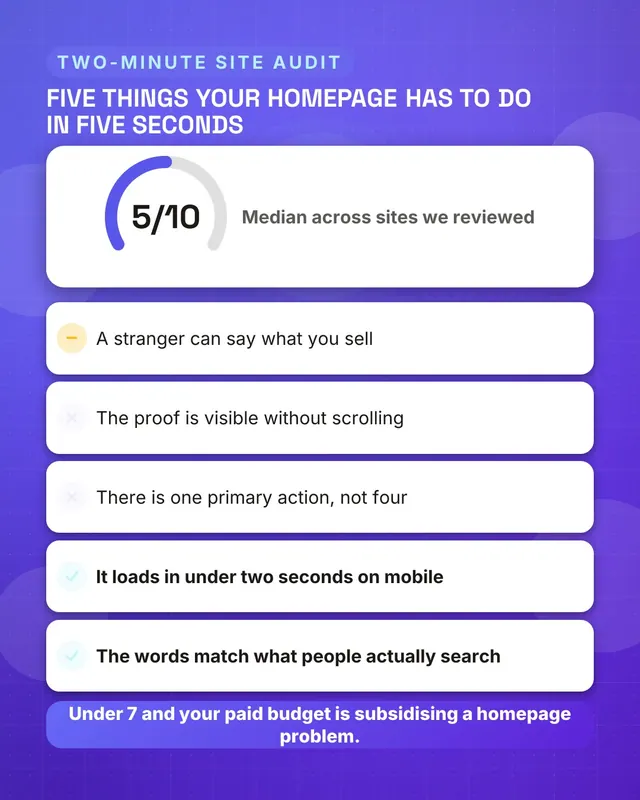
Score your website
Broad enough that almost every marketer wants to run it on their own site.
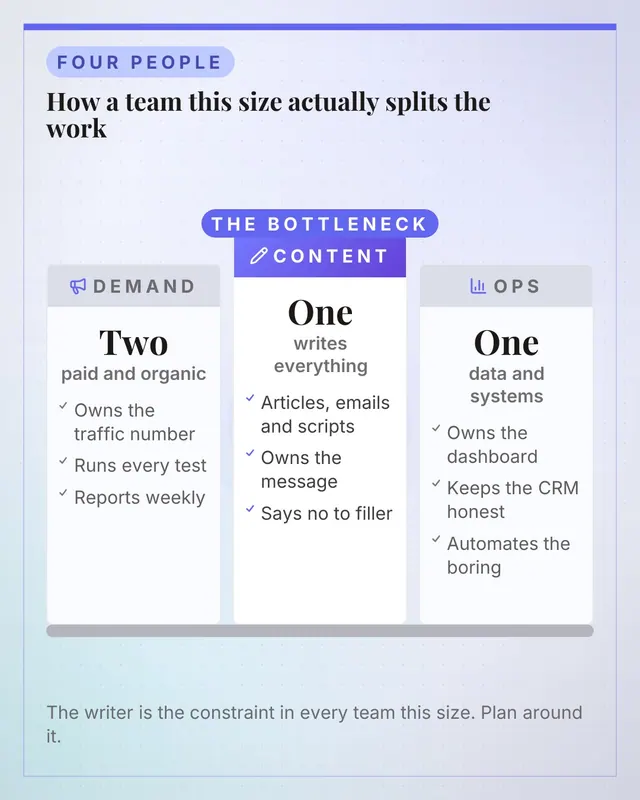
How the team is split
Explain the structure of a small team without an org chart.
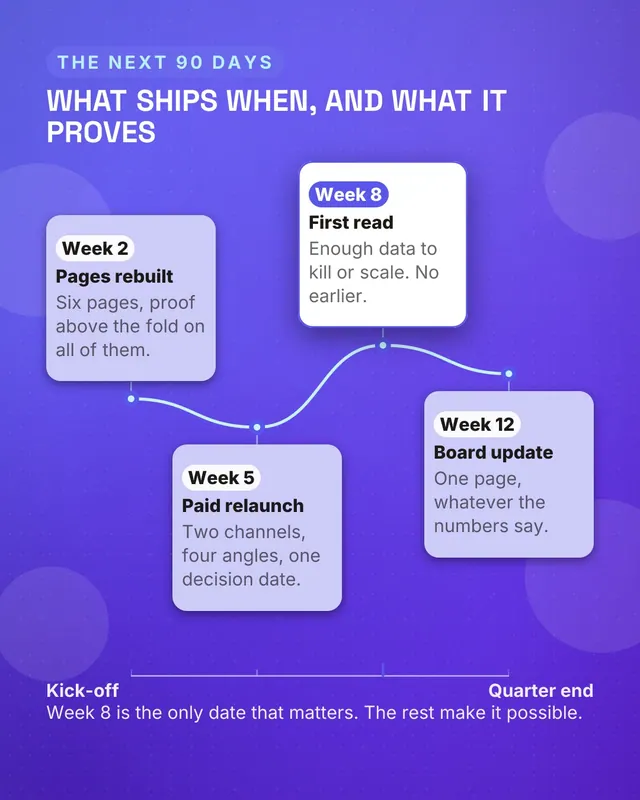
The quarter, mapped
Milestones on a path, so a plan reads as a sequence rather than a wish list.
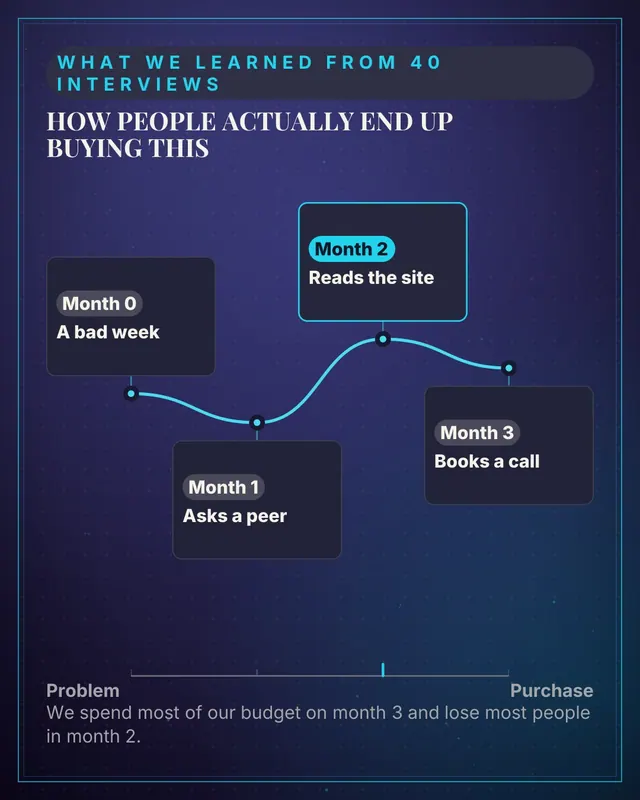
The buyer journey
The actual path a customer takes, with the stage you keep losing them at marked.
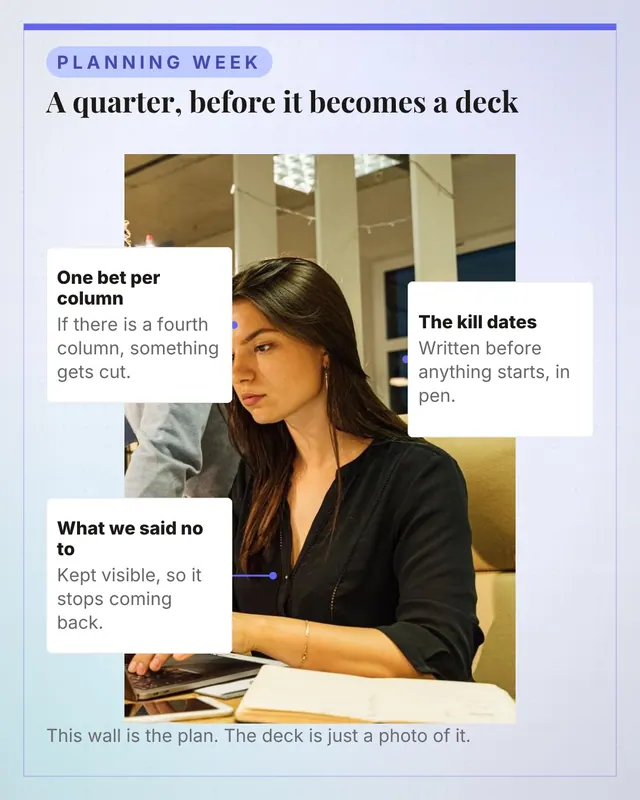
How we plan, annotated
A real working photo with labels on the parts of the process that matter.
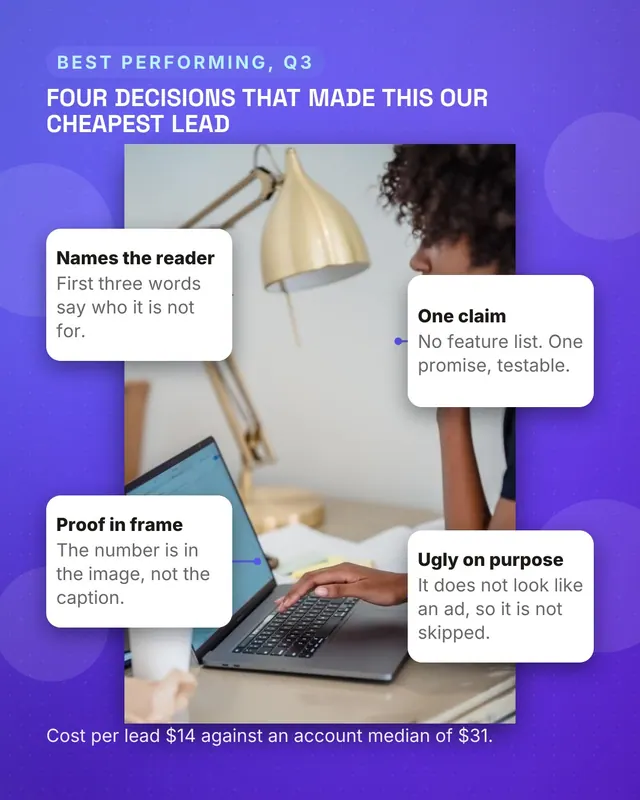
Why this creative worked
Teardown format applied to your own best ad. Very high save rate.
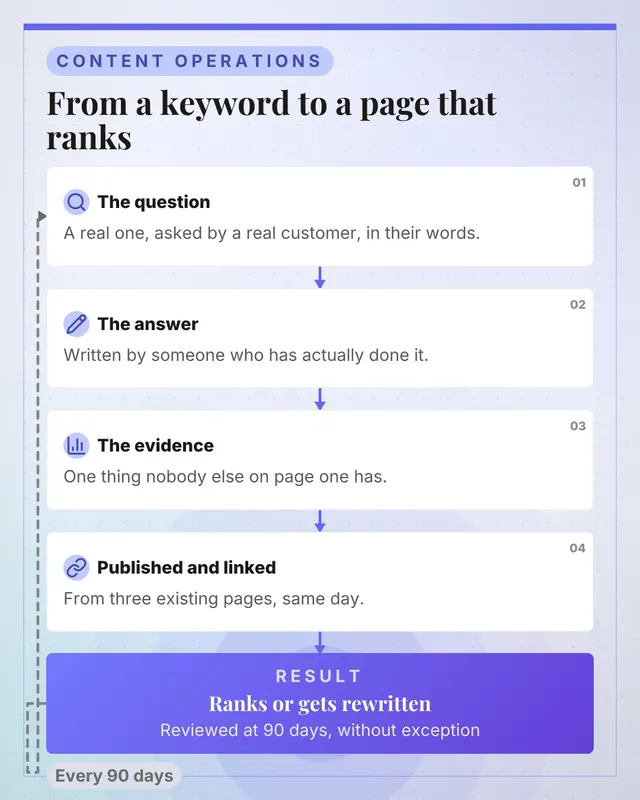
How an article gets made
Content operations shown as a process, which makes the team look expensive to replace.
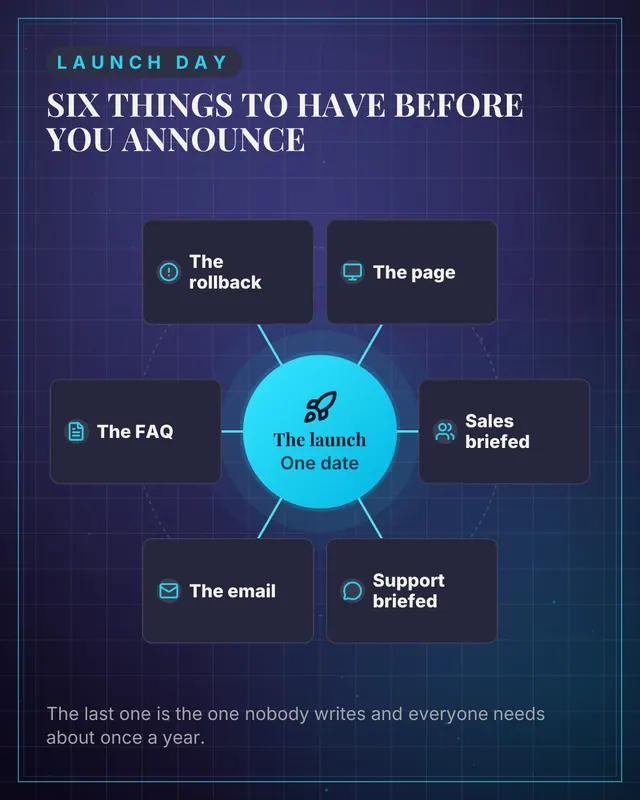
What a launch needs
The launch checklist as a map. Extremely useful internally and externally.
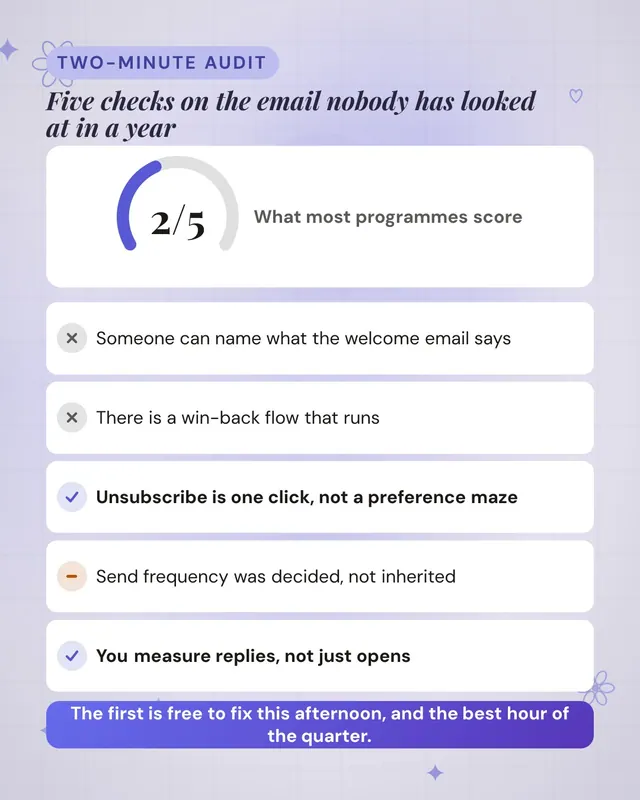
Score your email programme
Specific enough to be useful, general enough that everyone runs it.
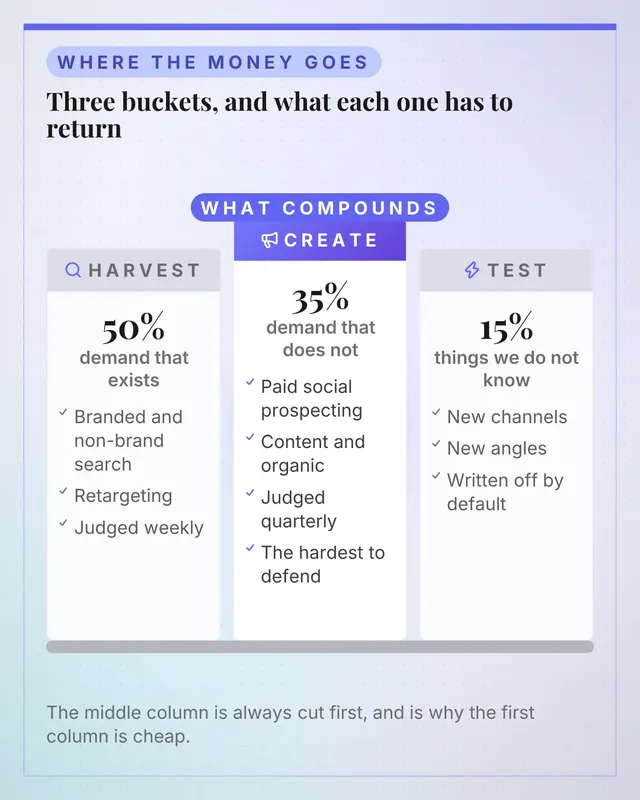
How the budget splits
Budget allocation as three columns, ready to be forwarded to finance.
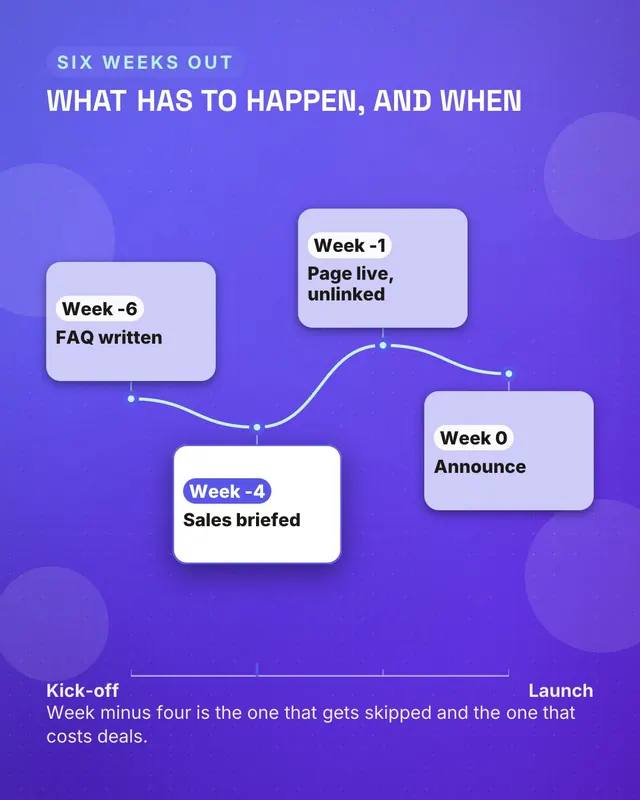
A launch, mapped
Launch sequencing that reads as a plan rather than a wish list.
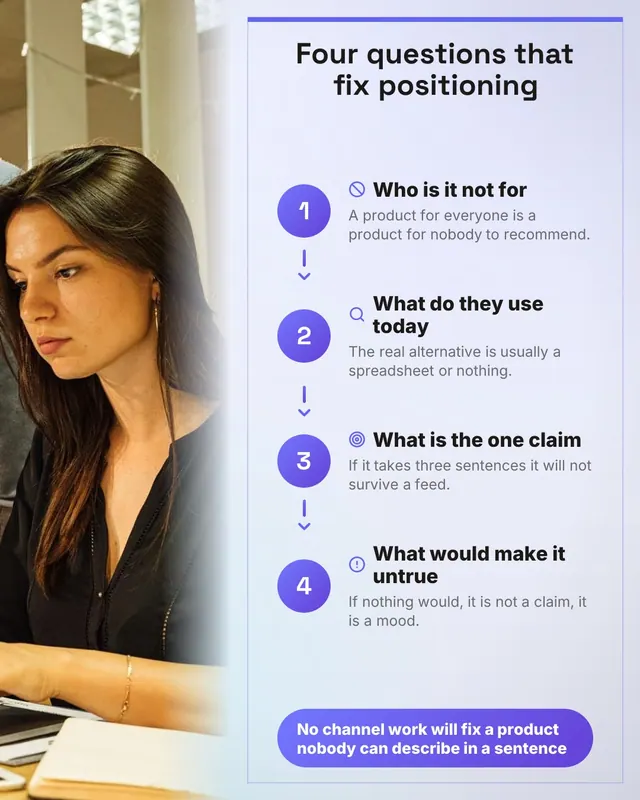
Fixing positioning
Strategic content that gets shared by other marketers and read by leadership.
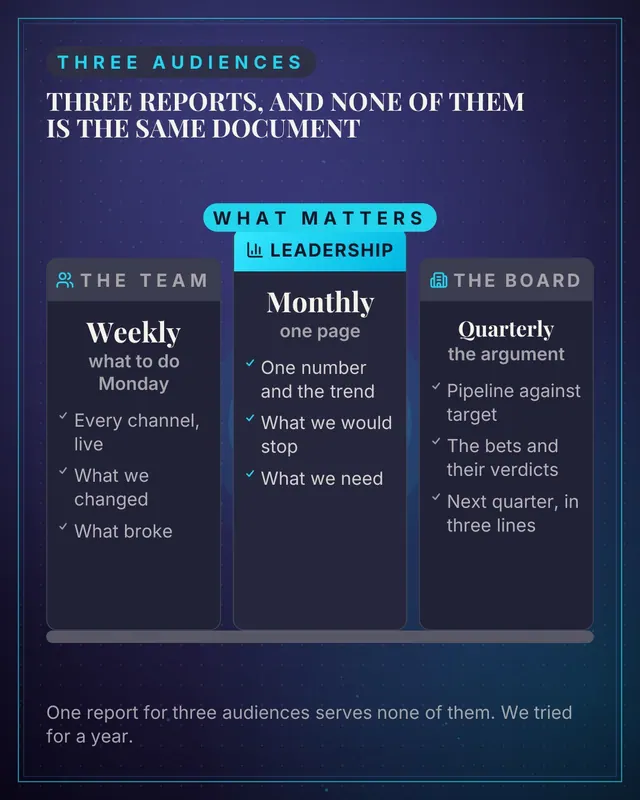
Three reports
Explains what each audience gets, which stops one report trying to serve everyone.
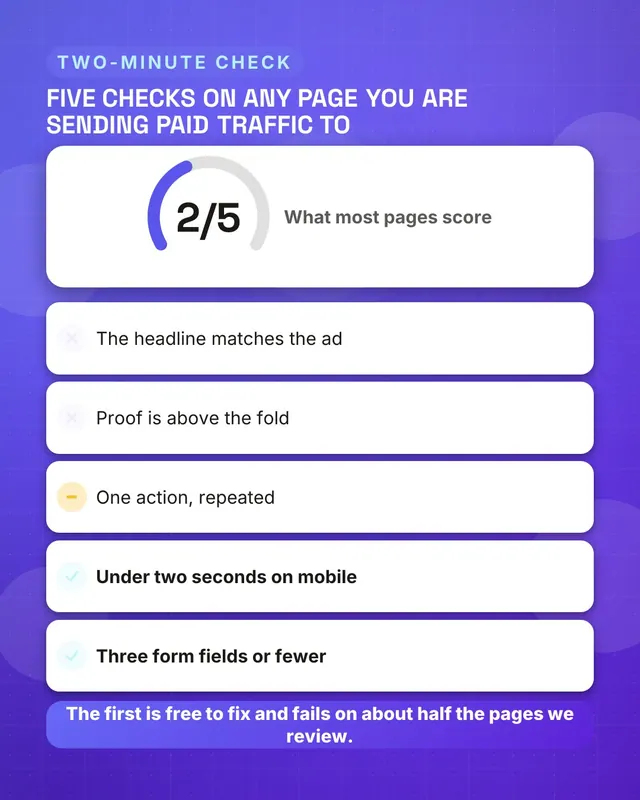
Score a landing page
The most-run audit in marketing, made specific enough to be worth saving.
Proof
Results, reviews and before-and-afters that answer "does it work".
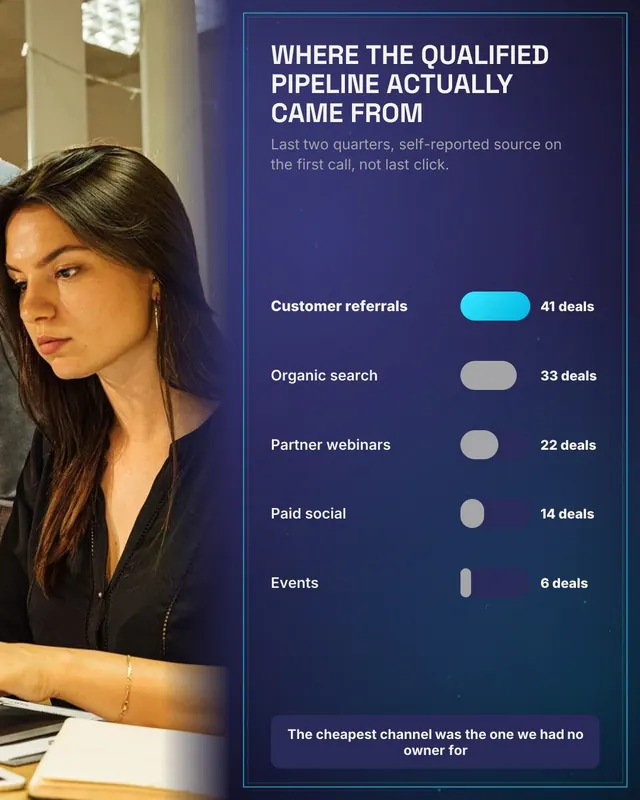
Channel performance
A ranked bar chart of what actually worked, with your winner highlighted.
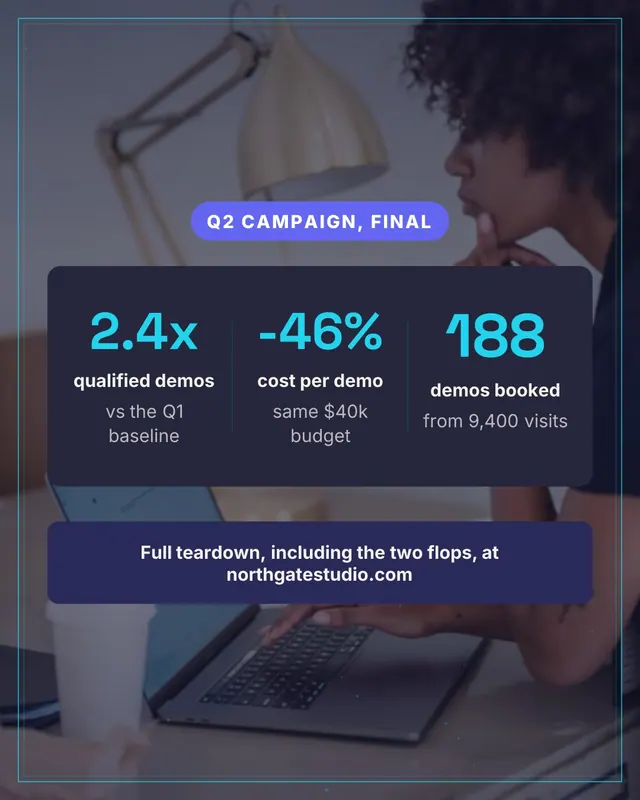
Campaign final numbers
Three numbers, each with its denominator. The end-of-campaign receipt post.

Pipeline headline
The one number leadership cares about, sourced from the CRM, not the dashboard.
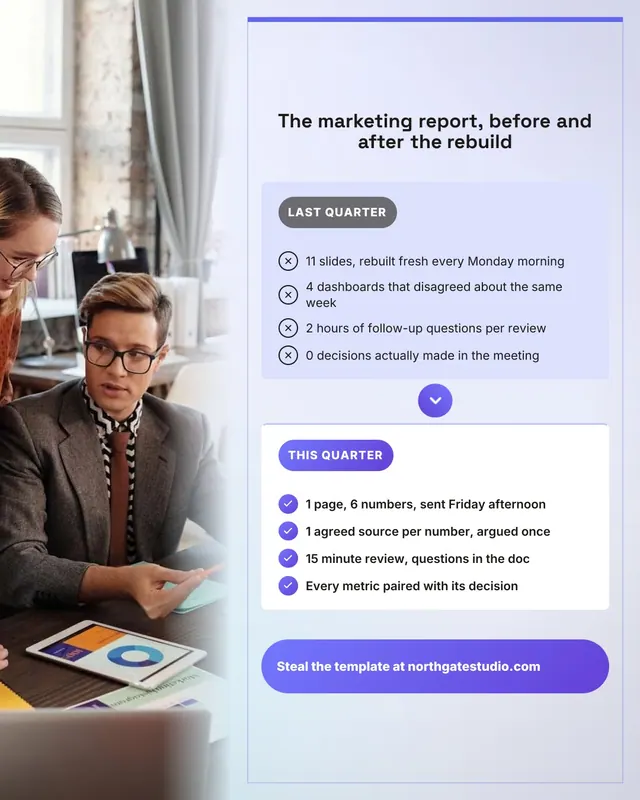
Reporting rebuild
The same job, one quarter apart. The most screenshotted format there is.
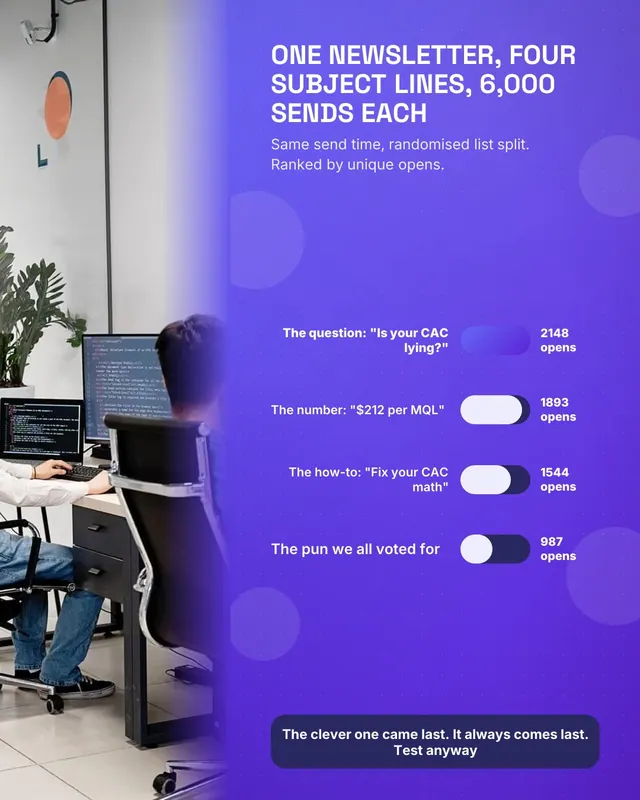
Subject line test results
Publish a real test with real bars. Peers save it, prospects trust it.
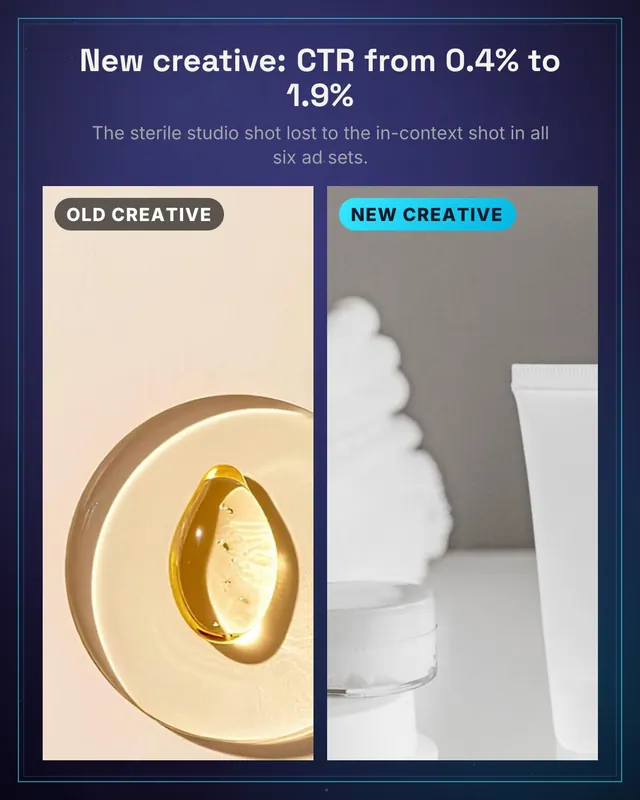
Creative refresh proof
Two ad photos side by side, with the CTR jump in the headline.
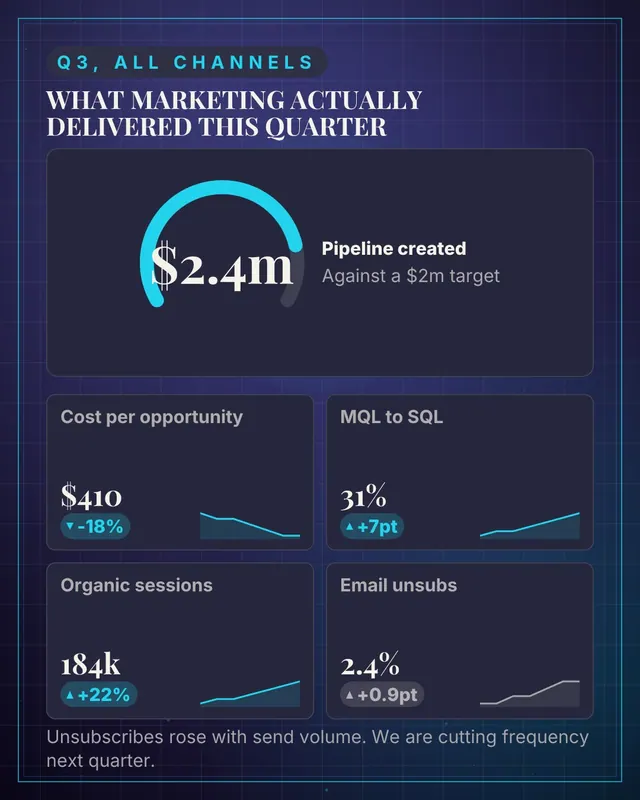
The quarterly report
The report card, with the number that went the wrong way left in.
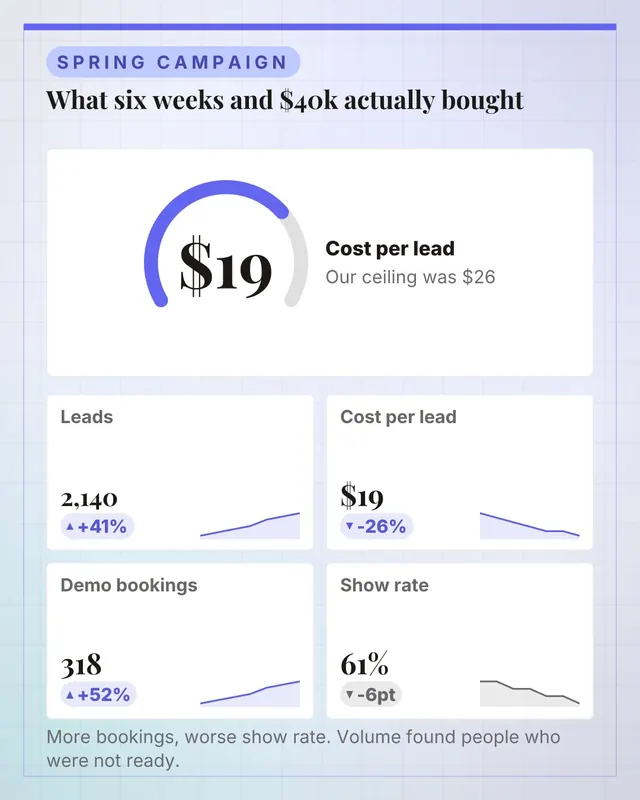
One campaign, measured
Post-mortem a single campaign in one image the whole company can read.
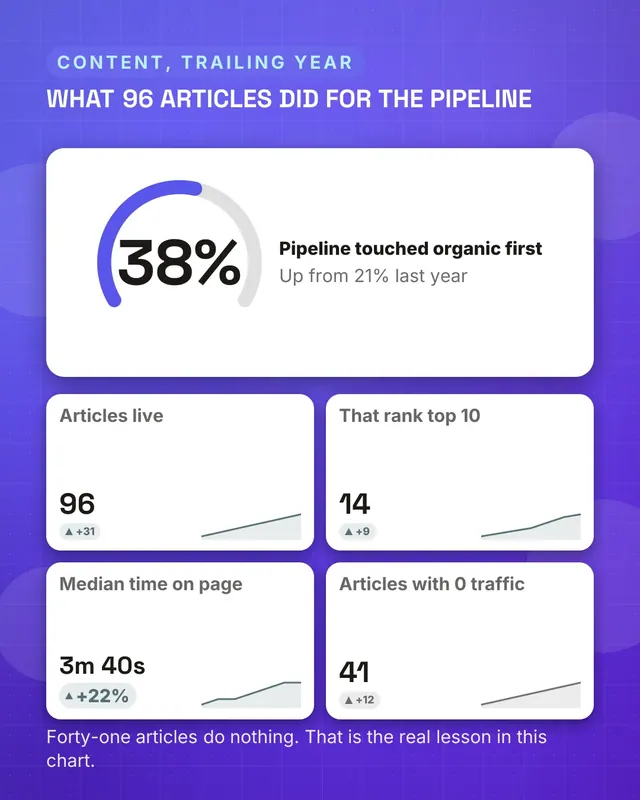
Content performance
The numbers that justify the content budget, in one screen.
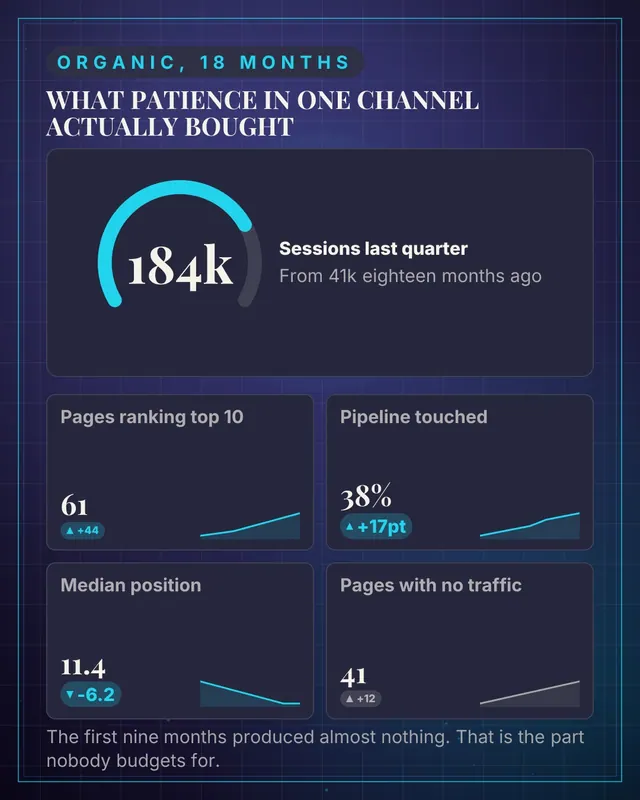
Organic performance
The channel that takes longest to justify, evidenced with a real timeline.
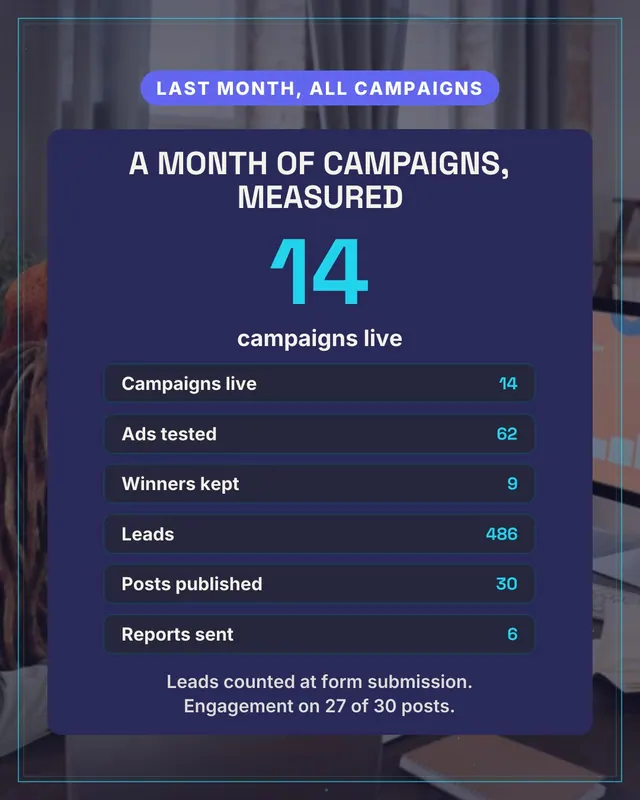
Month in numbers: the team
Your month as one honest card: campaigns run, the numbers, what actually converted.
Promote
Offers, pricing and the reason to act this week.

Report or resource drop
A photo-led promo for the report, template or resource you want downloaded.
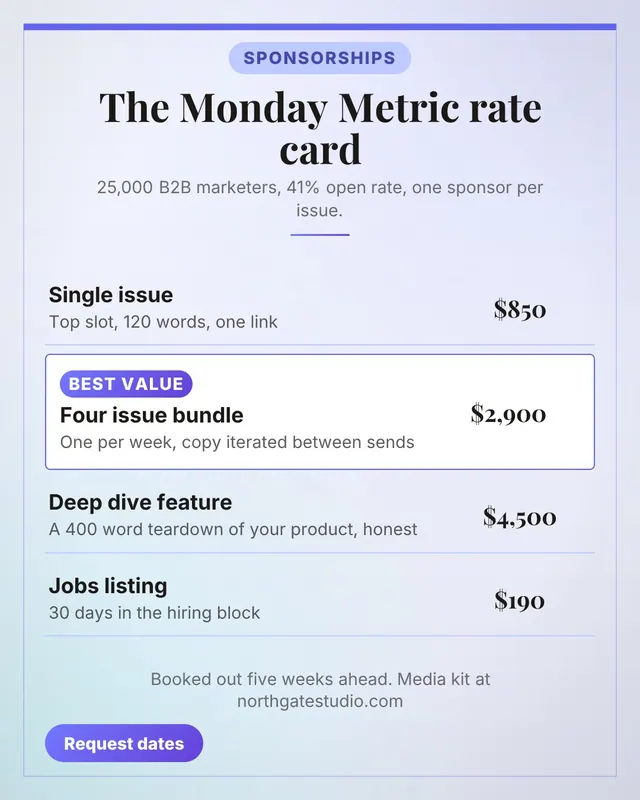
Sponsorship rate card
Put the rate card in public. Half the sponsor emails are just this question.
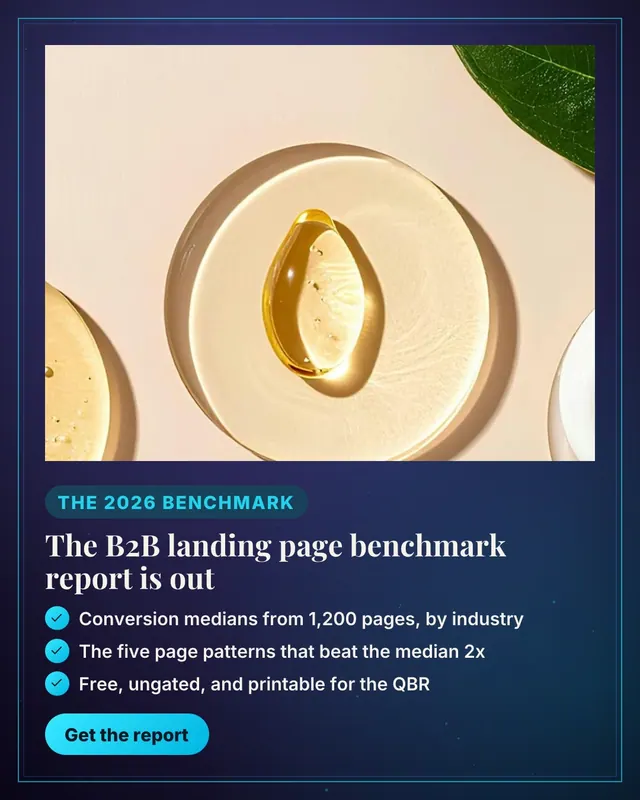
Benchmark report drop
Treat the report like a product: framed shot, three reasons, one ask.
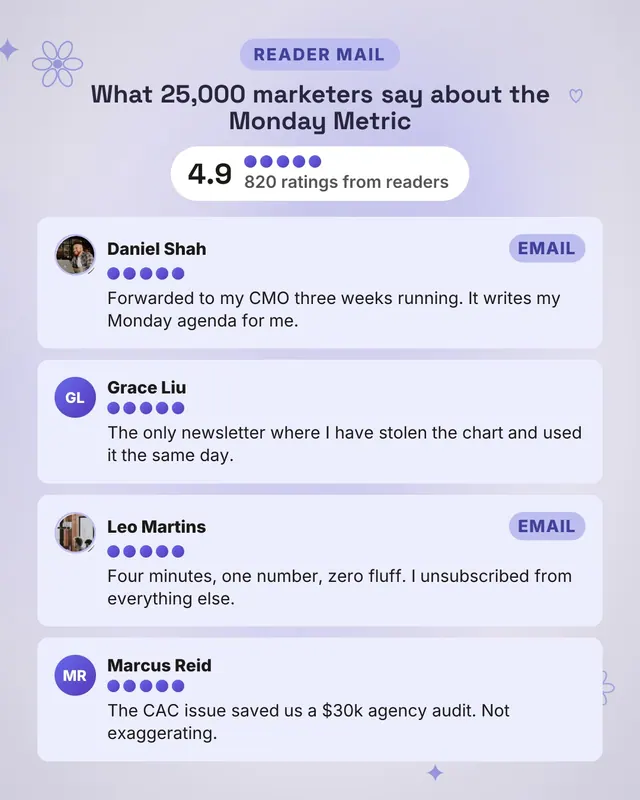
Reader review wall
Four short reader quotes and one aggregate score. Social proof at a glance.
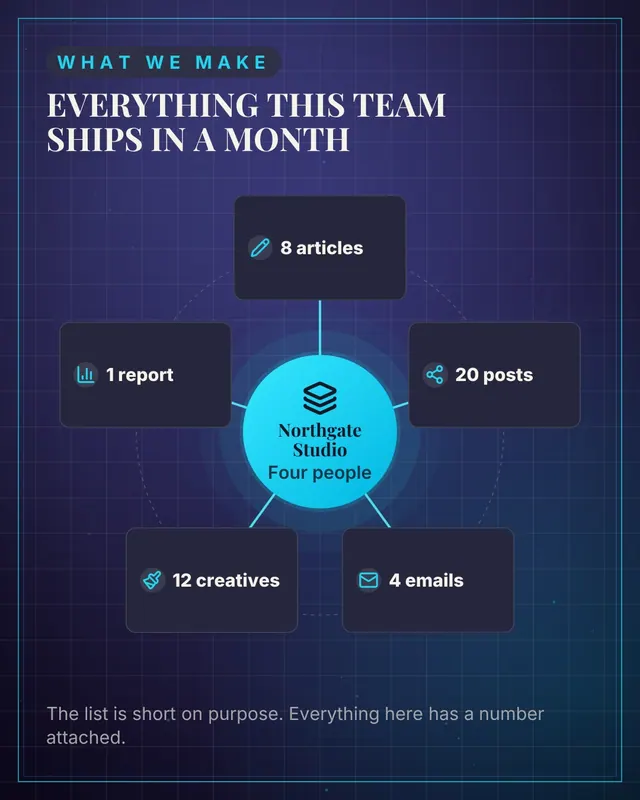
What the team produces
Make the team output legible to the rest of the business.
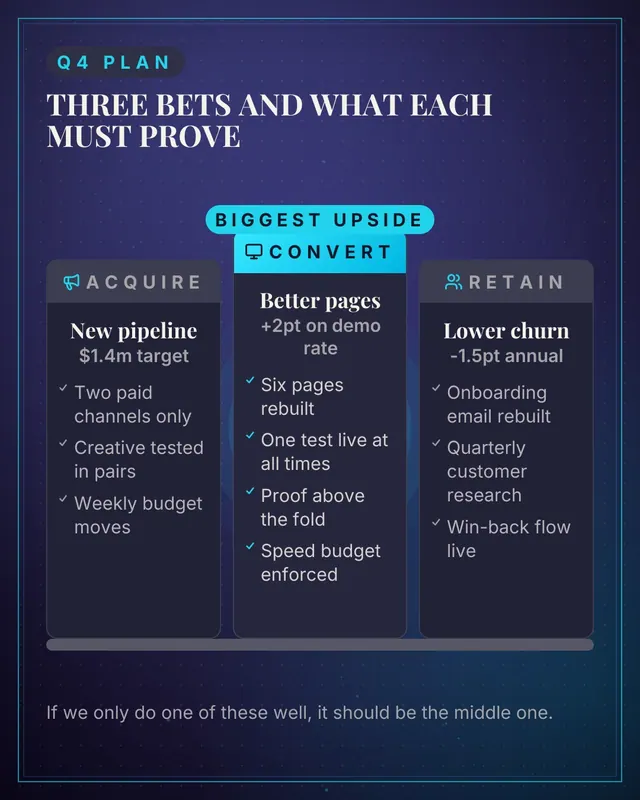
The three quarterly bets
A plan-on-a-page that survives being forwarded to the board.
Convert
The post that asks for the booking, the trial or the reply.
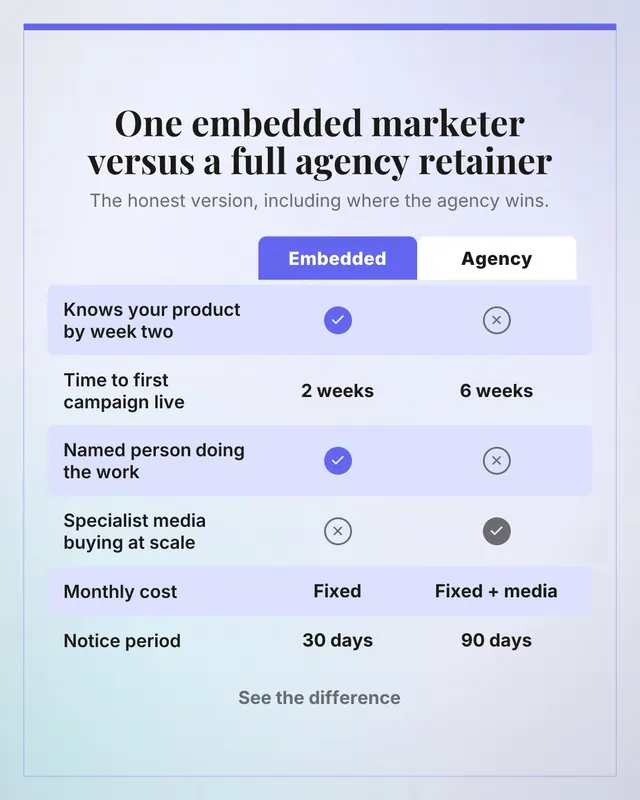
In-house versus agency
A side-by-side that answers the comparison people are already making in their head.
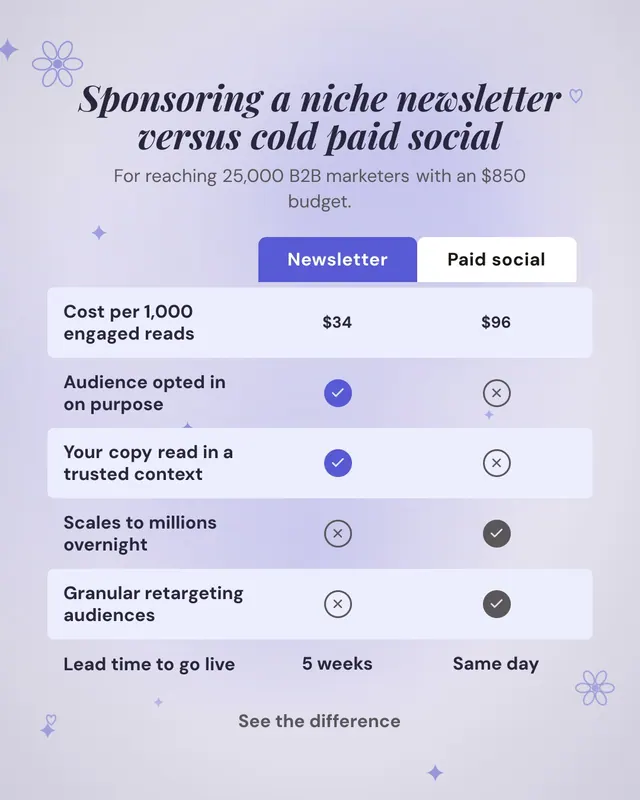
Sponsorship versus ads
Sell the sponsorship by comparing it to the ad budget it replaces.
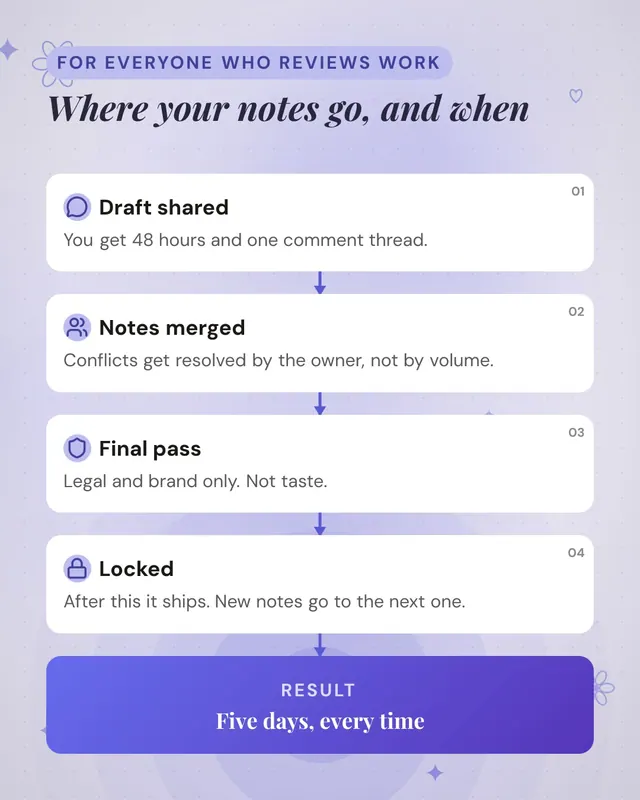
The approval path
Reduce review chaos by publishing the path a piece of work takes.
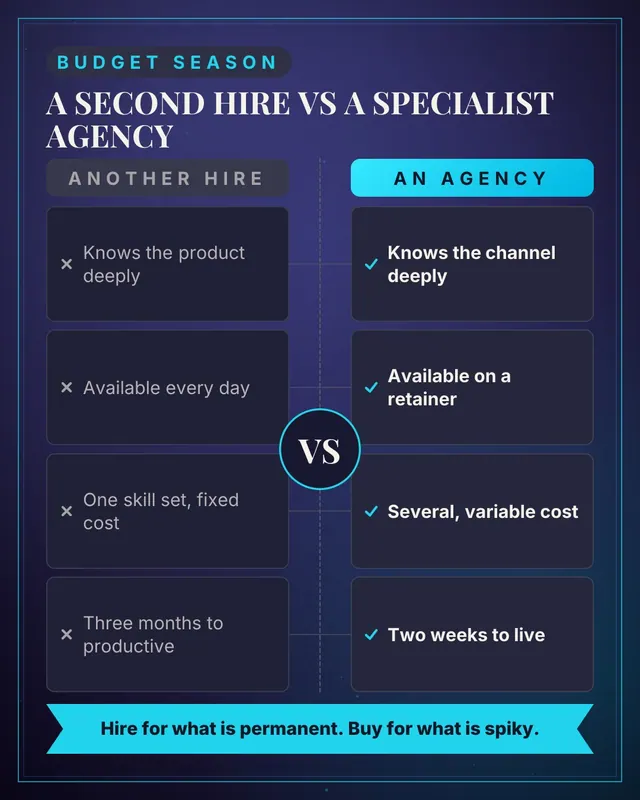
In-house or agency, head to head
A build-versus-buy comparison you can bring to a budget meeting.
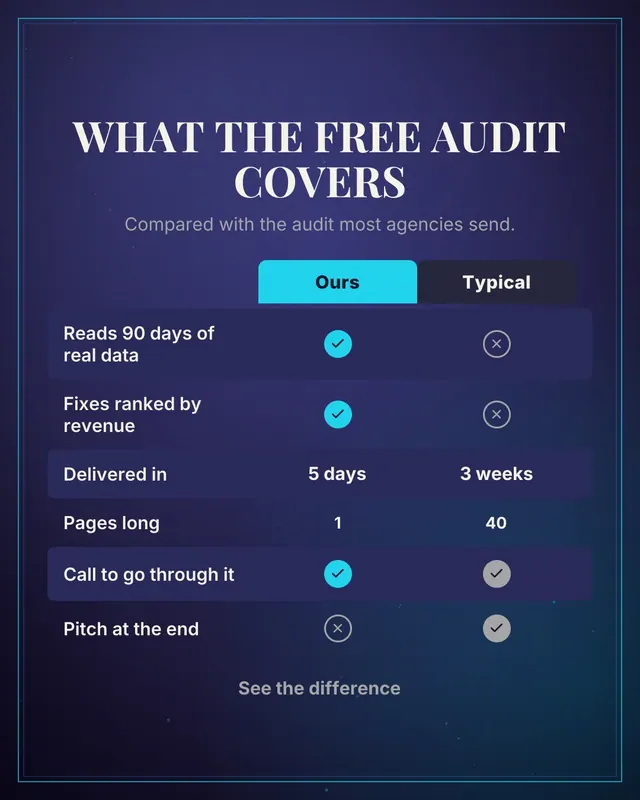
Our audit vs a typical one
Sets the free audit apart from the slide deck everyone else sends.
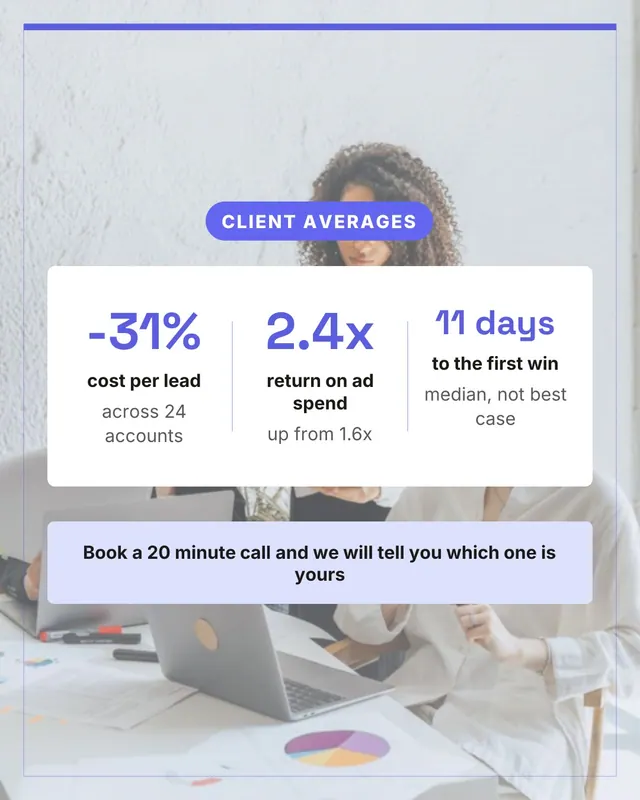
Results before the call
Three client averages that make booking the call the obvious next step.
How these become your posts
- Add your brand once: colours, fonts, logo. The Brand Kit can fill itself from your website.
- Pick a template and describe the post, or get it drafted with AI help from your topic in your own voice.
- The renderer produces the finished graphic in your brand, at the right dimensions for the network.
- Schedule it. Free publishes to 7 of 9 networks; TikTok and YouTube take video, which starts on Lite. Hands-off auto-publishing, where the scheduled post goes out without you, is included on every plan, inside each plan's monthly publish allowance.
Use these on your own brand
Browsing is free. The free plan includes 8 of these 56 designs; paid plans unlock all of them. Add your colours and logo once and every one comes out looking like you made it.
Start for $0Free forever plan, no credit card. Every network is included.
Keep reading
Frequently asked questions
How many post templates are in the Marketers gallery?
56, spread across 28 layout families, and the largest single group is the 26 built to educate. Every one shows a real rendered preview rather than a blurred teaser, so you can judge the design before you sign up for anything.
Which of these still work at a wide 16:9 crop?
55 of the 56 on this page. We render every layout family at each aspect the product supports and check whether the text clips, and 1 of these sit in a family the audit has not reached yet, so treat those as untested rather than as passing. The full table per crop is on the templates hub.
What should a marketing account post more of?
Whatever the feed is currently short of. This set breaks down as 26 educate, 11 proof, 7 announce, 6 convert and 6 promote. Marketing accounts tend to over-index on announce and promote. The educate posts are what buy the right to run the other two.