SaaS Social Media Templates
You ship features and turn them into demand. Each of these SaaS social media templates is a real design our renderer produces, shown here with example copy. Use one and it fills with your brand colours, fonts, logo and your own words.
By Tayyab, Founder
If you need one of these wide: 48 of the 49 designs on this page sit in a layout that reflows cleanly at 16:9. We measured that by rendering each layout at every aspect and checking whether the text clips. 1 of them use a layout the audit has not reached yet, so treat those as untested rather than passing. The full table is on the templates hub.
Announce
Launches, drops, news and anything that starts with "we just".
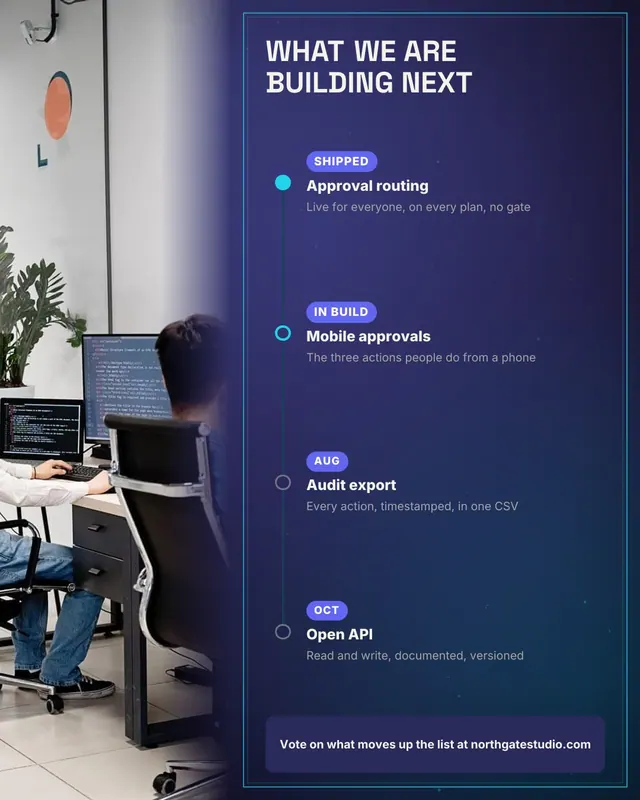
Public roadmap
A public roadmap turns waiting customers into an audience that stays.
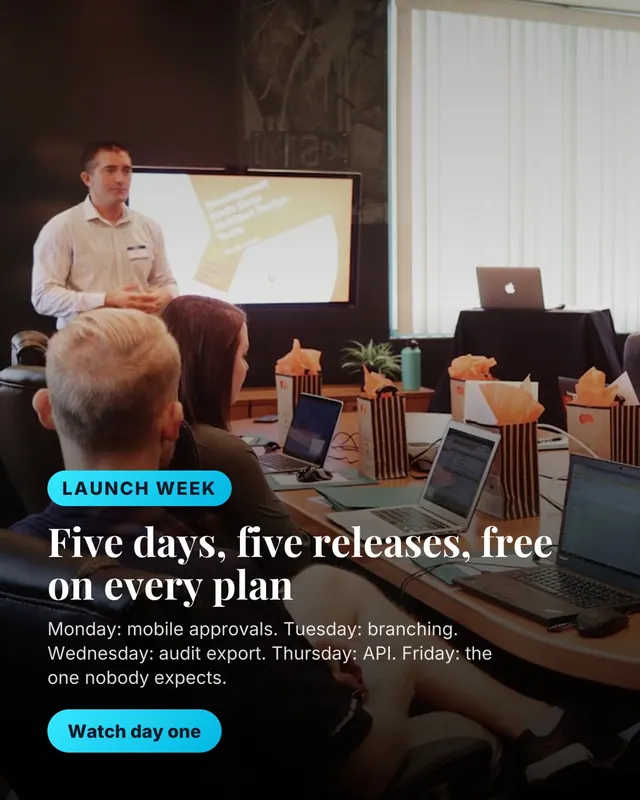
Launch week
A full-bleed launch announcement. The photo does the stopping, the words do the selling.
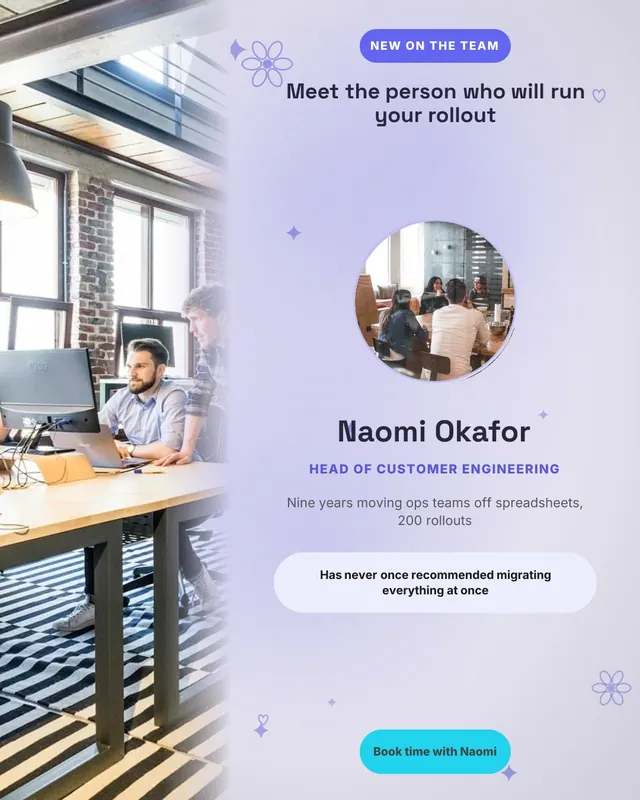
New hire intro
People buy from people. A named face beats a company logo every time.
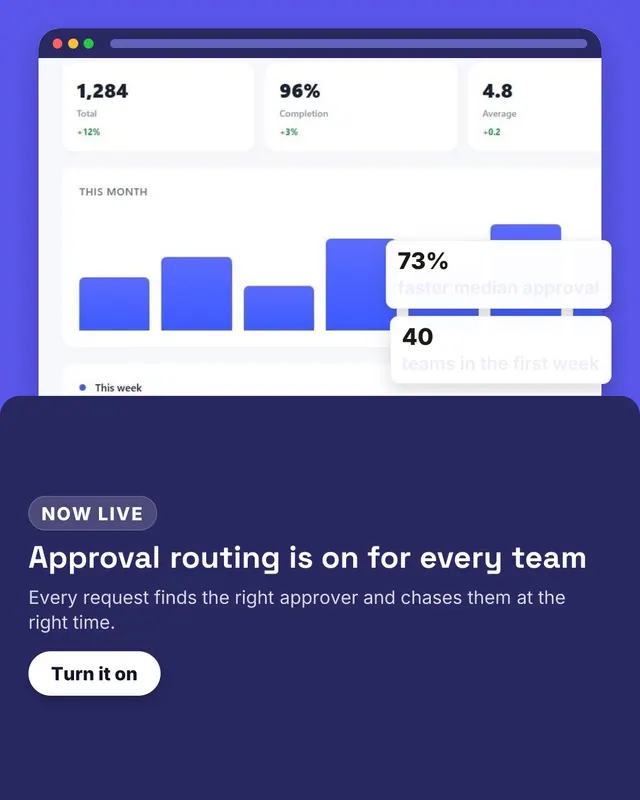
Product launch
Ship a feature with the screenshot inside a browser frame and proof badges.
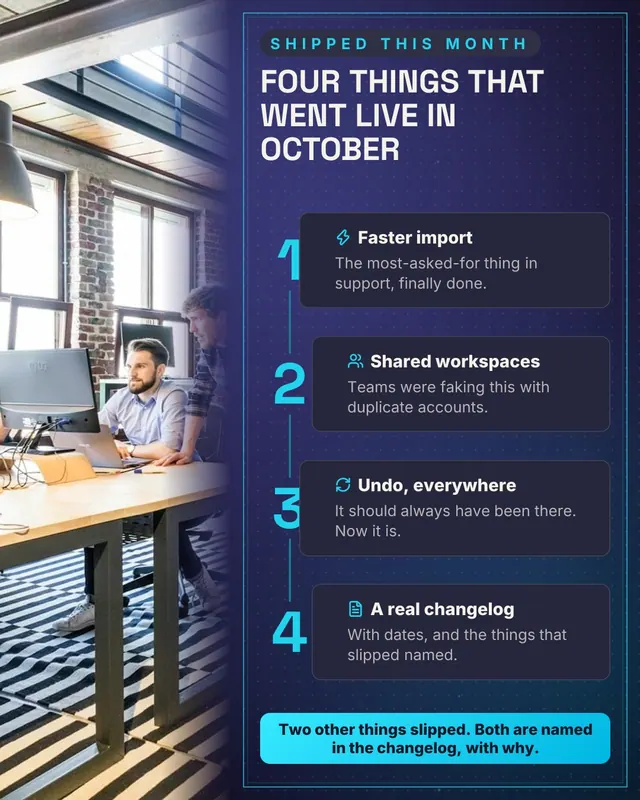
This month we shipped
A monthly changelog post that actually gets read because it is ranked.
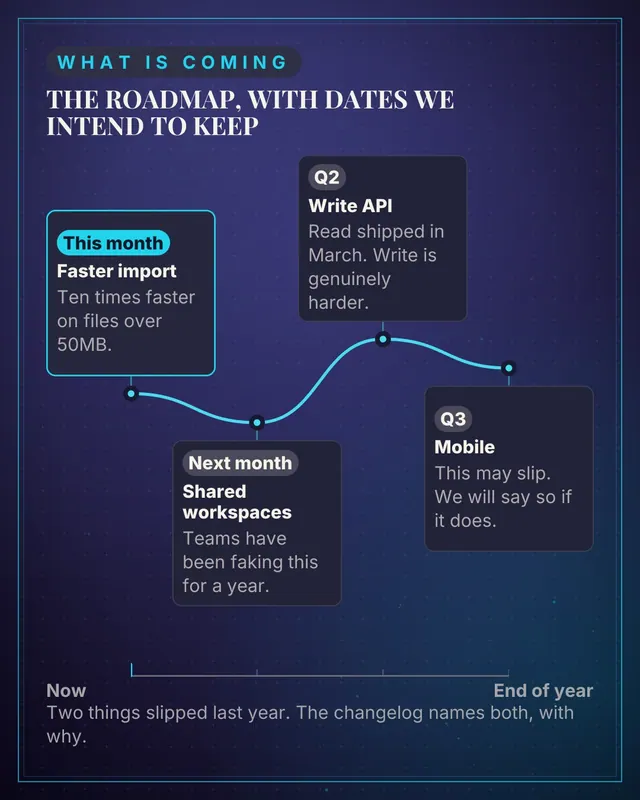
The public roadmap
Dated milestones with an honest slip note, which builds more trust than certainty.
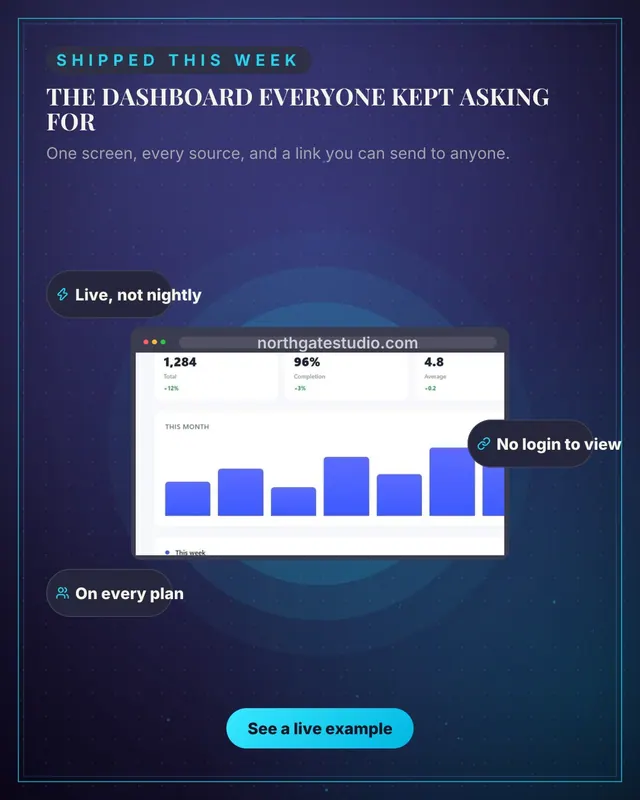
The product, framed
Show the interface in a browser frame with the features badged around it.
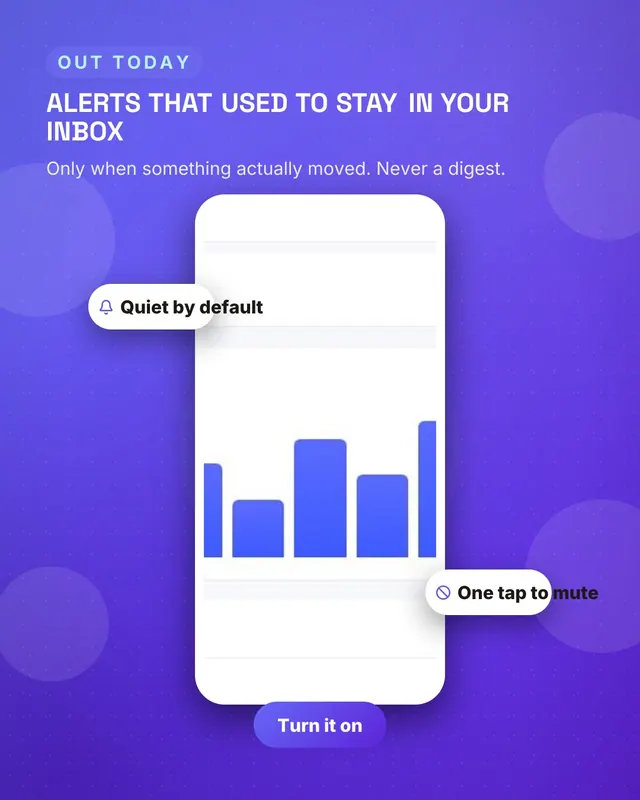
On mobile
The phone-frame variant, for a mobile release or a mobile-first feature.
Educate
Teach the thing you get asked about constantly.
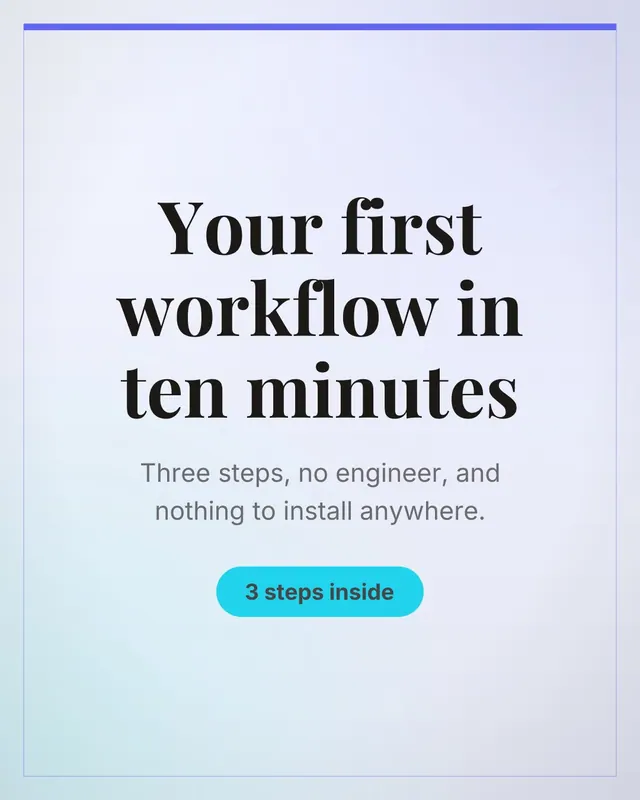
Get set up in minutes
The onboarding post. Shrinks the perceived cost of starting a trial.
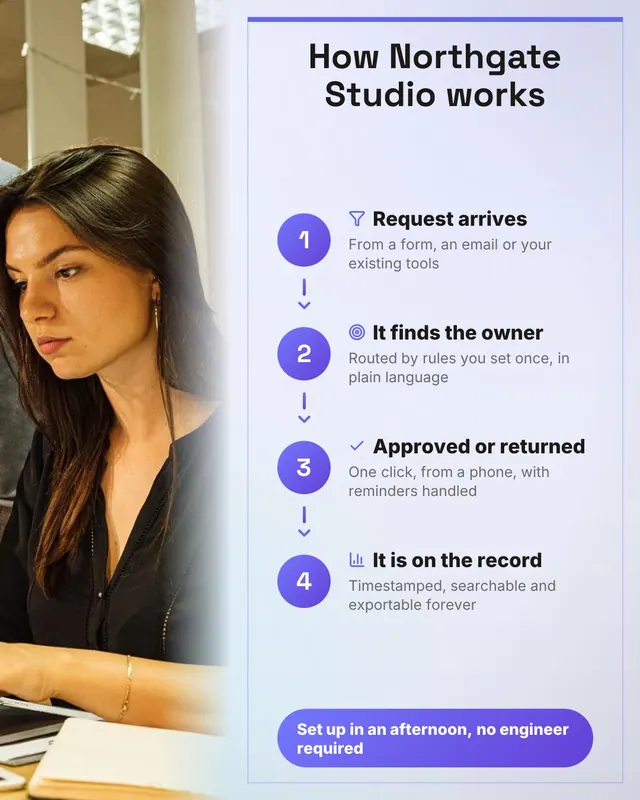
How the product works
Four boxes that make the product understandable to someone who has never seen it.
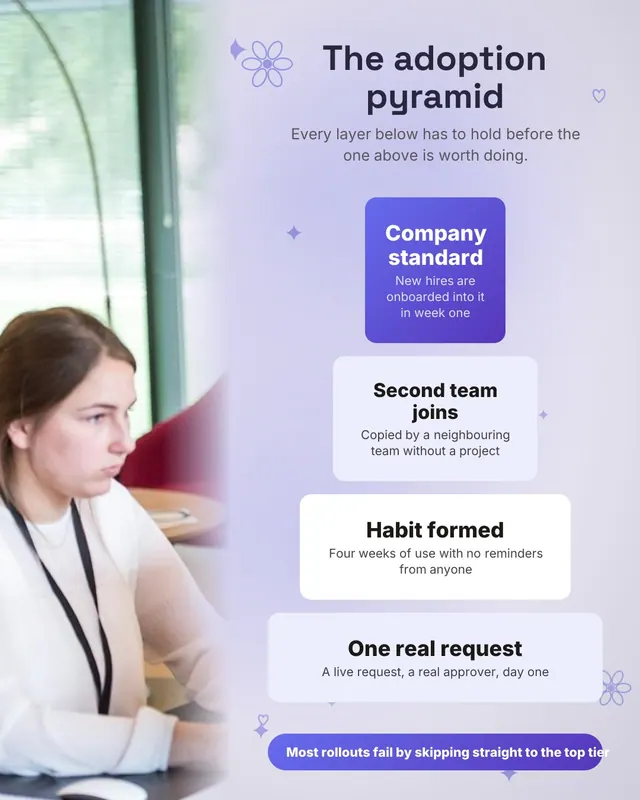
Adoption pyramid
Name your model. Named frameworks get quoted back to you in meetings.
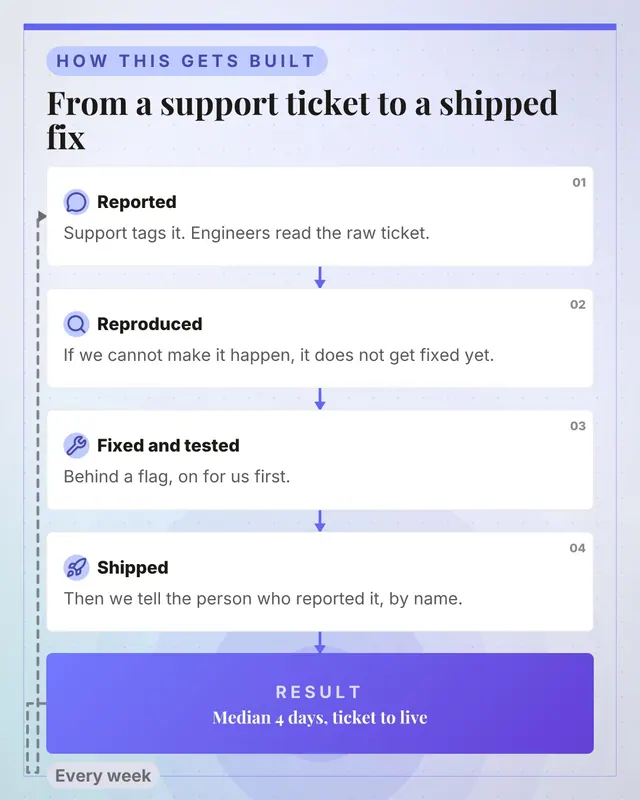
How we ship
Engineering-culture content that recruits and reassures at the same time.
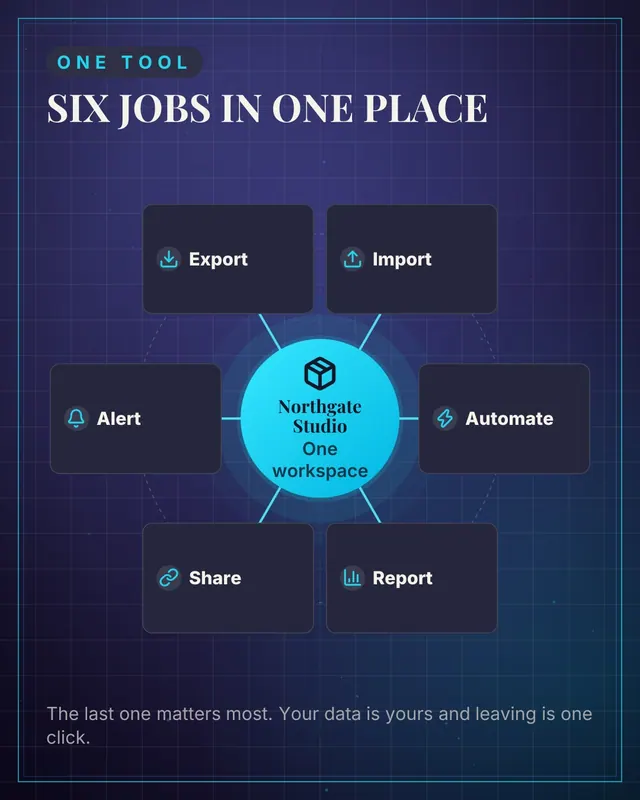
What the product does
Explains a multi-feature product as one thing with parts, not a feature list.
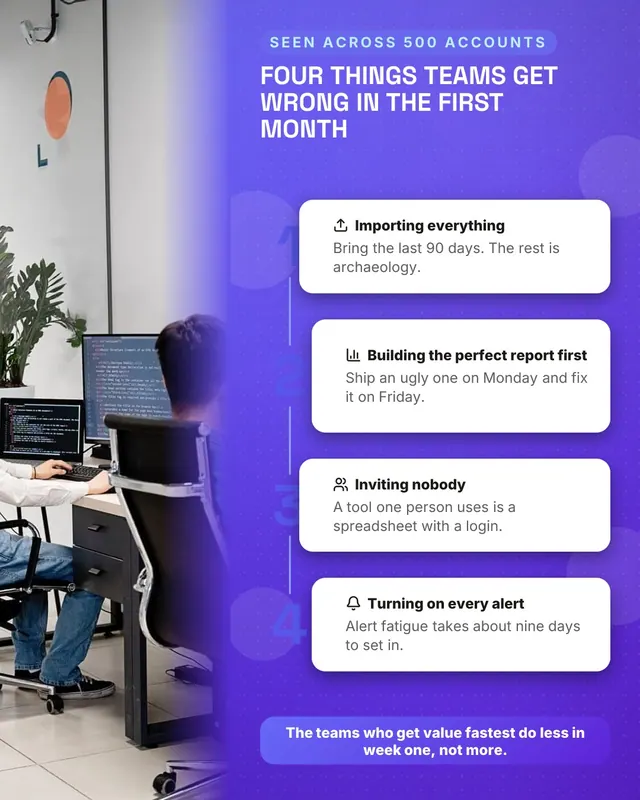
What teams get wrong
Category education that positions the product without mentioning it.
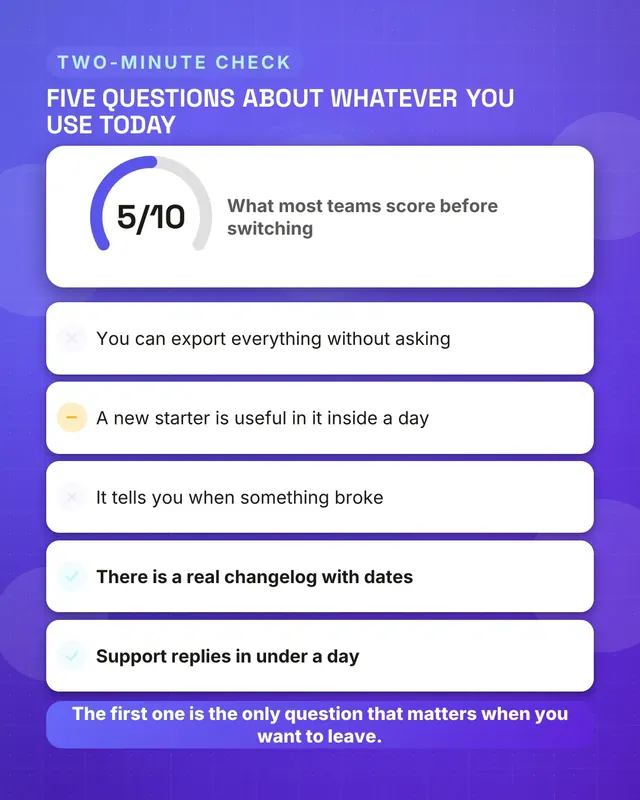
Score your current tool
Category-level audit that quietly frames the criteria in your favour.
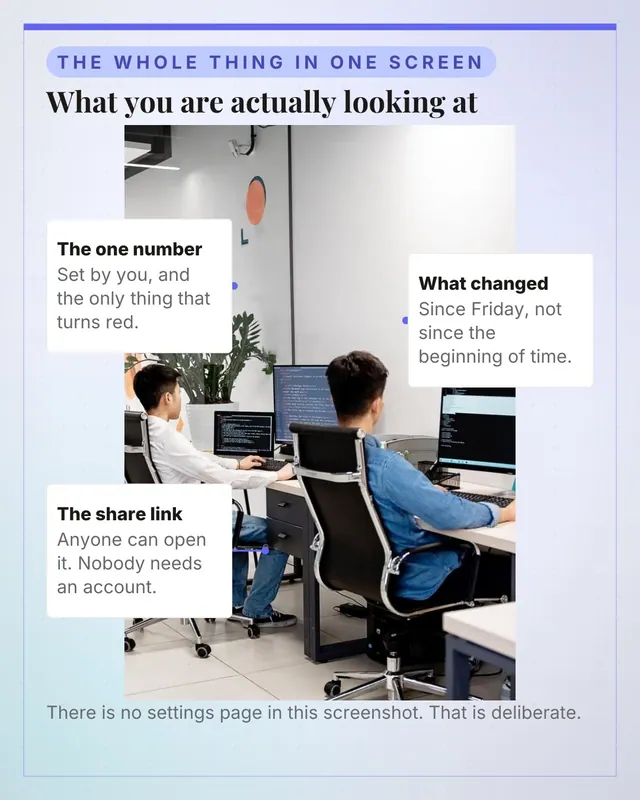
The interface, annotated
A guided tour in one image, which beats a video nobody watches.
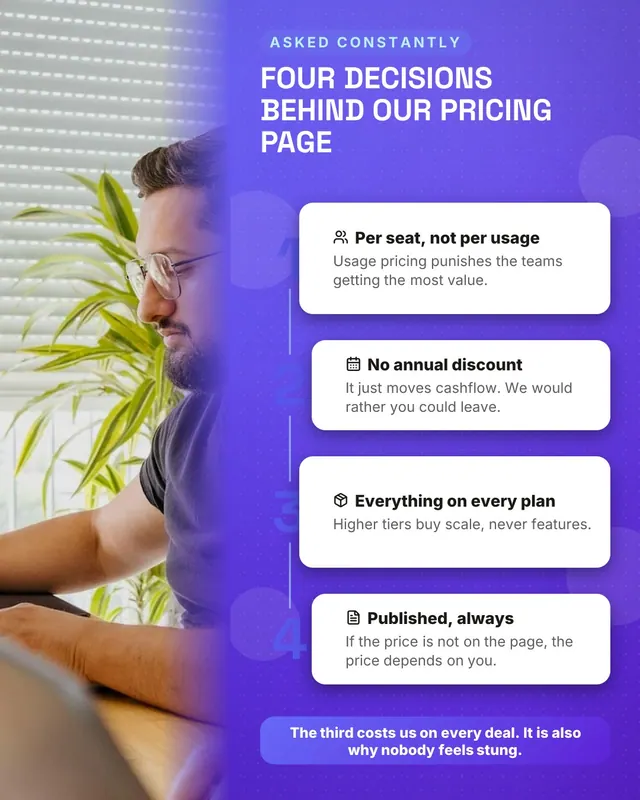
Why we price this way
Pricing transparency is rare in B2B SaaS and reliably well received.
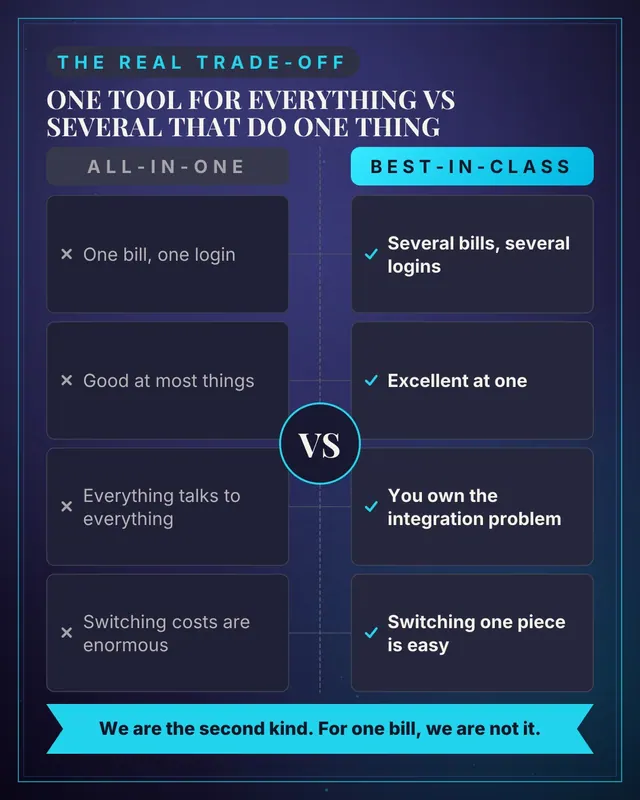
All-in-one versus best-in-class
A category debate where being fair about your weakness builds credibility.
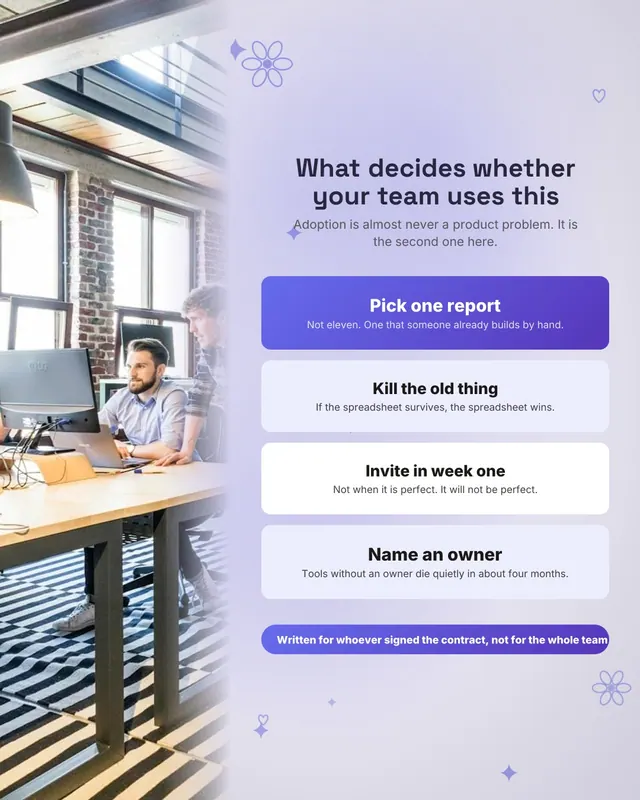
Getting a team to adopt it
Post-sale content that reduces churn and helps the champion internally.
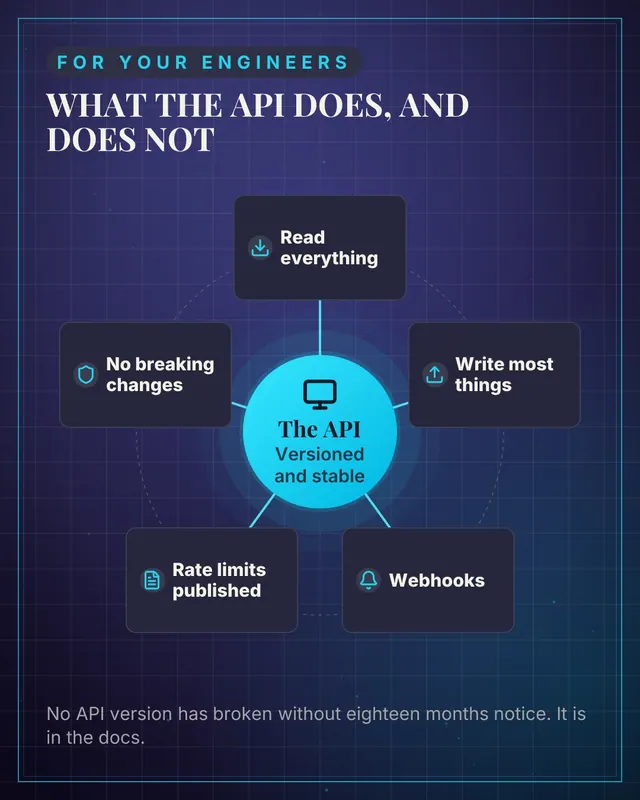
What the API does
Technical audience content that makes the buying committee comfortable.
Proof
Results, reviews and before-and-afters that answer "does it work".
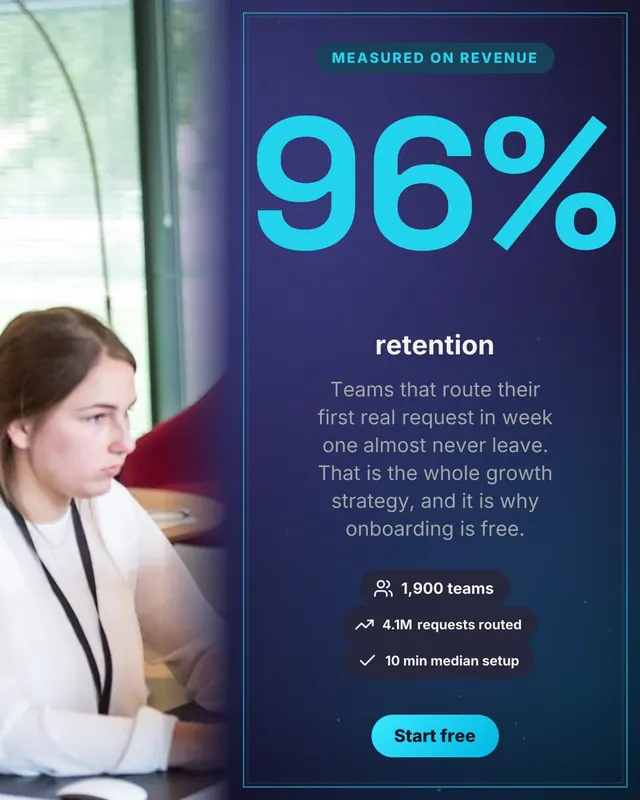
Retention headline
One number that says people stay. The strongest proof a SaaS can post.
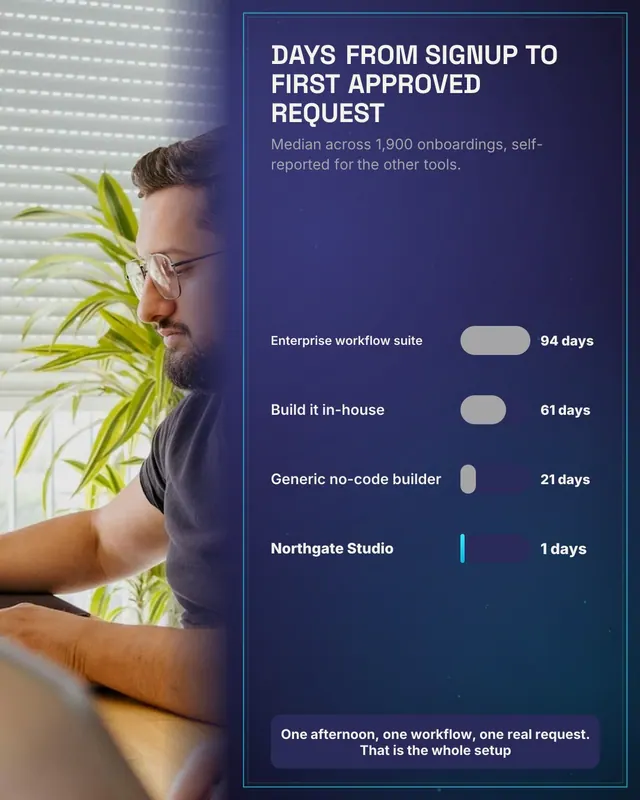
Time to first value
A chart is proof you cannot argue with. Put your number next to the alternatives.
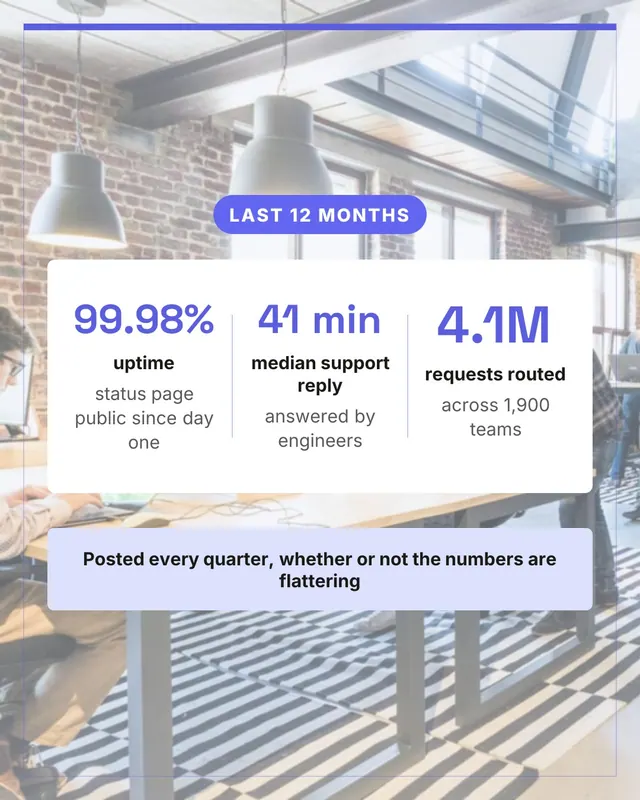
Reliability numbers
Three numbers that quietly answer whether it is safe to depend on you.
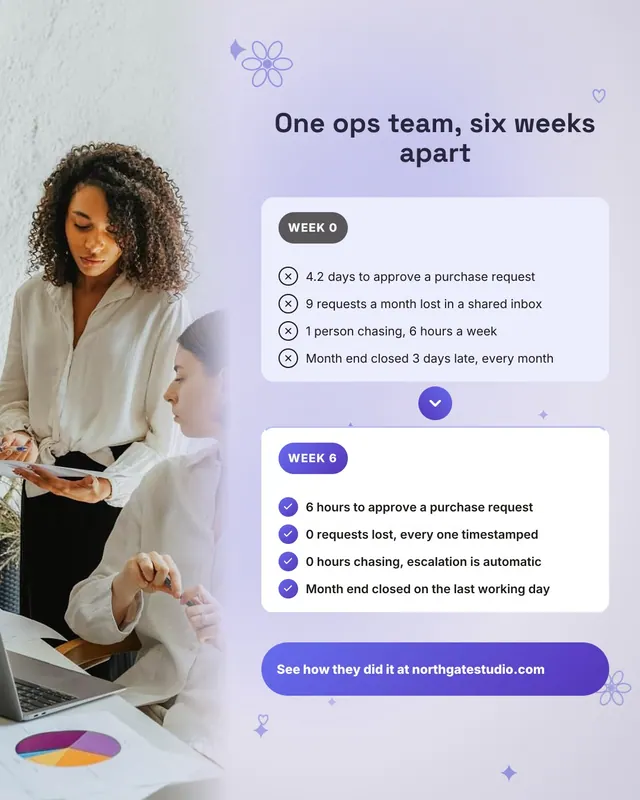
Old stack, new stack
The same team, six weeks apart. The most screenshotted format there is.
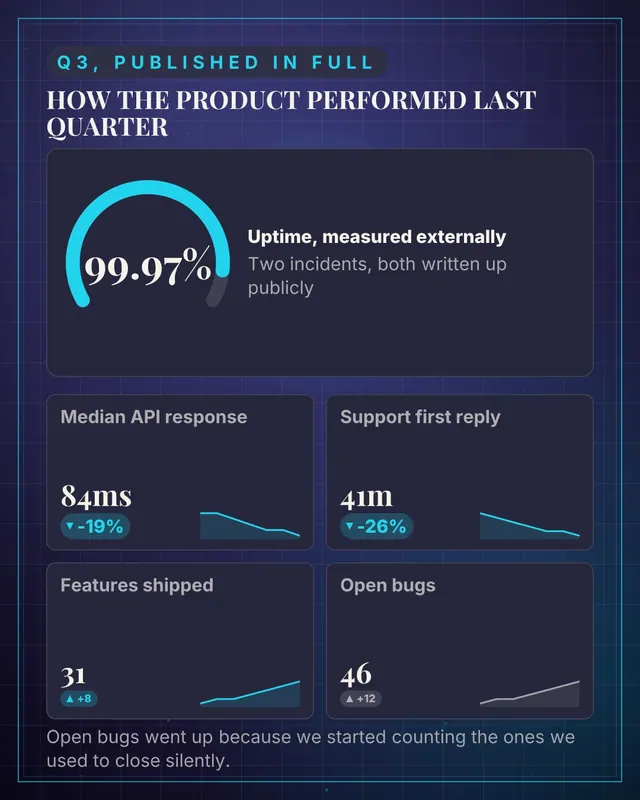
The quarter, published
Transparency as marketing. Works especially well for smaller SaaS.
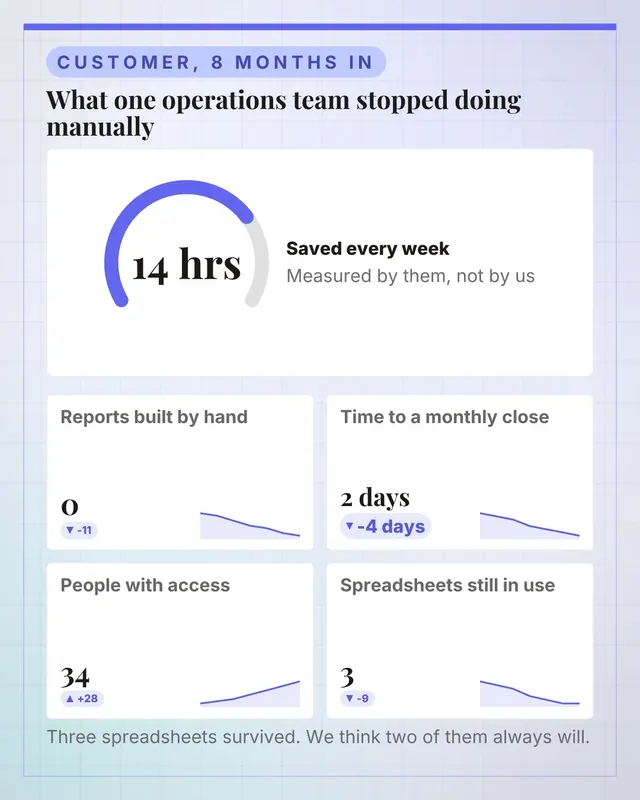
What a customer got
A case study compressed into one image the buyer can forward internally.
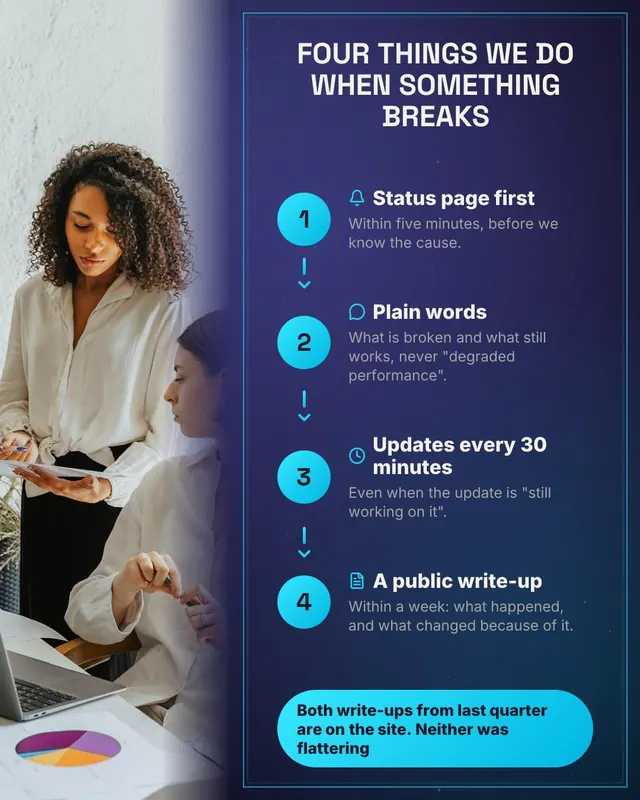
How we handle incidents
Incident transparency is the single strongest technical trust signal.
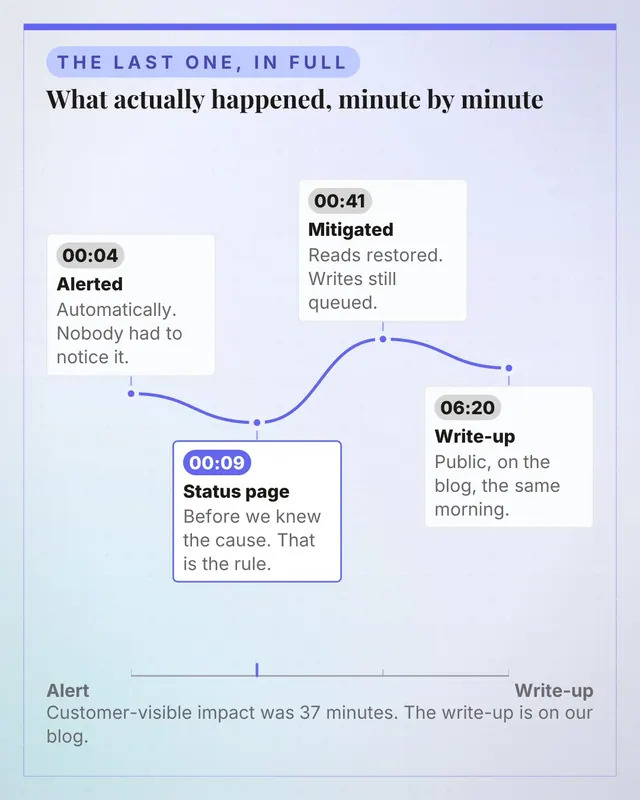
How an incident goes
Publishing your incident runbook is a strong technical trust signal.
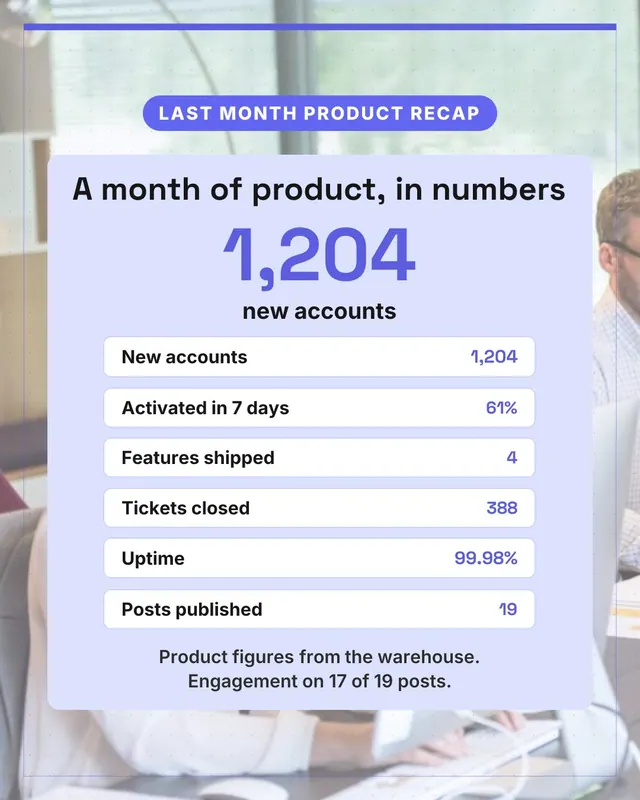
Month in numbers: the product
Your month as one honest card: releases shipped, the numbers, what actually adopted.
Promote
Offers, pricing and the reason to act this week.
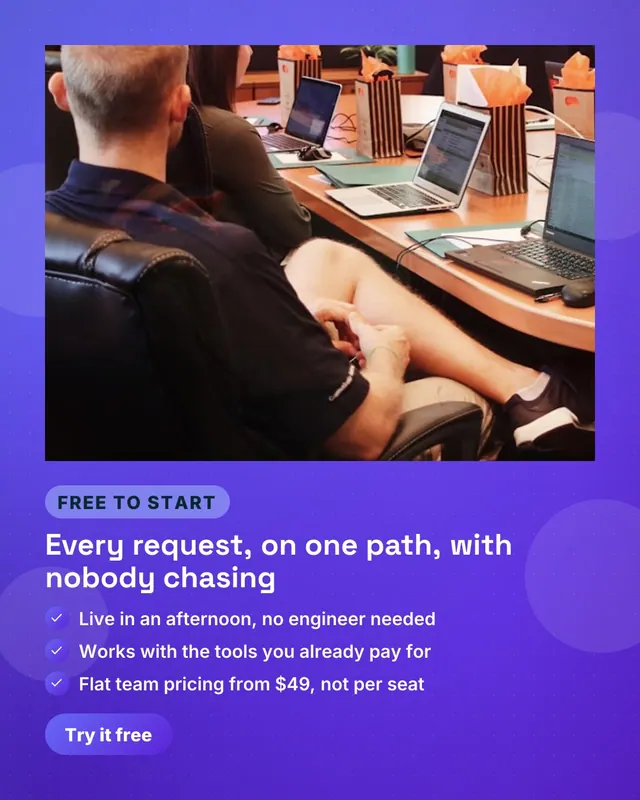
Product shot
The interface, framed, with the three reasons that matter under it.
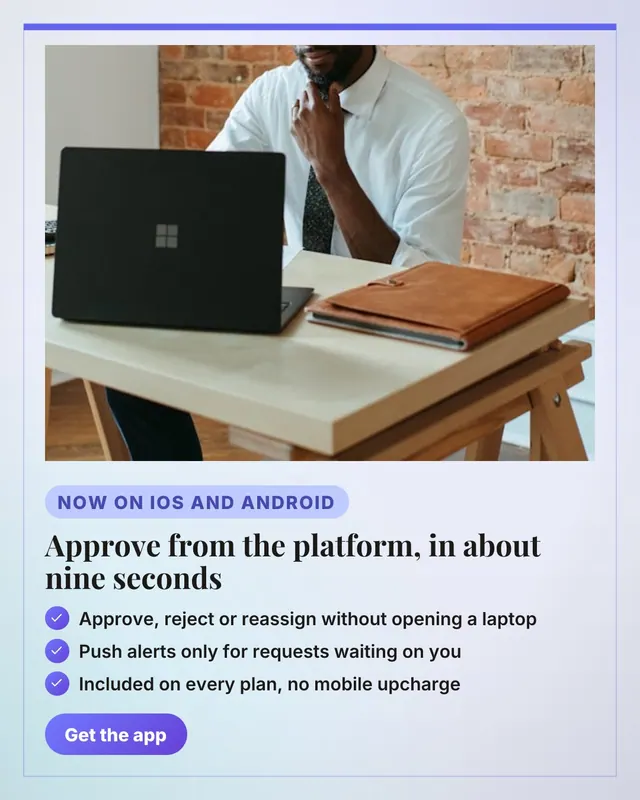
Mobile app promo
One surface, one job. The card for a companion app or a new platform.
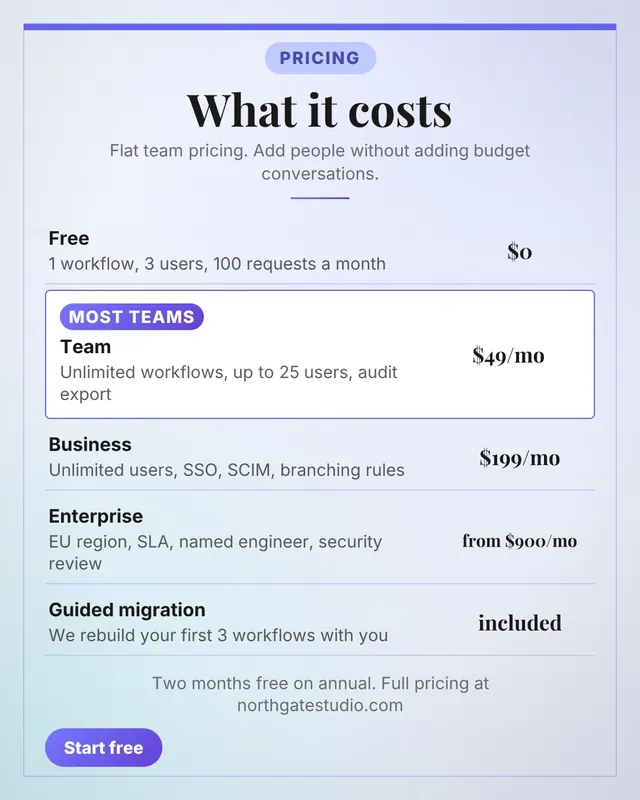
Plans and pricing
Public pricing, on a card. Half the DMs you get are just this question.
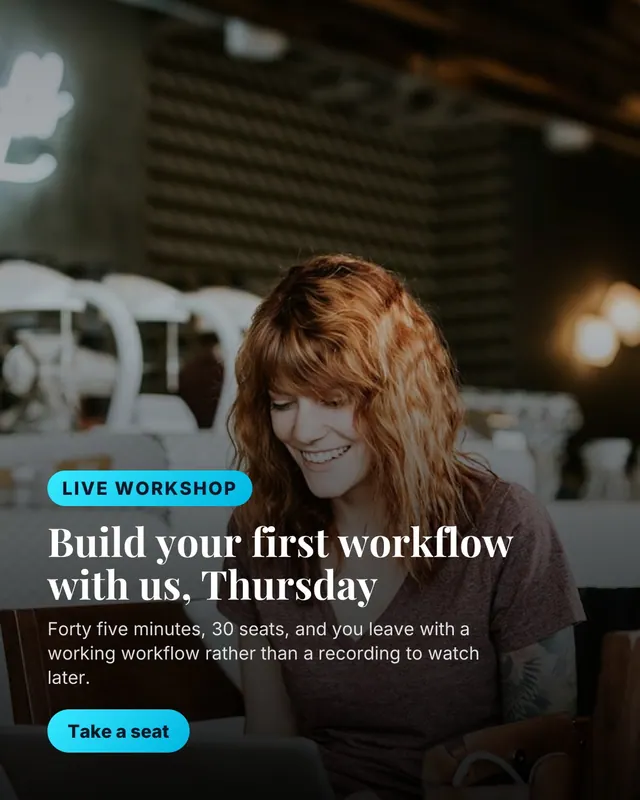
Live workshop promo
Promote the event, not the product. The product shows up inside it anyway.
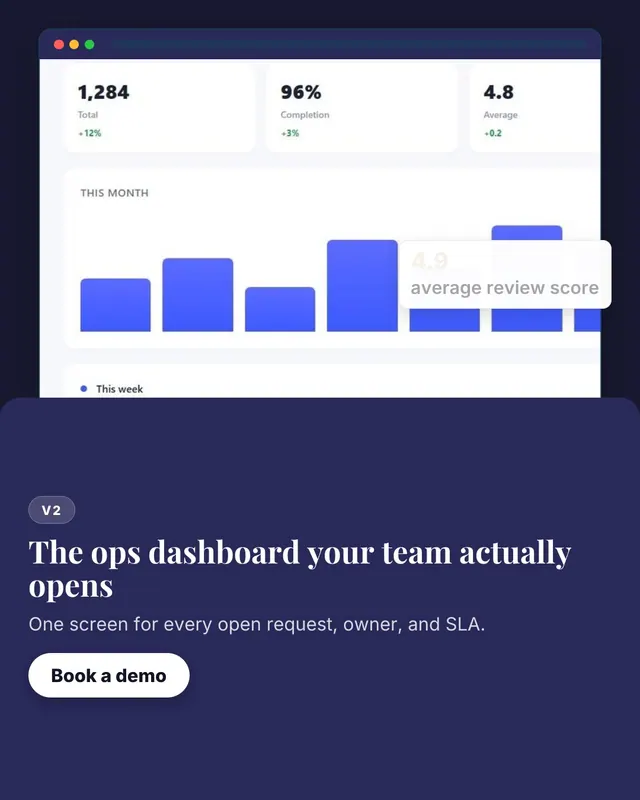
Dashboard reveal
Show the UI, not a bullet list. The frame sells the product.
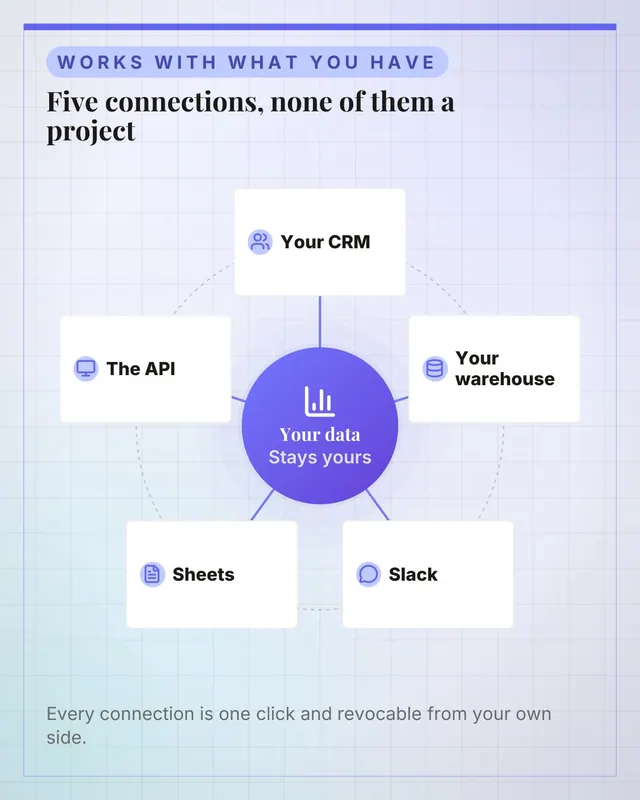
What it connects to
The integrations map answers "will it work with our stack" without a logo wall.
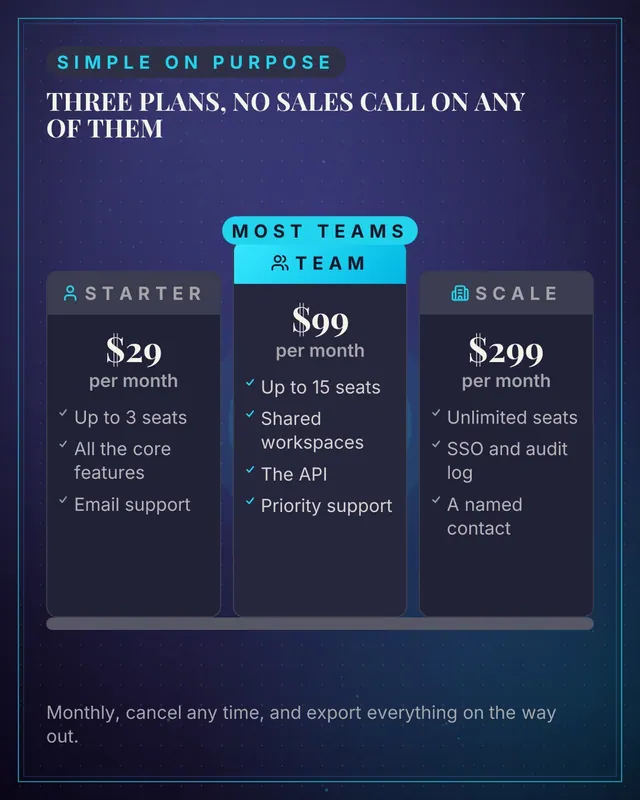
The pricing page
Plans as columns with one recommended, which is what a pricing page is.
Convert
The post that asks for the booking, the trial or the reply.
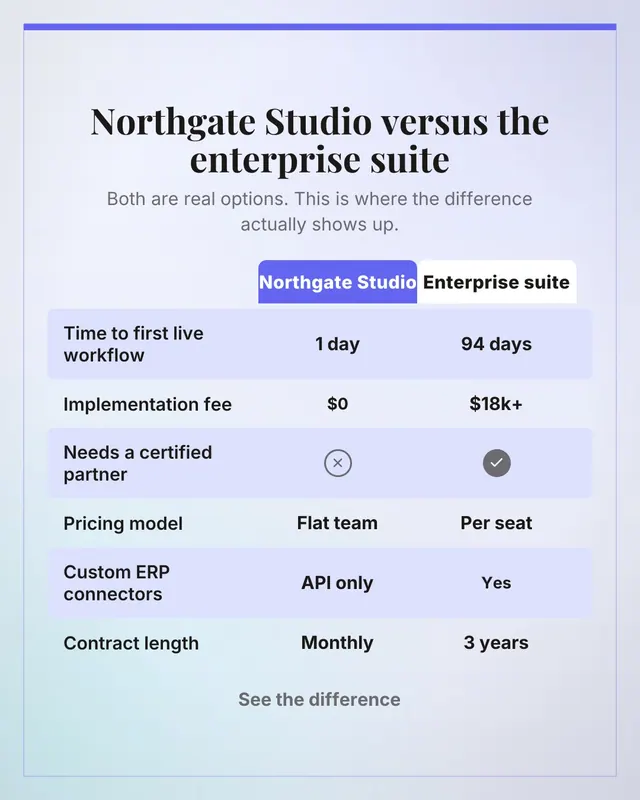
Versus the enterprise suite
Concede what they win. It is the only reason anyone believes the rest of the table.
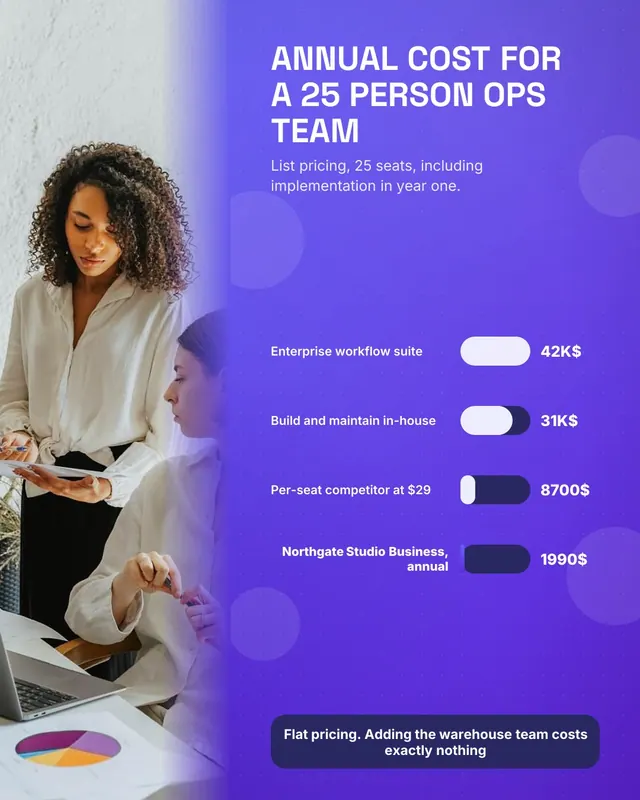
Annual cost chart
Put the money on a chart. Price objections shrink when the bars are drawn to scale.

Meet your onboarding pod
Show the humans who do the migration. It removes the fear of being left alone with it.
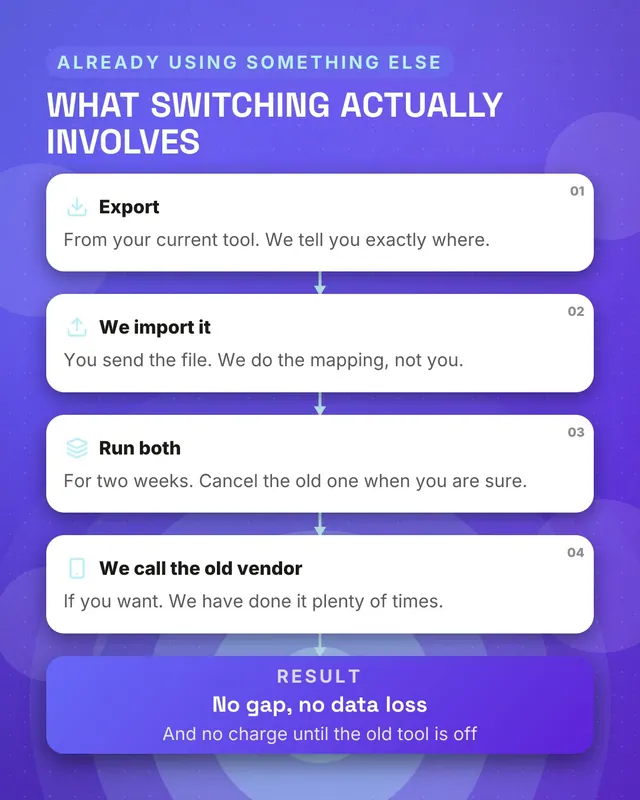
Switching from another tool
The migration objection is the biggest one in SaaS. Answer it visually.
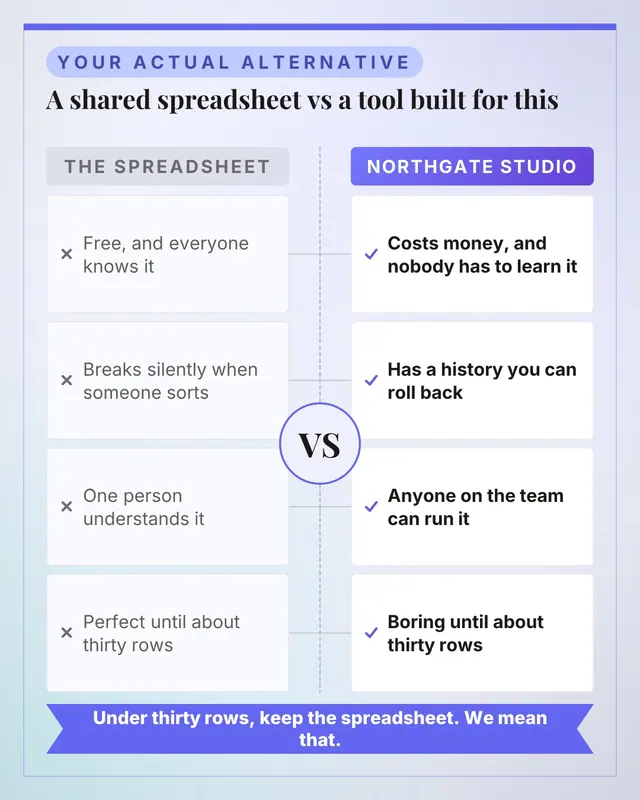
Us versus a spreadsheet
Your real competitor is usually a spreadsheet. Name it and be fair to it.
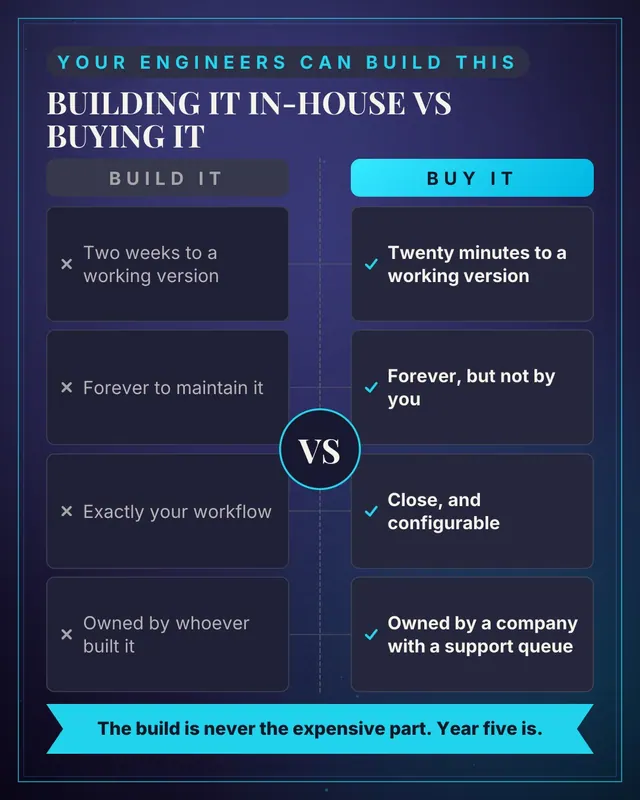
Buy versus build it internally
The objection every technical buyer raises, answered without dismissing it.
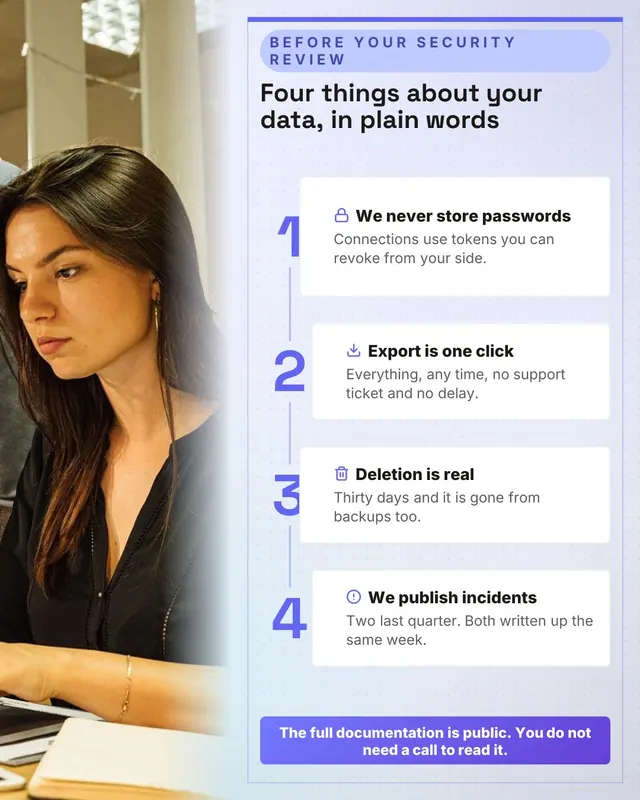
How your data is handled
The security post, written for a buyer rather than for a compliance form.
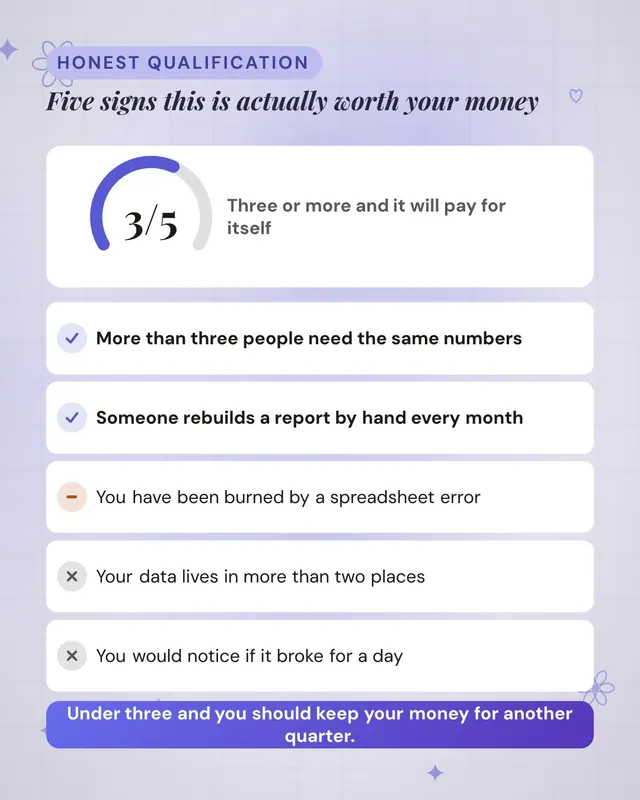
Are you ready for this
Disqualifying the wrong buyer builds more trust than any feature list.
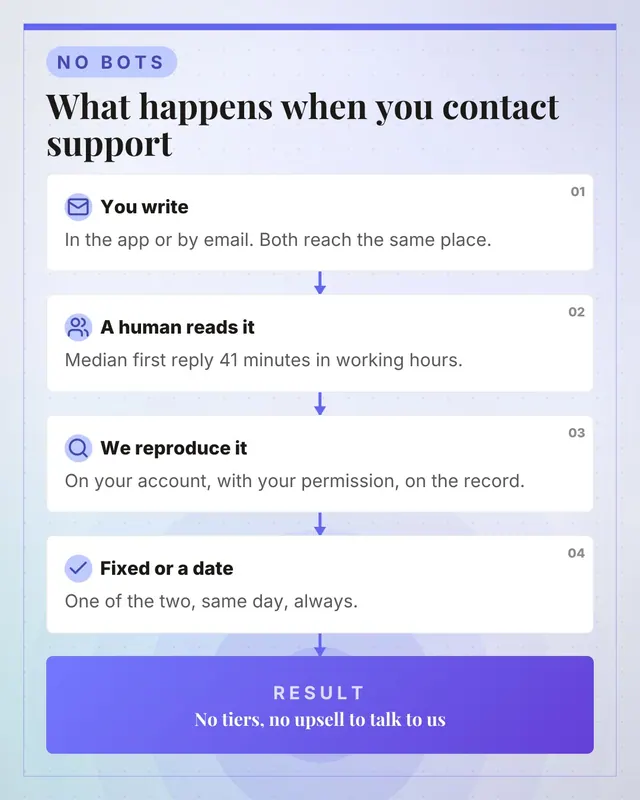
How support actually works
Support quality is a buying criterion. Show the mechanism, not a promise.
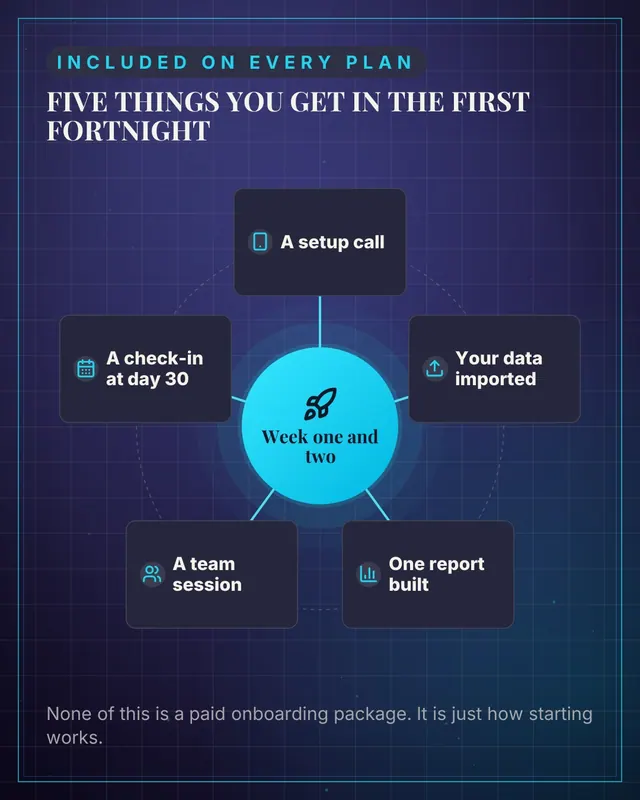
What onboarding includes
Makes the intangible part of the purchase concrete.
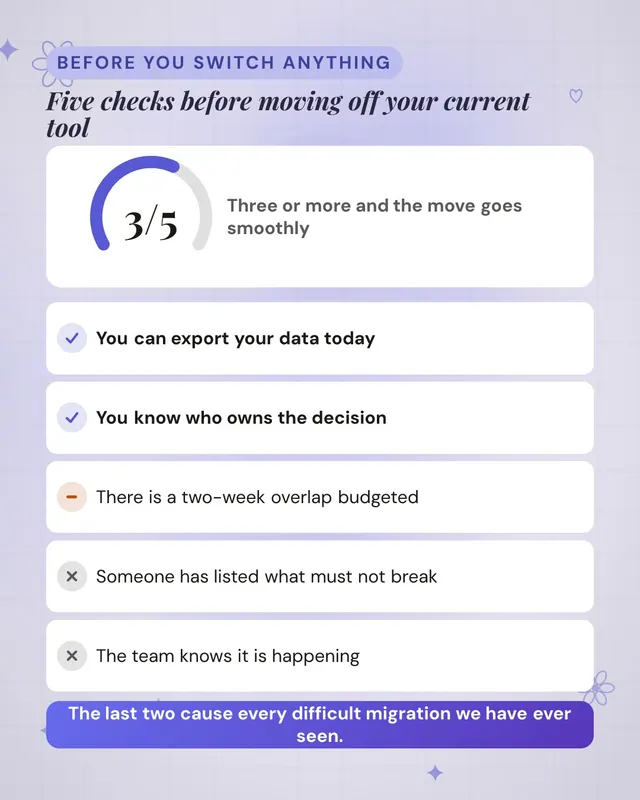
Are you ready to switch
Qualifies the buyer and pre-empts the messy migration that generates churn.
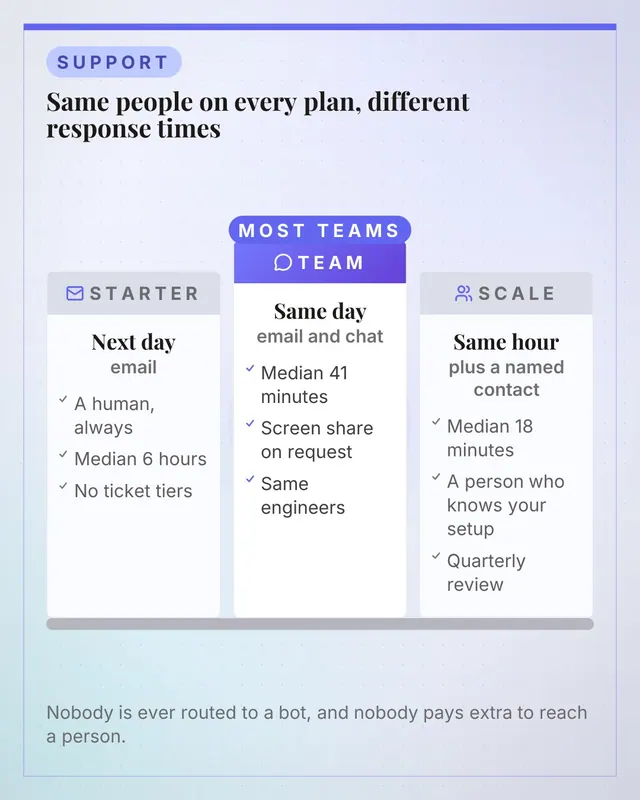
What support looks like
Turns support from a promise into three concrete, comparable things.
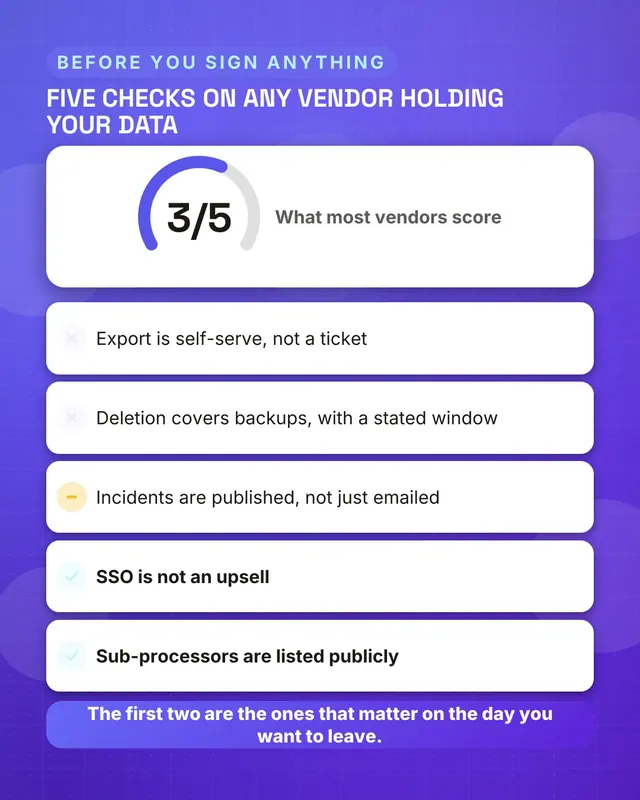
Score a vendor security review
Helps the buyer do their own job, which shortens your sales cycle.
How these become your posts
- Add your brand once: colours, fonts, logo. The Brand Kit can fill itself from your website.
- Pick a template and describe the post, or get it drafted with AI help from your topic in your own voice.
- The renderer produces the finished graphic in your brand, at the right dimensions for the network.
- Schedule it. Free publishes to 7 of 9 networks; TikTok and YouTube take video, which starts on Lite. Hands-off auto-publishing, where the scheduled post goes out without you, is included on every plan, inside each plan's monthly publish allowance.
Use these on your own brand
Browsing is free. The free plan includes 8 of these 49 designs; paid plans unlock all of them. Add your colours and logo once and every one comes out looking like you made it.
Start for $0Free forever plan, no credit card. Every network is included.
Keep reading
Frequently asked questions
How many post templates are in the SaaS gallery?
49, spread across 25 layout families, and the largest single group is the 13 built to convert. Every one shows a real rendered preview rather than a blurred teaser, so you can judge the design before you sign up for anything.
Which of these still work at a wide 16:9 crop?
48 of the 49 on this page. We render every layout family at each aspect the product supports and check whether the text clips, and 1 of these sit in a family the audit has not reached yet, so treat those as untested rather than as passing. The full table per crop is on the templates hub.
What should a SaaS account post more of?
Whatever the feed is currently short of. This set breaks down as 13 convert, 12 educate, 9 proof, 8 announce and 7 promote. SaaS accounts have plenty of promote and announce and rarely enough educate, which is the thing that makes a feature post make sense to a stranger.